Install Attribuly on a custom store
Connect your store
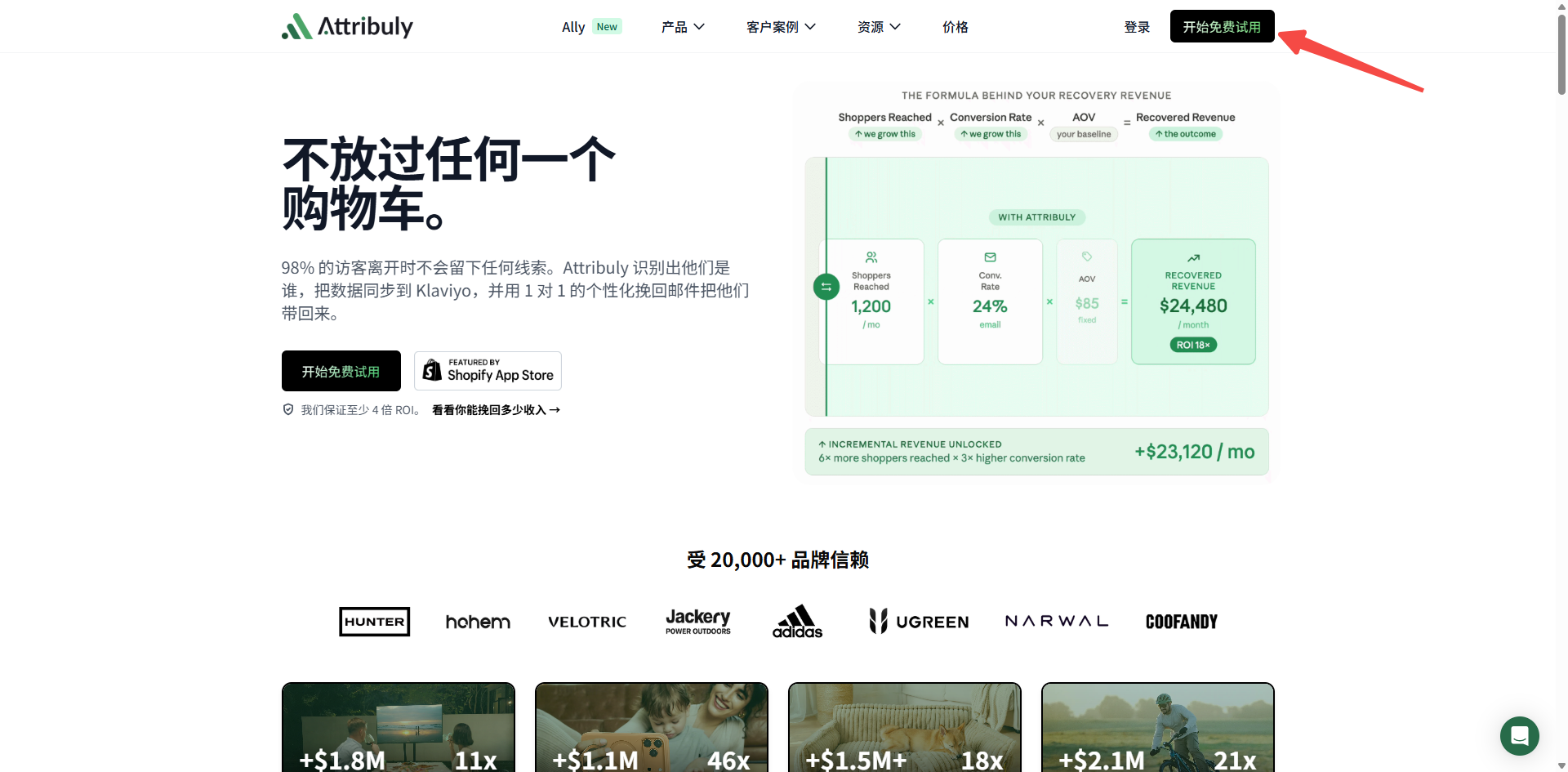
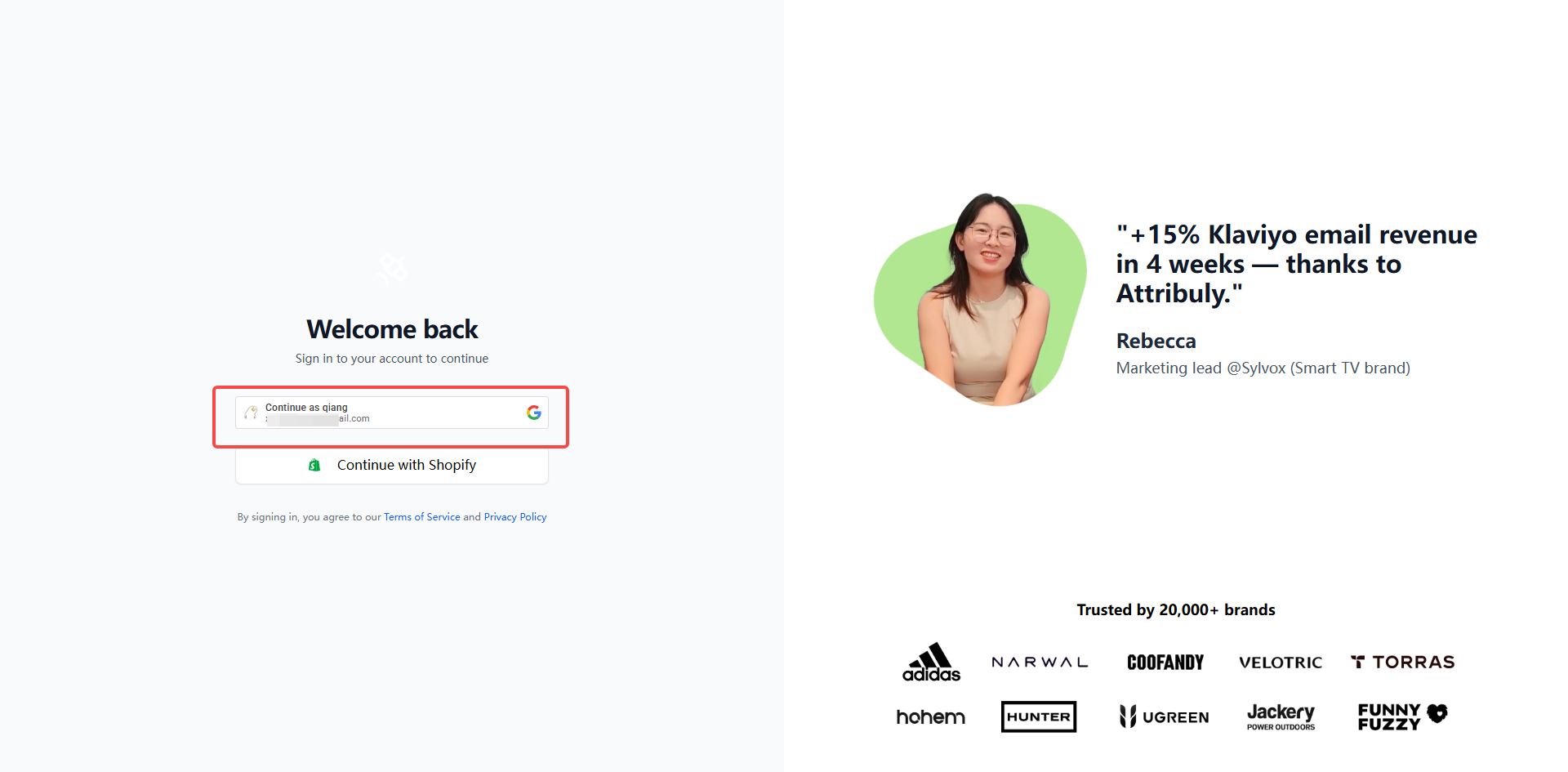
- Visit attribuly.com and sign in with Google.
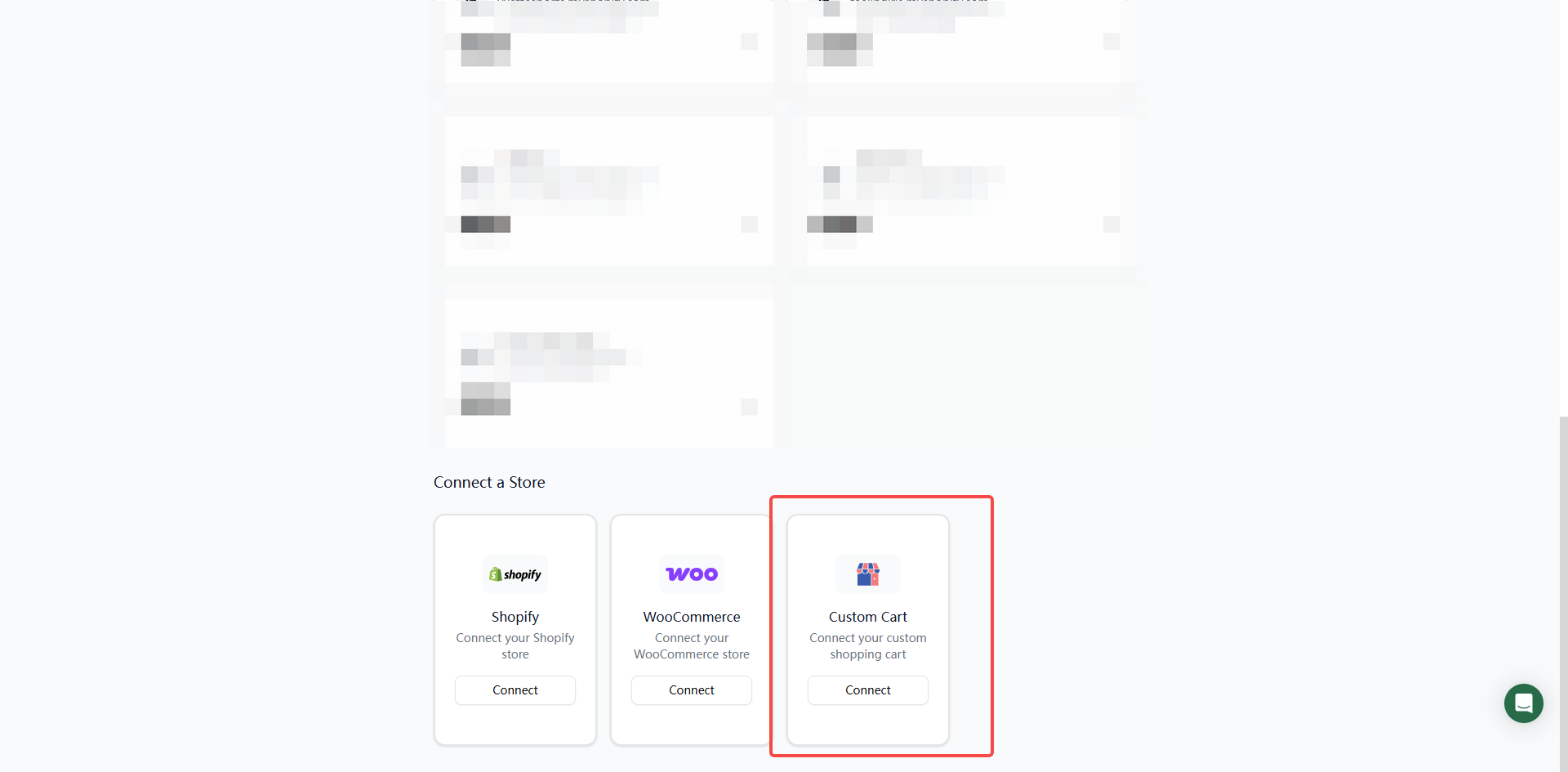
- Under Custom Cart, click Connect.
- Enter Store Domain, Store Name, Currency and Timezone. Currency and timezone should match your store settings.
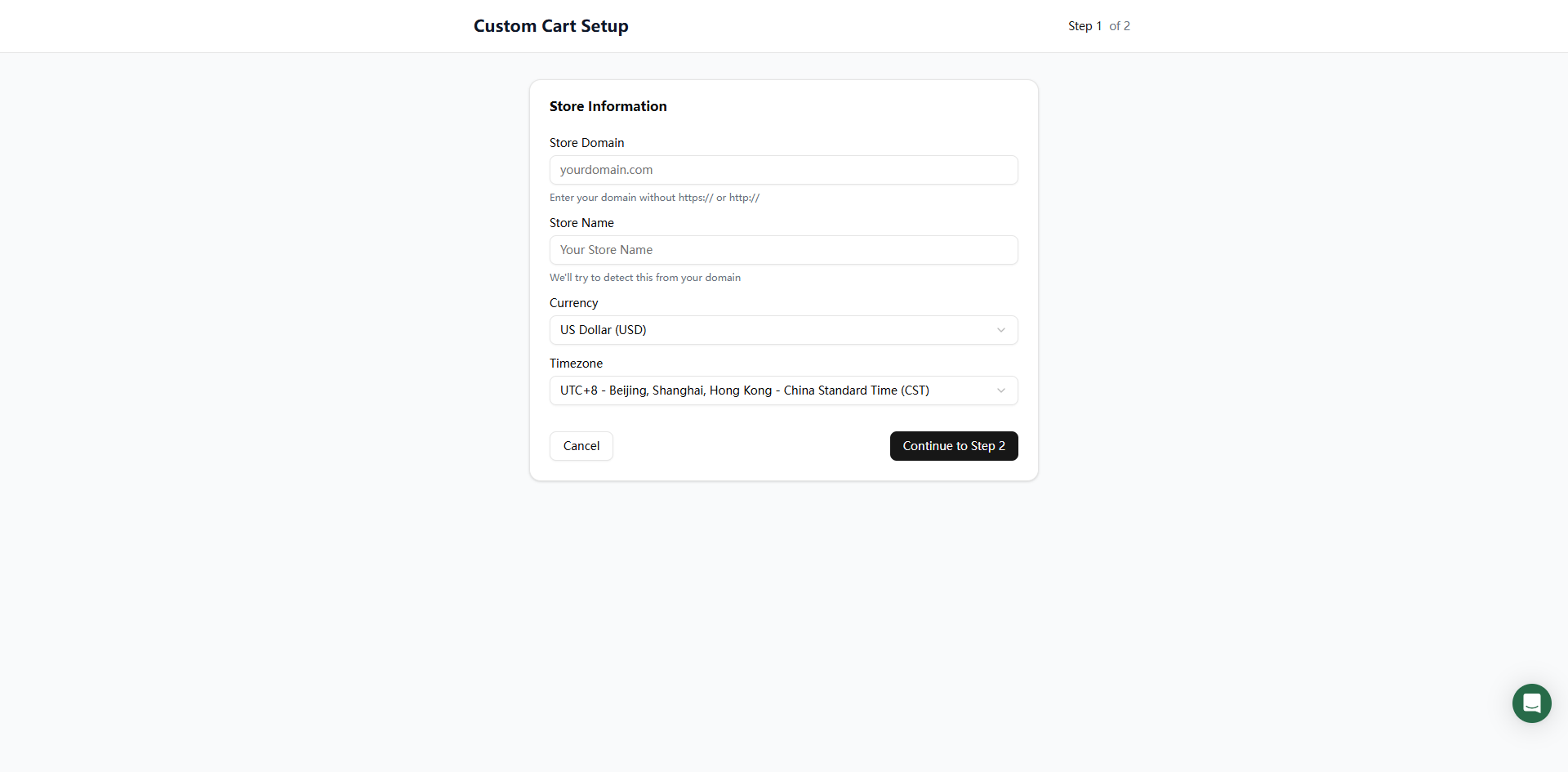
- Click Continue to Step 2 to open script installation. For complete event tracking, configure each event using the tracking SDK documentation.
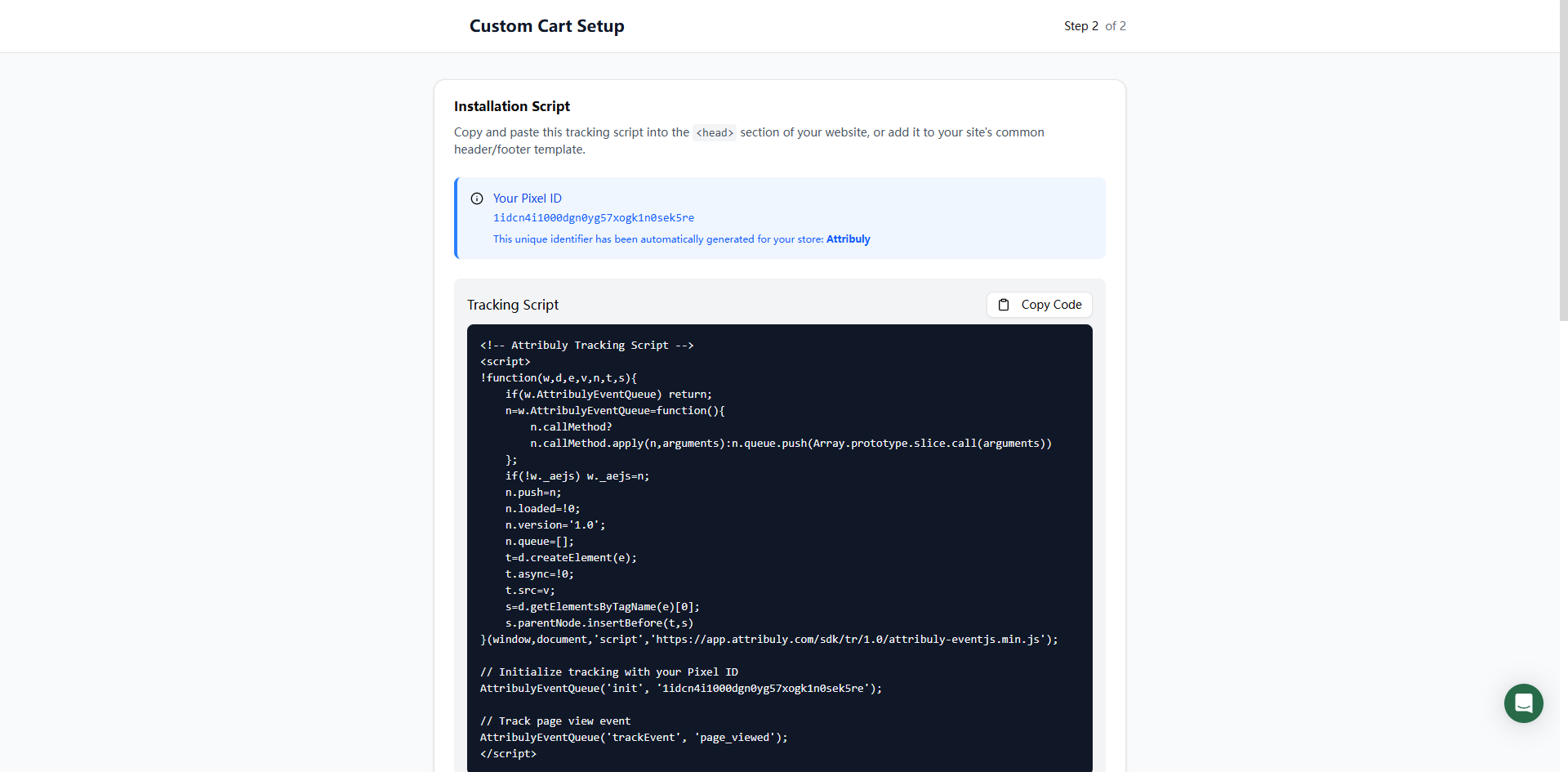
Install and test the script
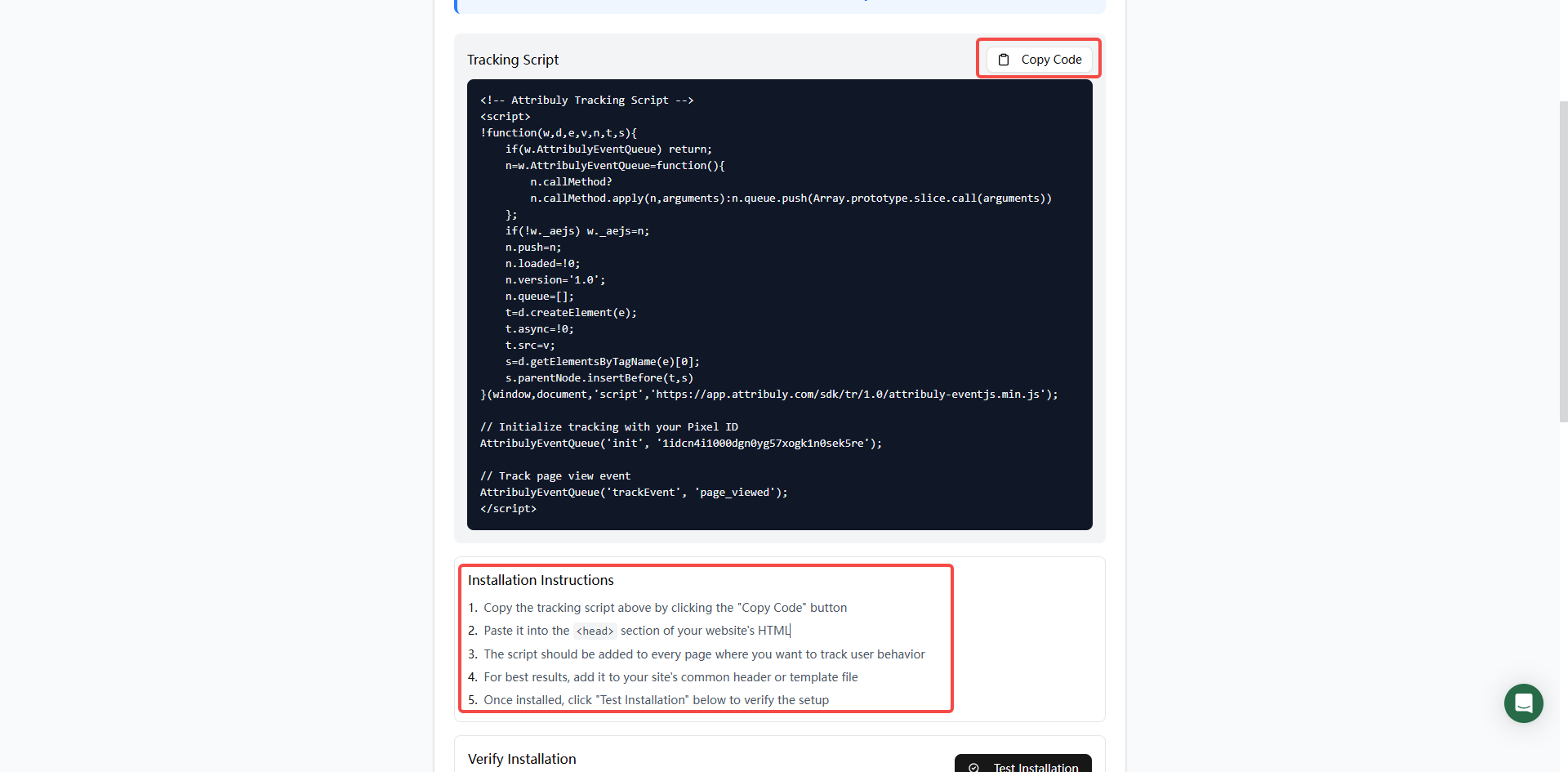
- Copy the tracking script from the installation page.
- Paste it inside the HTML
<head> on every page you want to track; a shared header or template is recommended.
- Click Test installation to verify the setup.