Set up Recapture with Omnisend
Connect Omnisend
- Connect your account on the Attribuly Sources page.
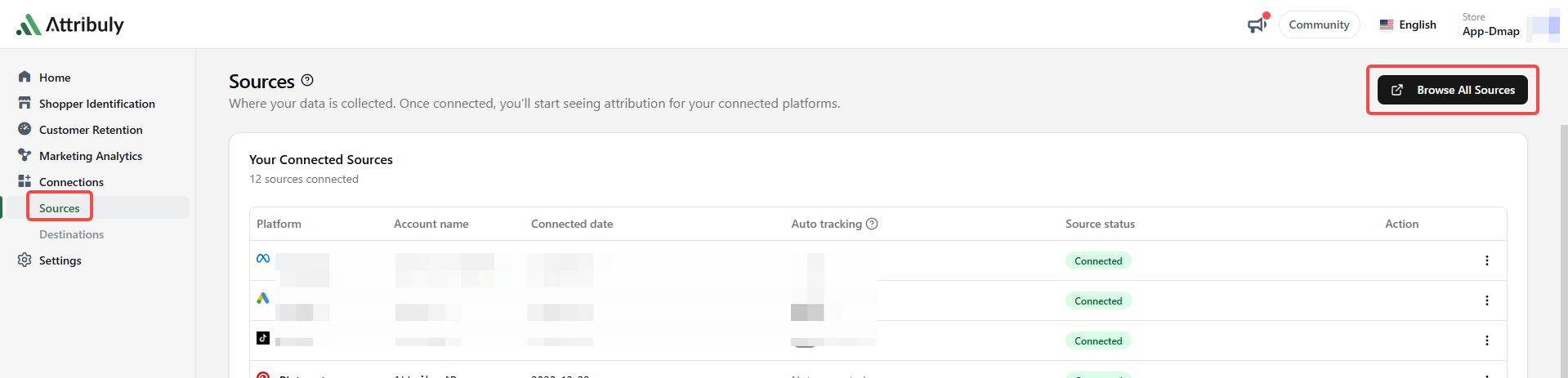
- Ensure Omnisend links contain
utm_source=omnisend. See Omnisend UTM settings.
Create the destination
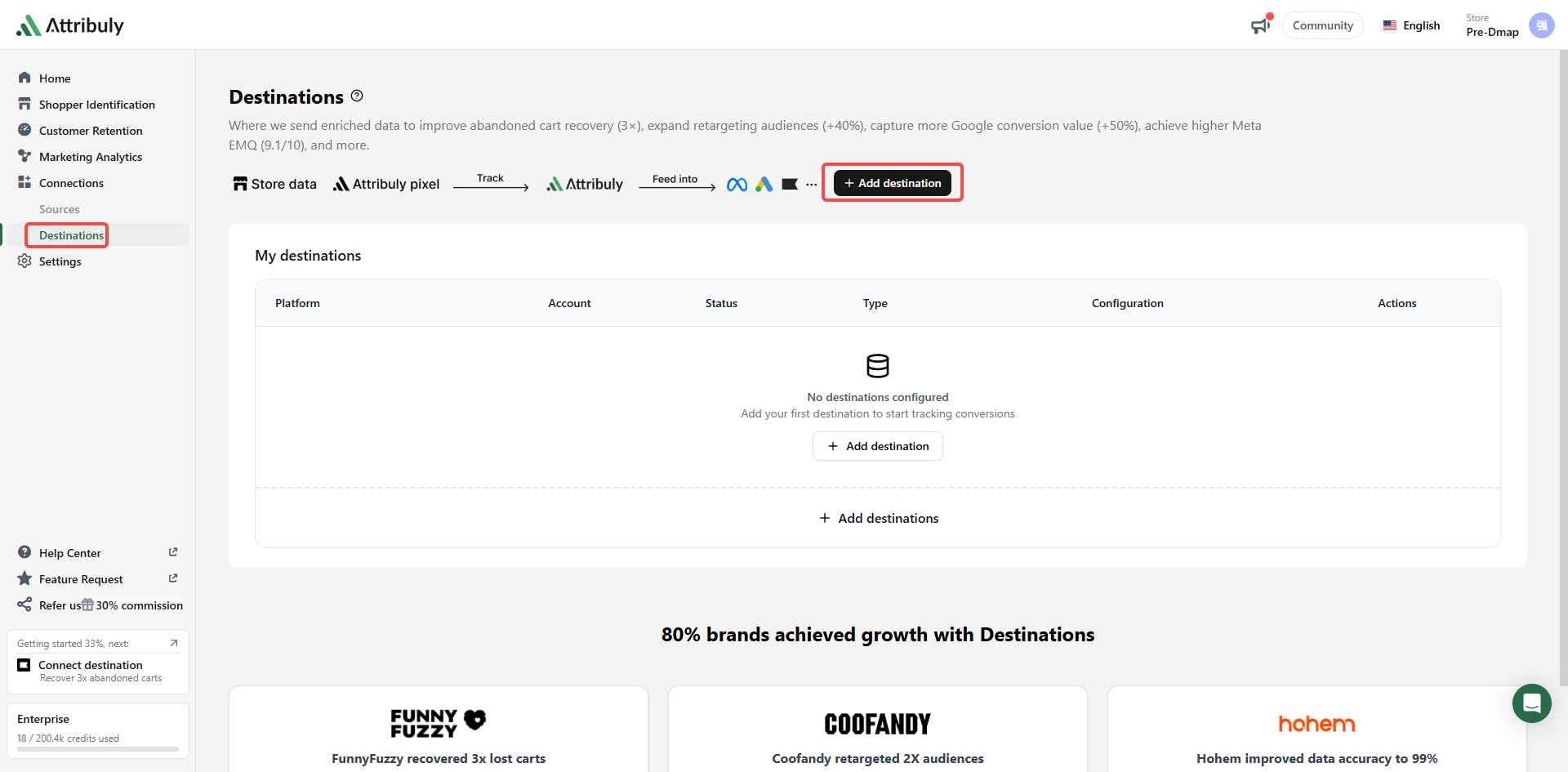
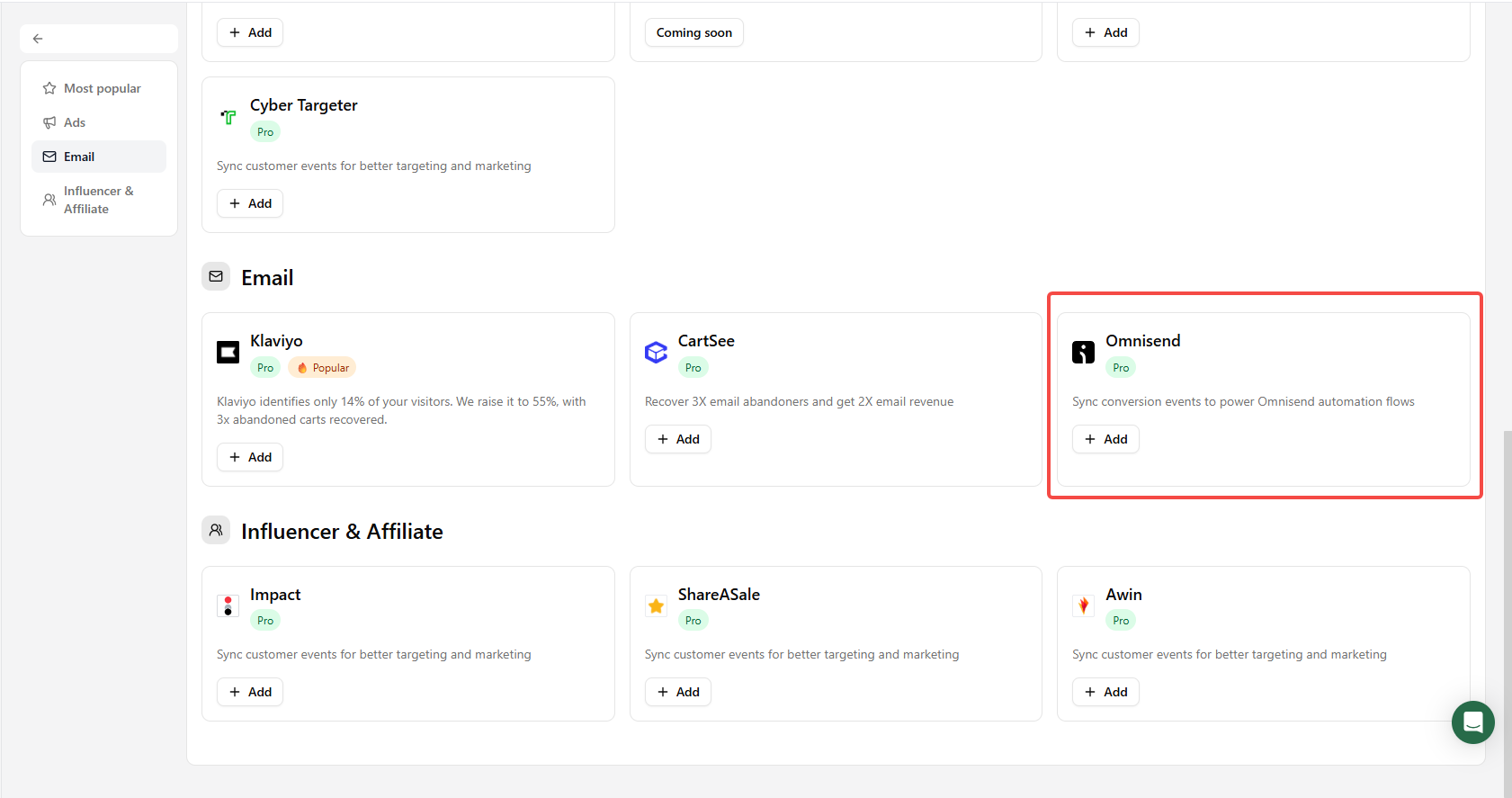
Go to Connections → Destinations → Add destinations and select Omnisend.
Create a separate workflow
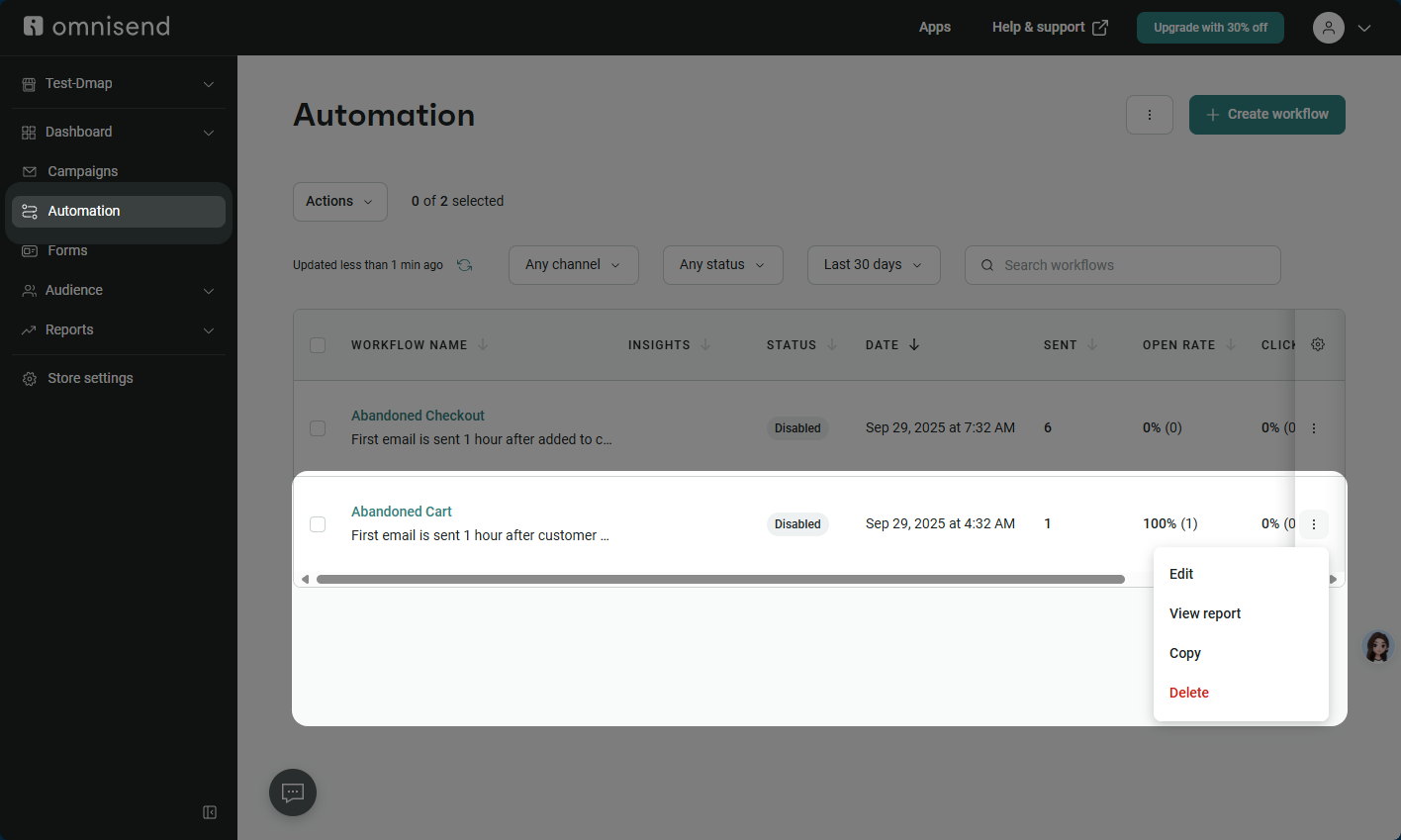
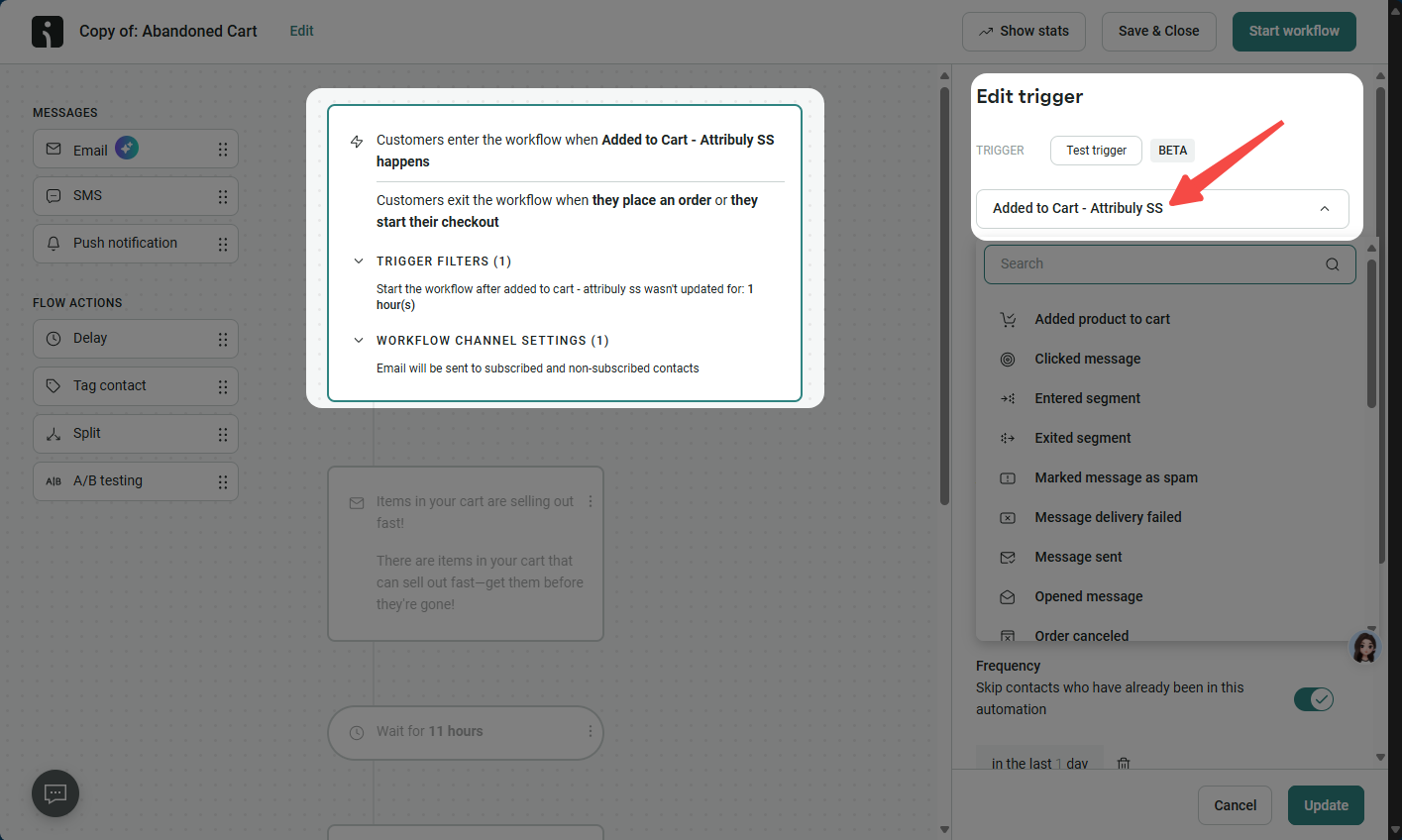
- Clone the existing Abandoned Cart workflow and change the copy's trigger to Added to Cart, Attribuly SS. Keep the original workflow.
- In the copy, enable Skip contacts who are currently in or have recently completed other automations, and configure the skip condition to exclude contacts covered by the original. The source recommends a wait of more than 10 minutes to allow exclusions to be evaluated.
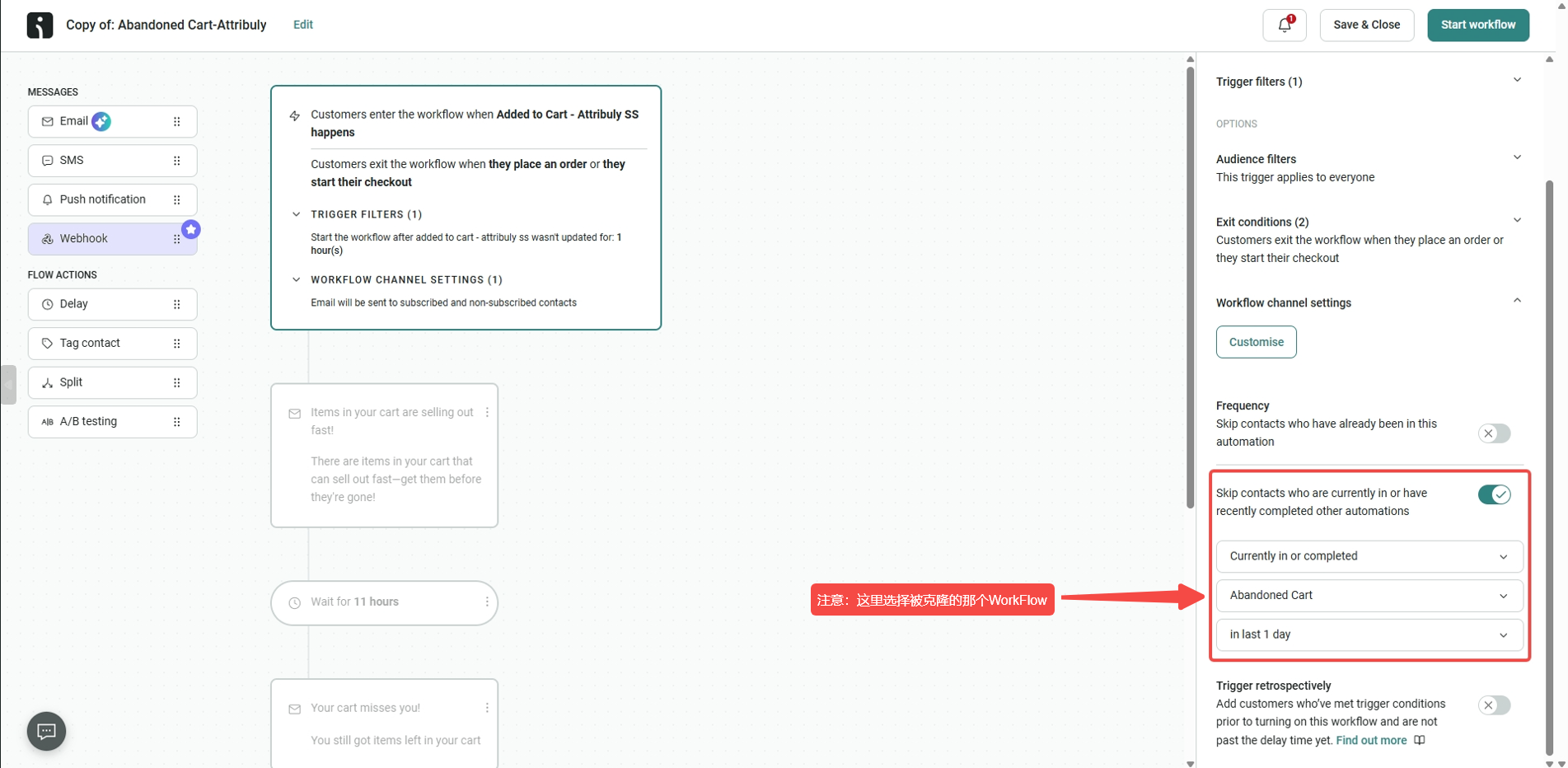 Select the original workflow here
- Increase the wait after the trigger by 20 minutes to give Omnisend more time to calculate exclusions.
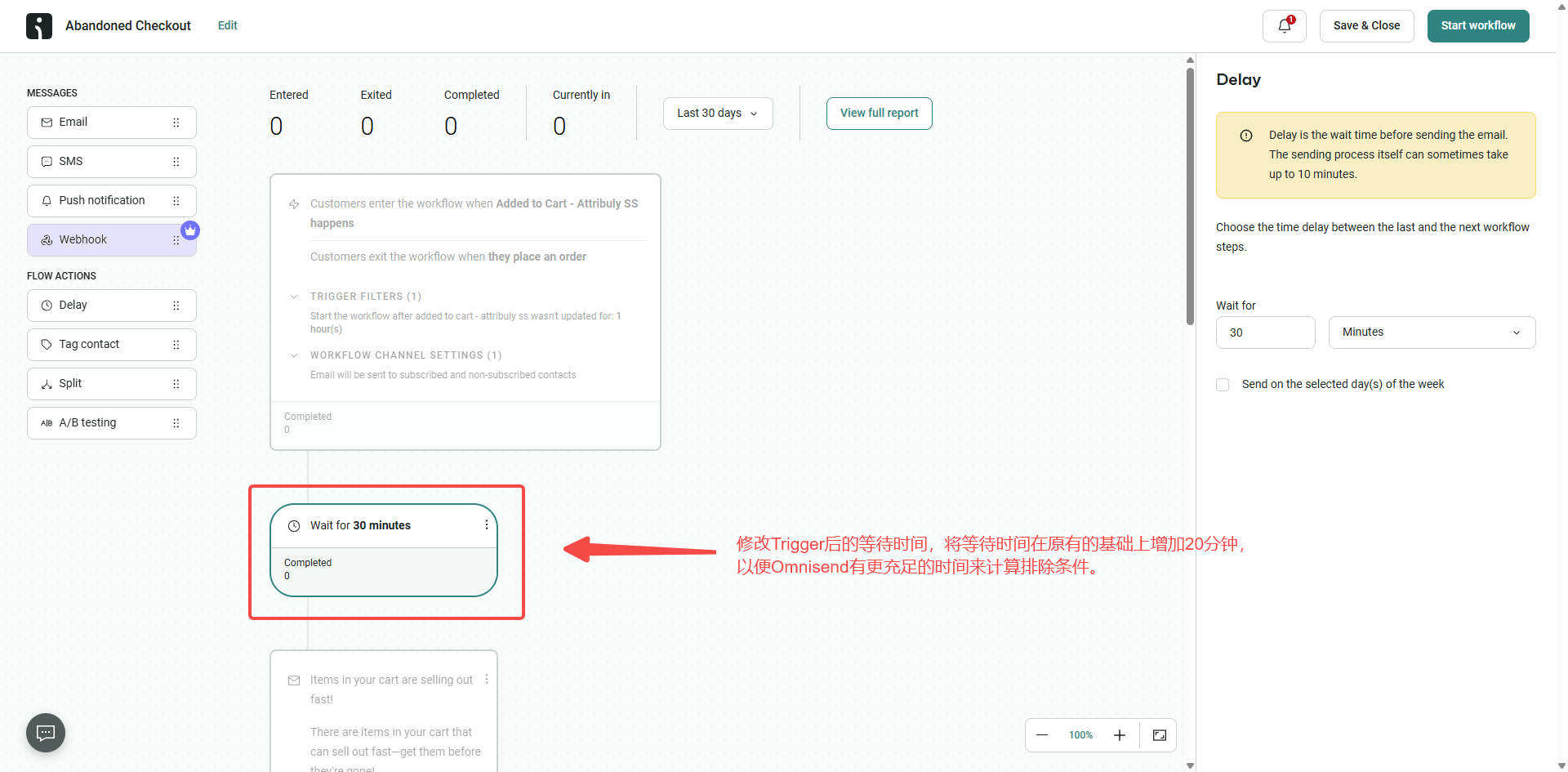 Add 20 minutes to the delay to allow time for exclusion checks.