Configure destinations and event delivery
Before you begin: app embed
If setup asks you to enable the Shopify app embed, follow the app embed guide.


Advertising destinations
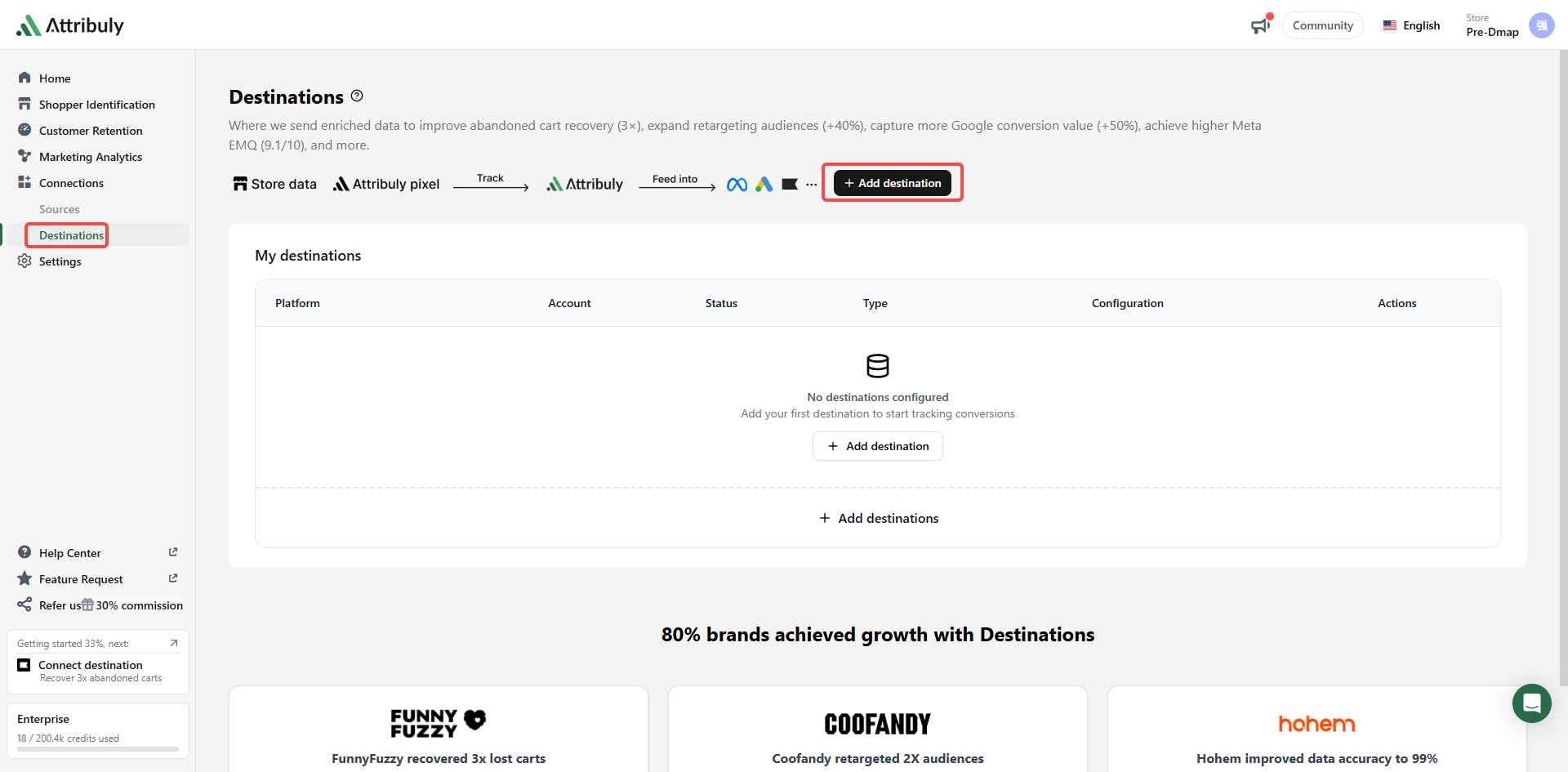
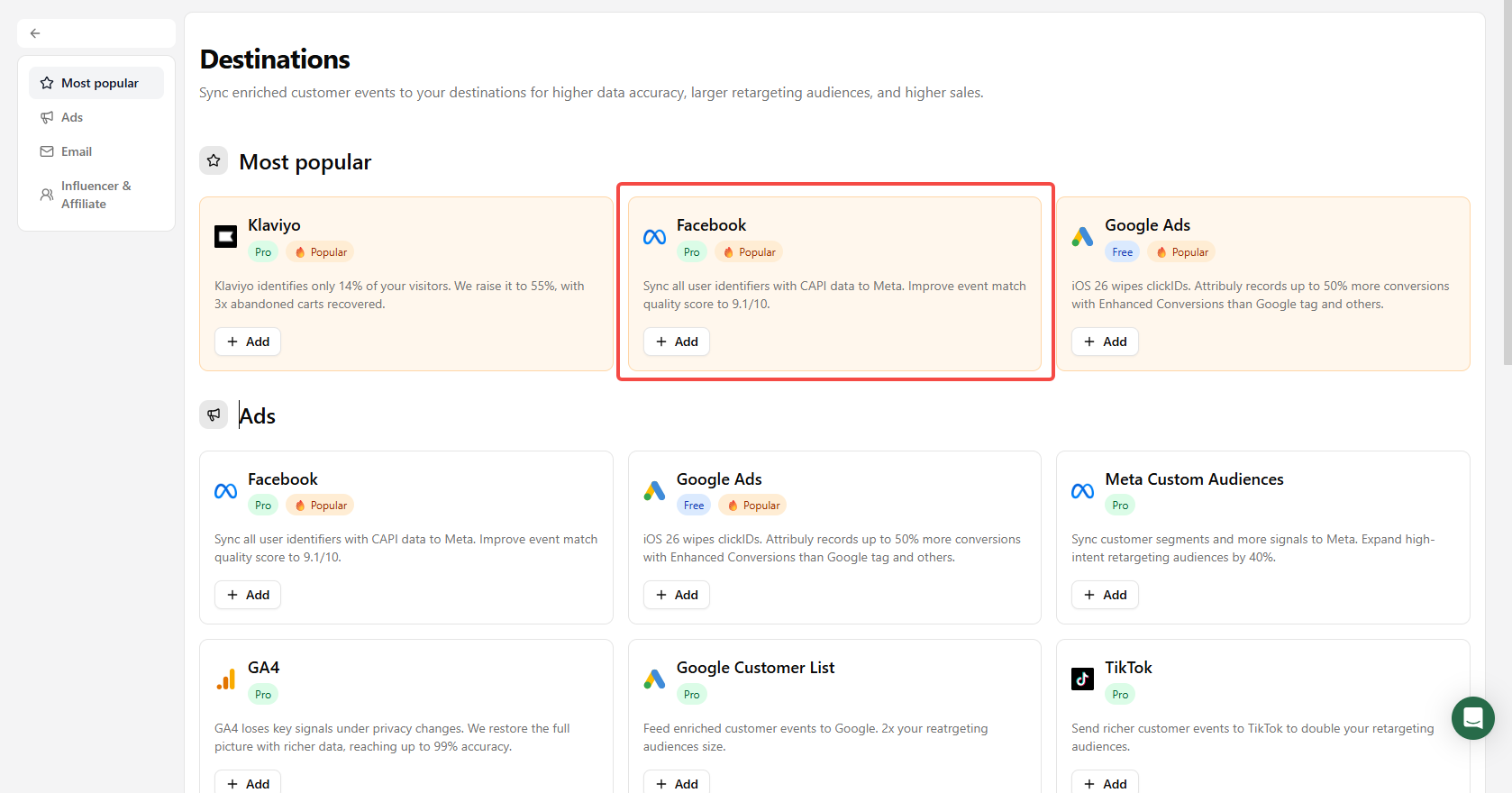
- Open Connections → Destinations → Add destinations and choose Facebook.
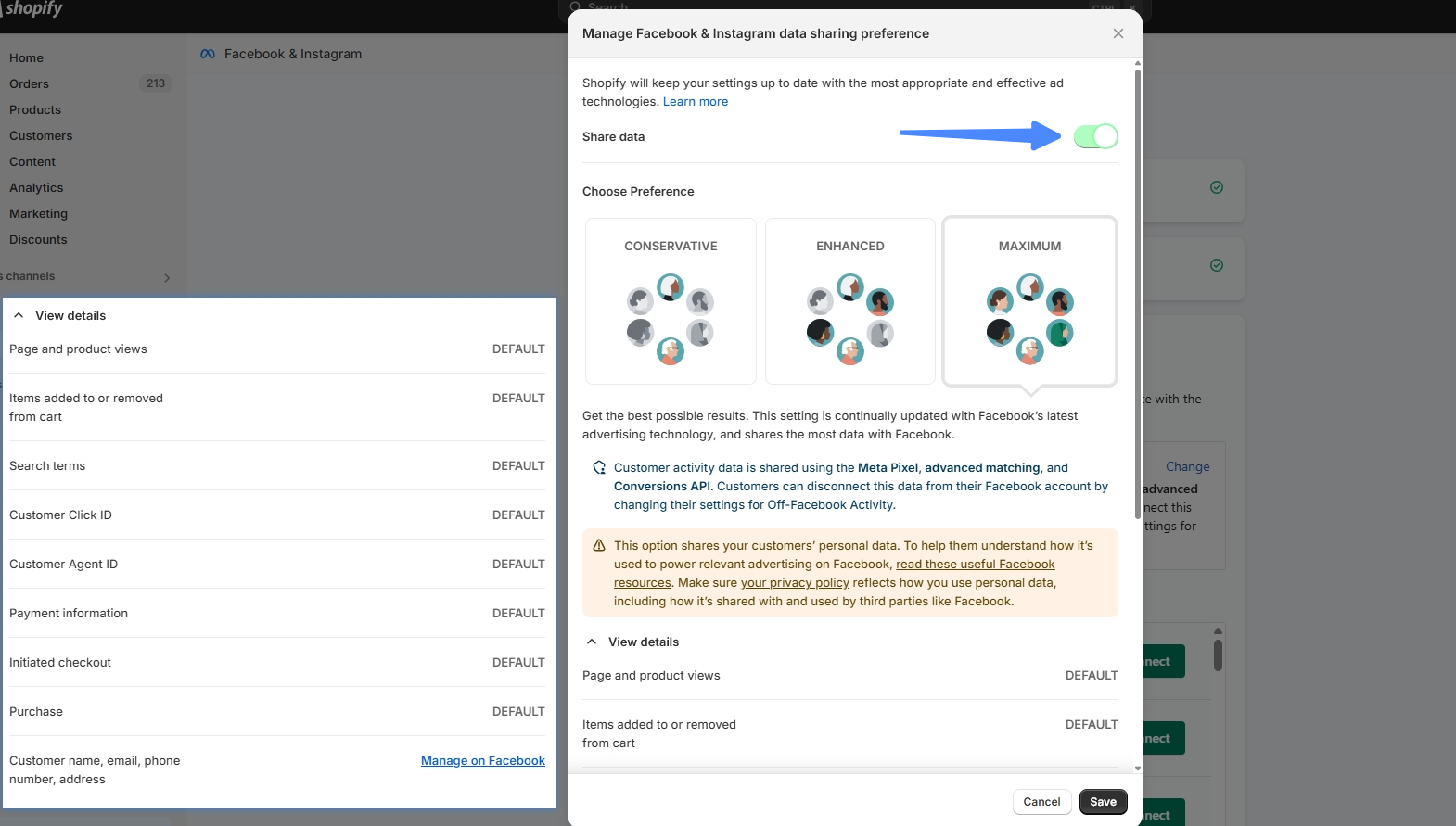
 2. Check whether another tool, such as Shopify Facebook & Instagram, already sends server-side events. The source guide instructs you to turn off its server-side delivery to avoid sending duplicate events to the same Meta pixel.
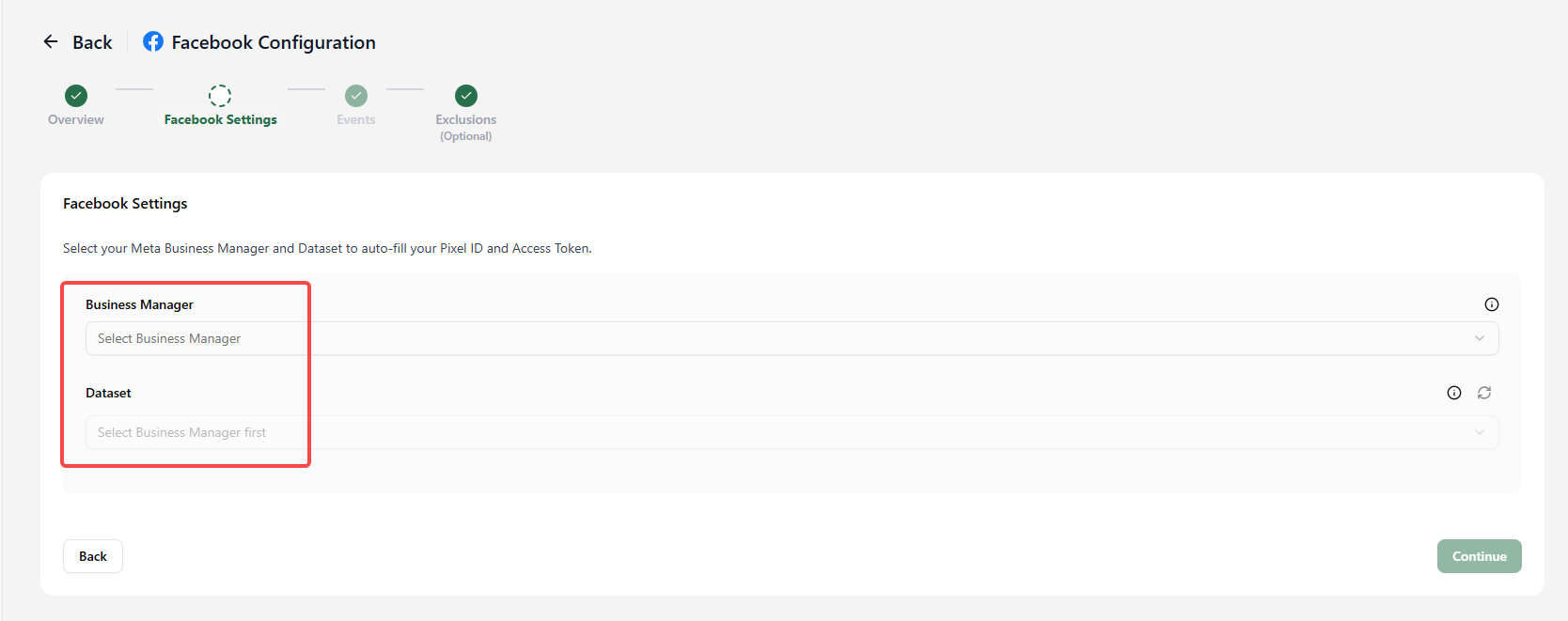
 3. Select Meta Business Manager and Dataset. Connect Facebook under Sources first; if no account appears, reconnect using an account with Business Manager access.
 4. Select the event types; server-side events are selected by default.
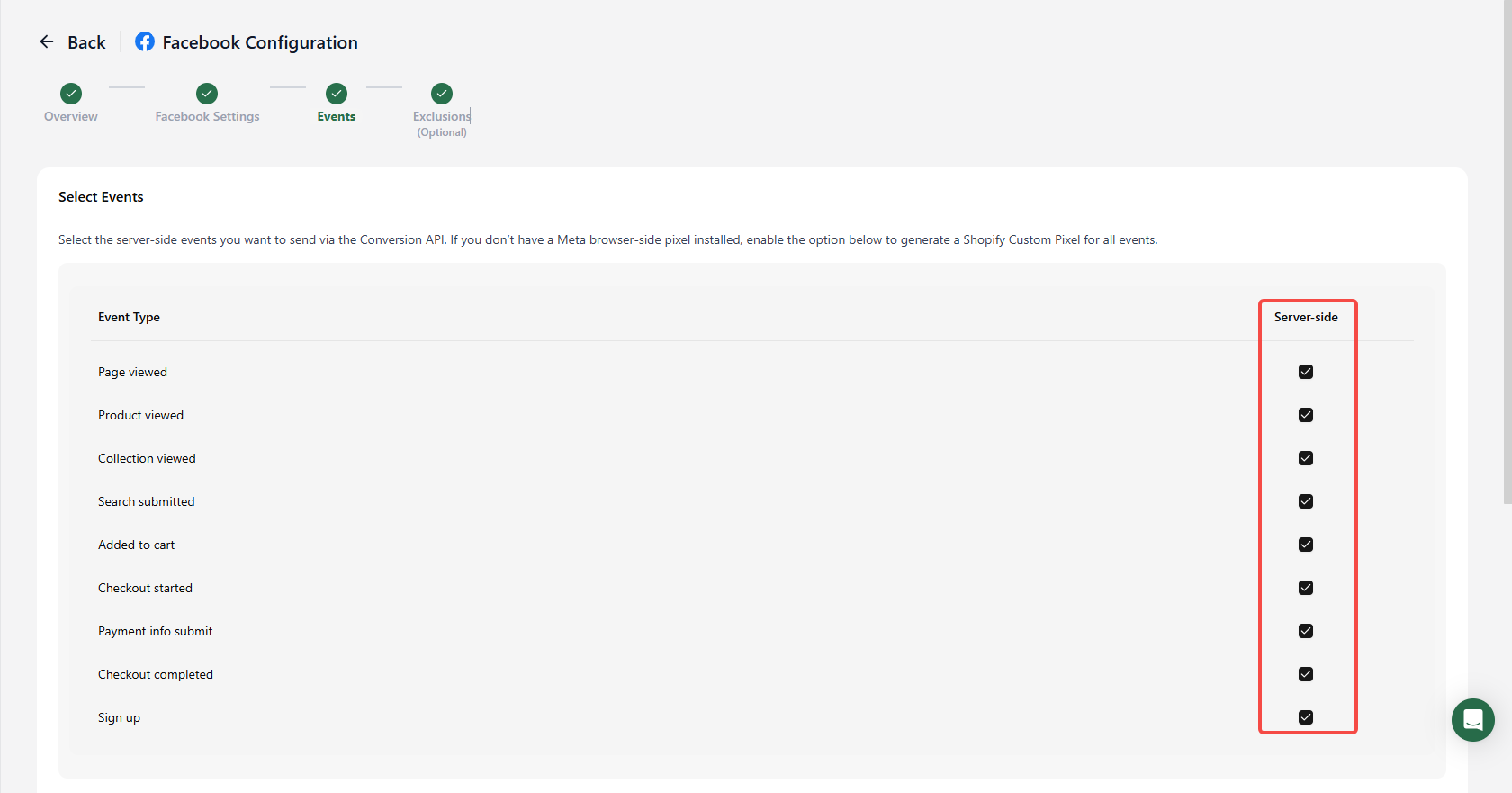 Select I don't have Meta browser-side pixel only if no other tool installed that browser pixel. Turning off Shopify's Share data stops its server-side delivery but leaves its browser pixel active.
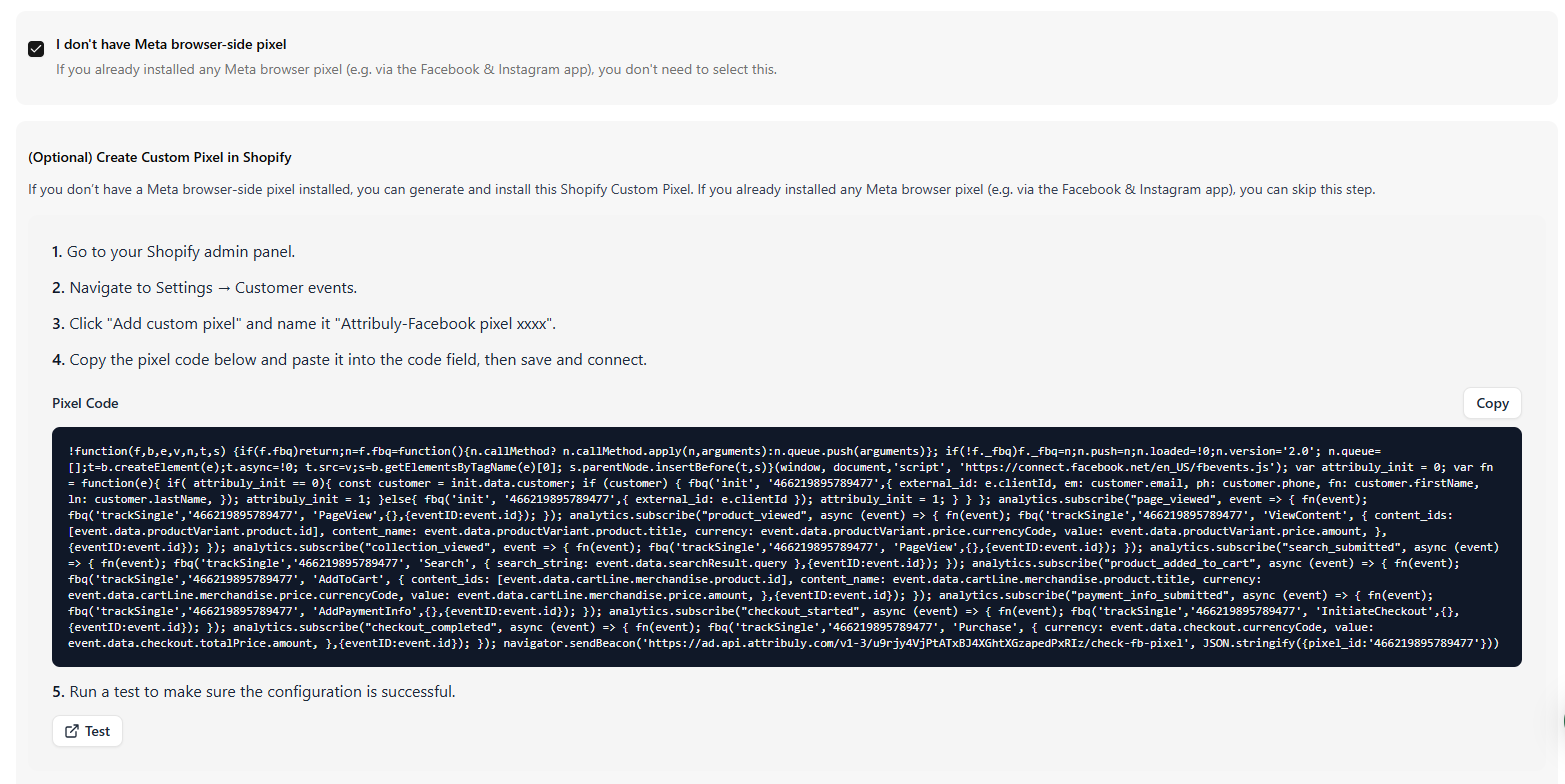 The optional Enrich event signals with AAN setting uses additional identifiers to improve signal quality; the source guide highlights stricter click ID restrictions in iOS 26.
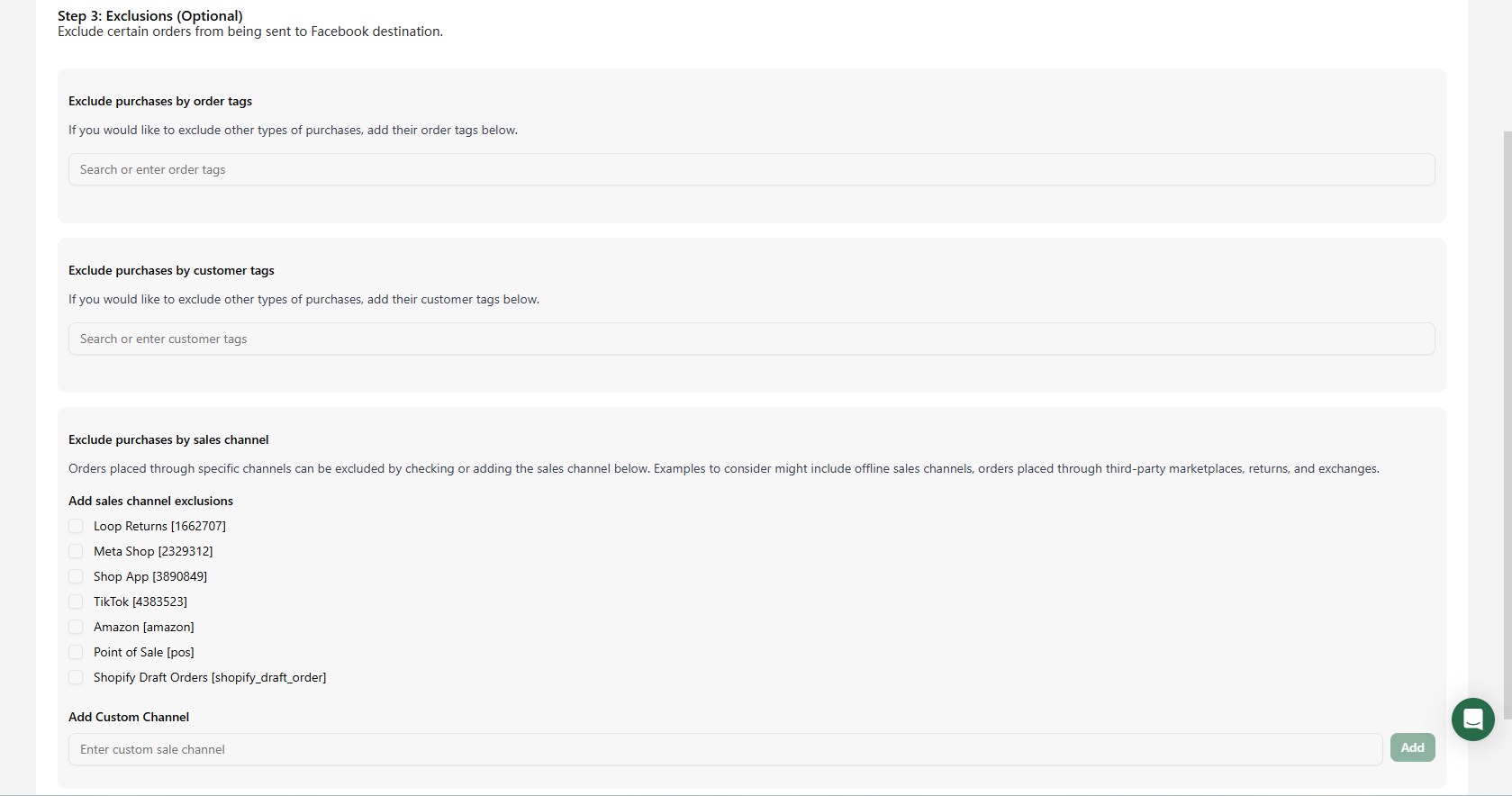
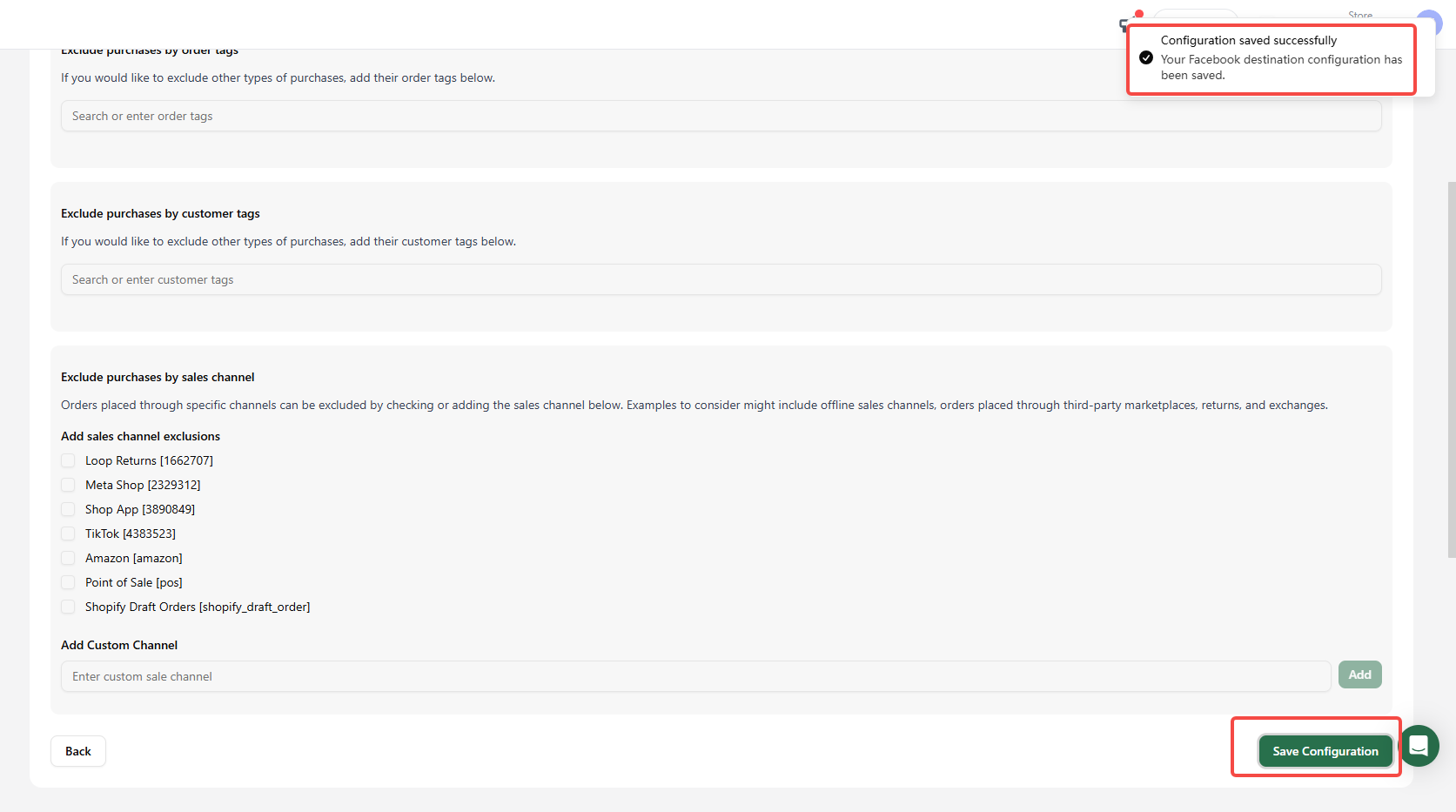
 5. Optionally exclude orders by order tag, customer tag or sales channel. Save the configuration and confirm the destination appears on the Destinations page.
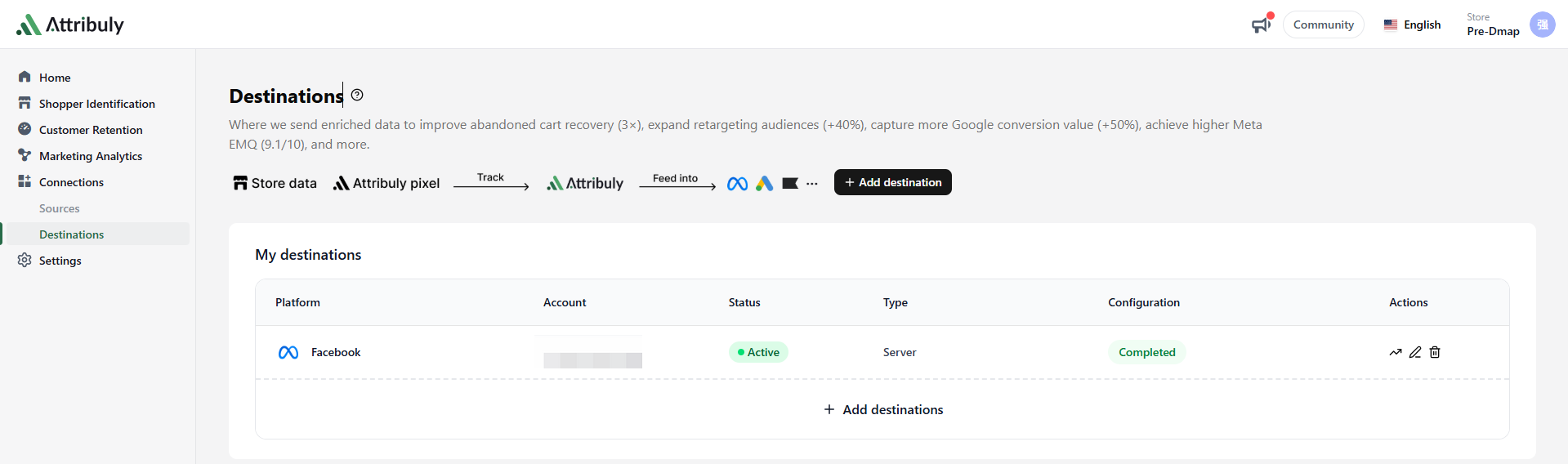
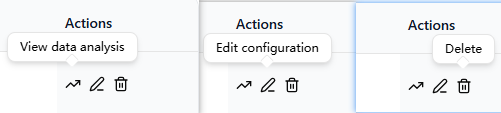 Use View data analysis for details, Edit configuration to change settings, or Delete to remove the destination. See the Meta destination guide.
Google Ads
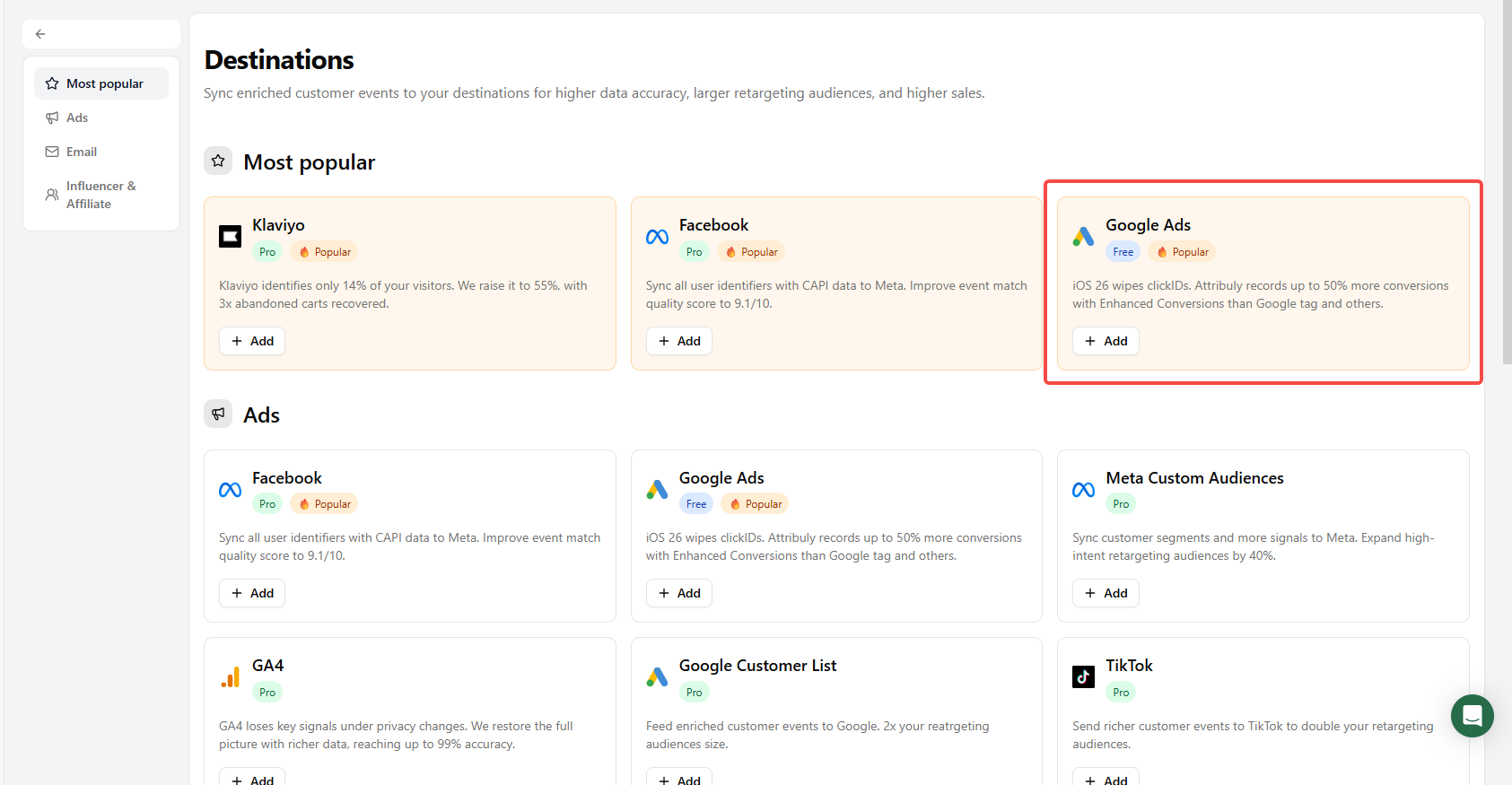
- Add a Google Ads destination and select the events to send; the source recommends selecting all events.
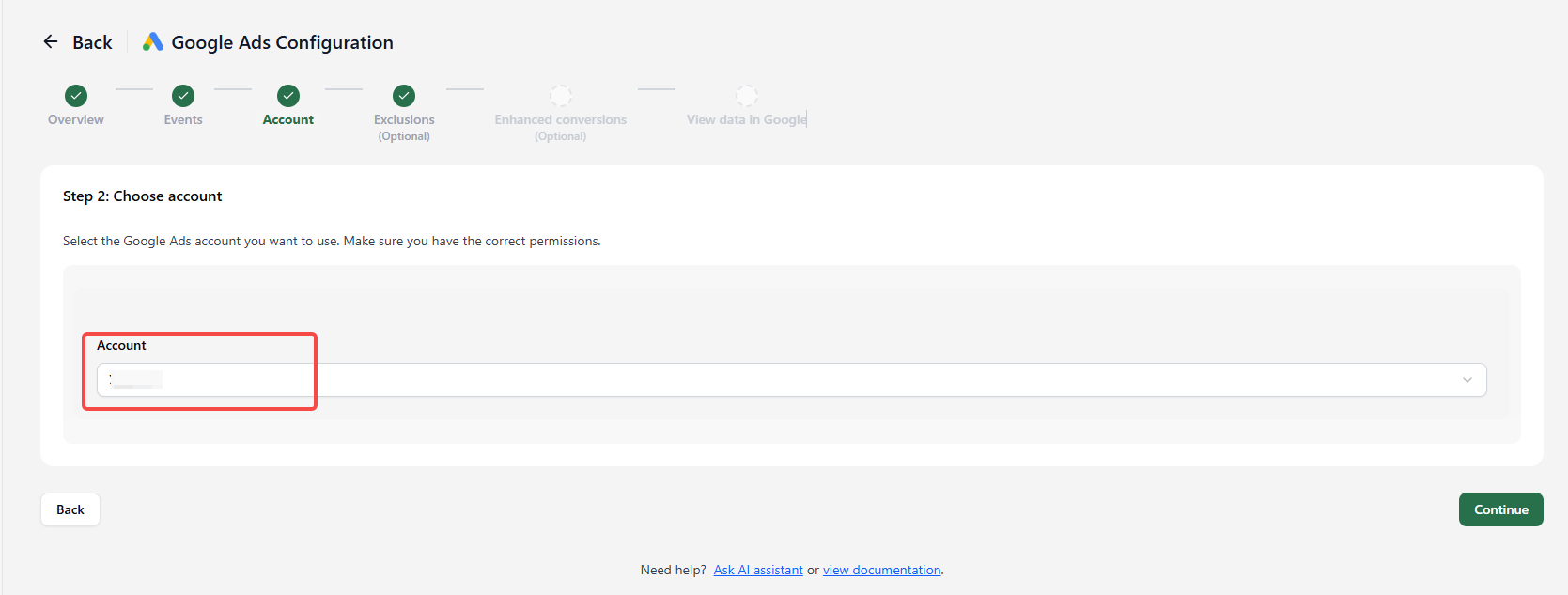
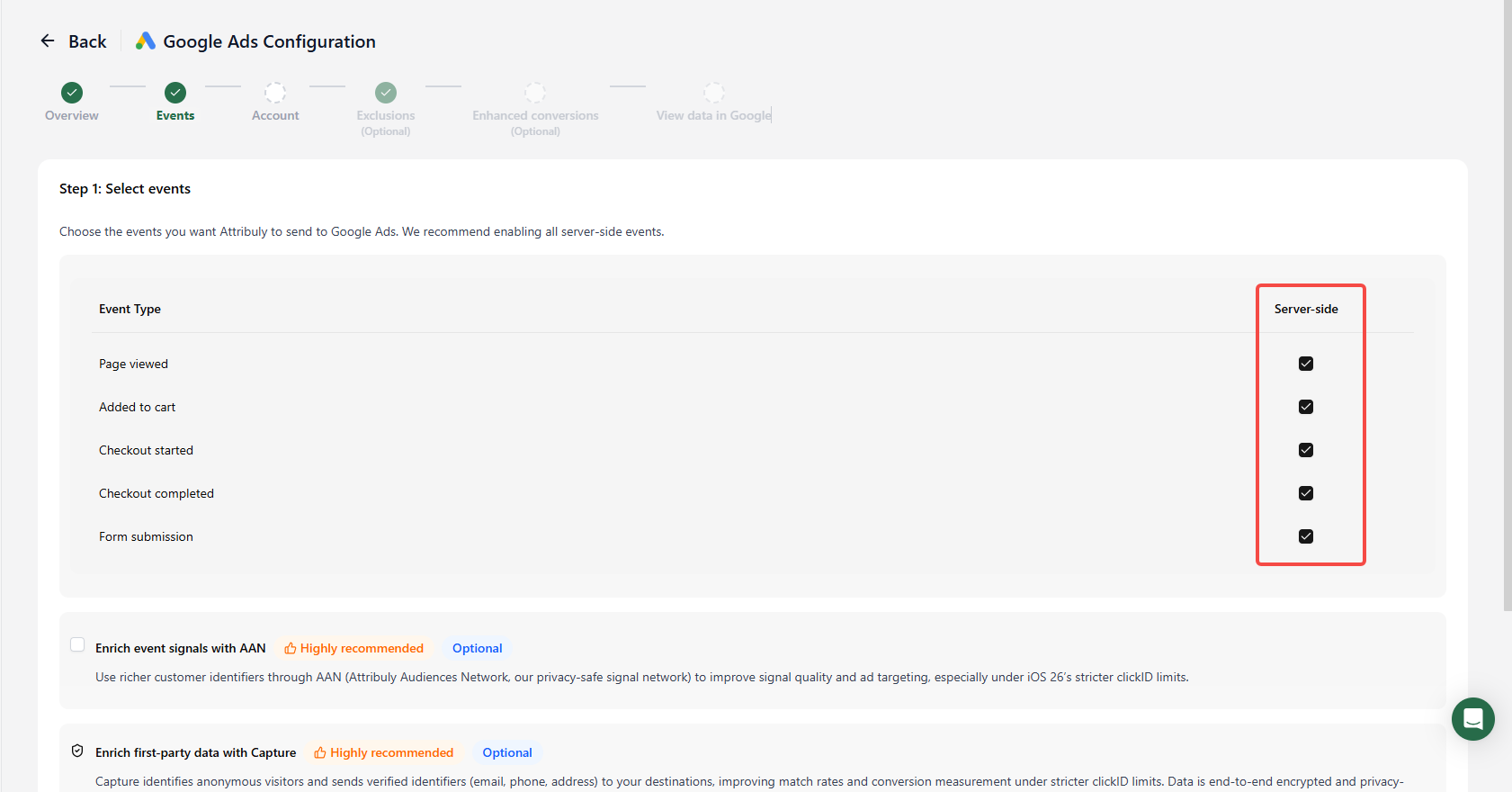 2. Optionally enable AAN enrichment, then choose a connected Google account. If it is missing, check or renew its authorization under Sources.
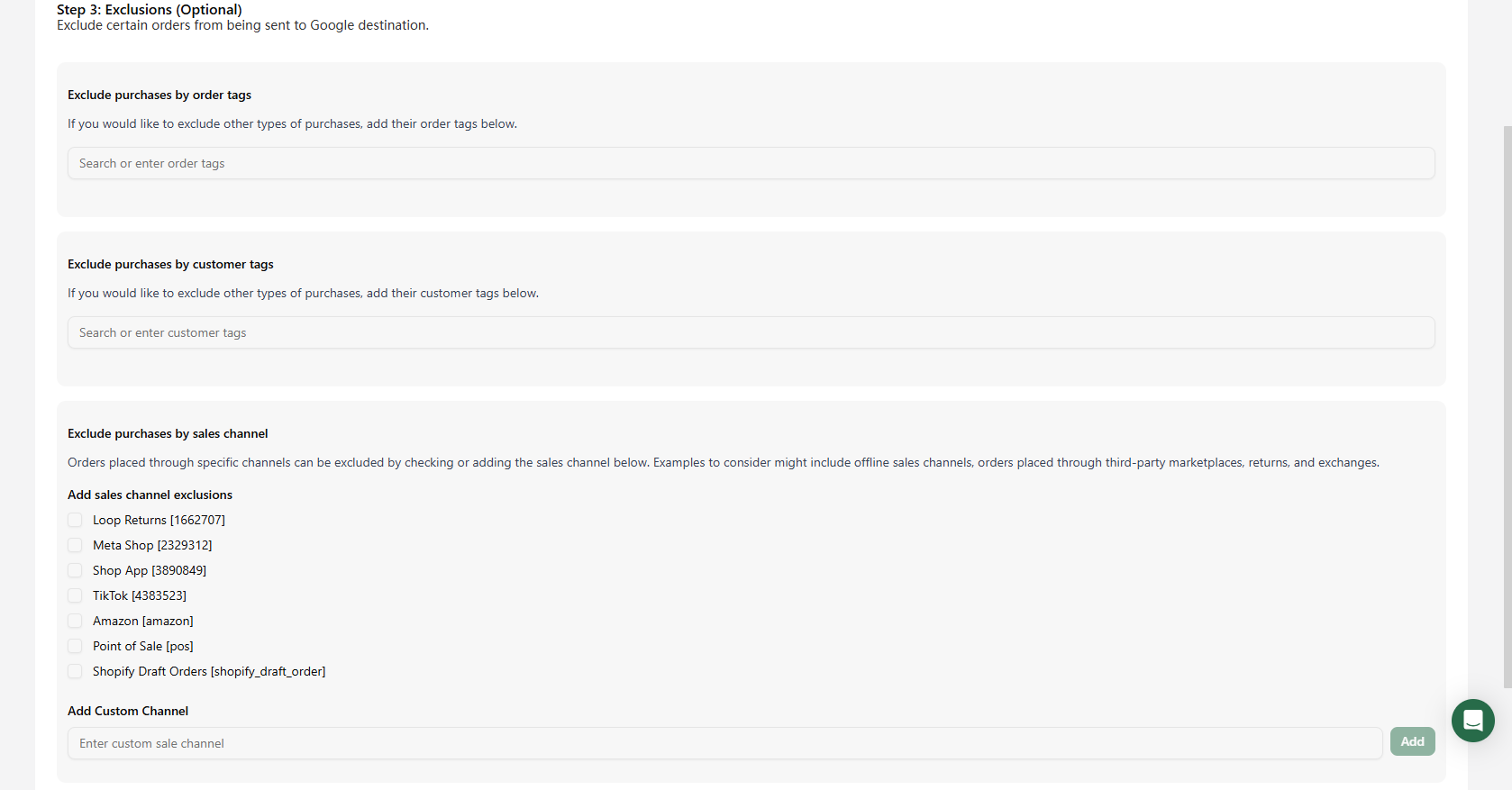
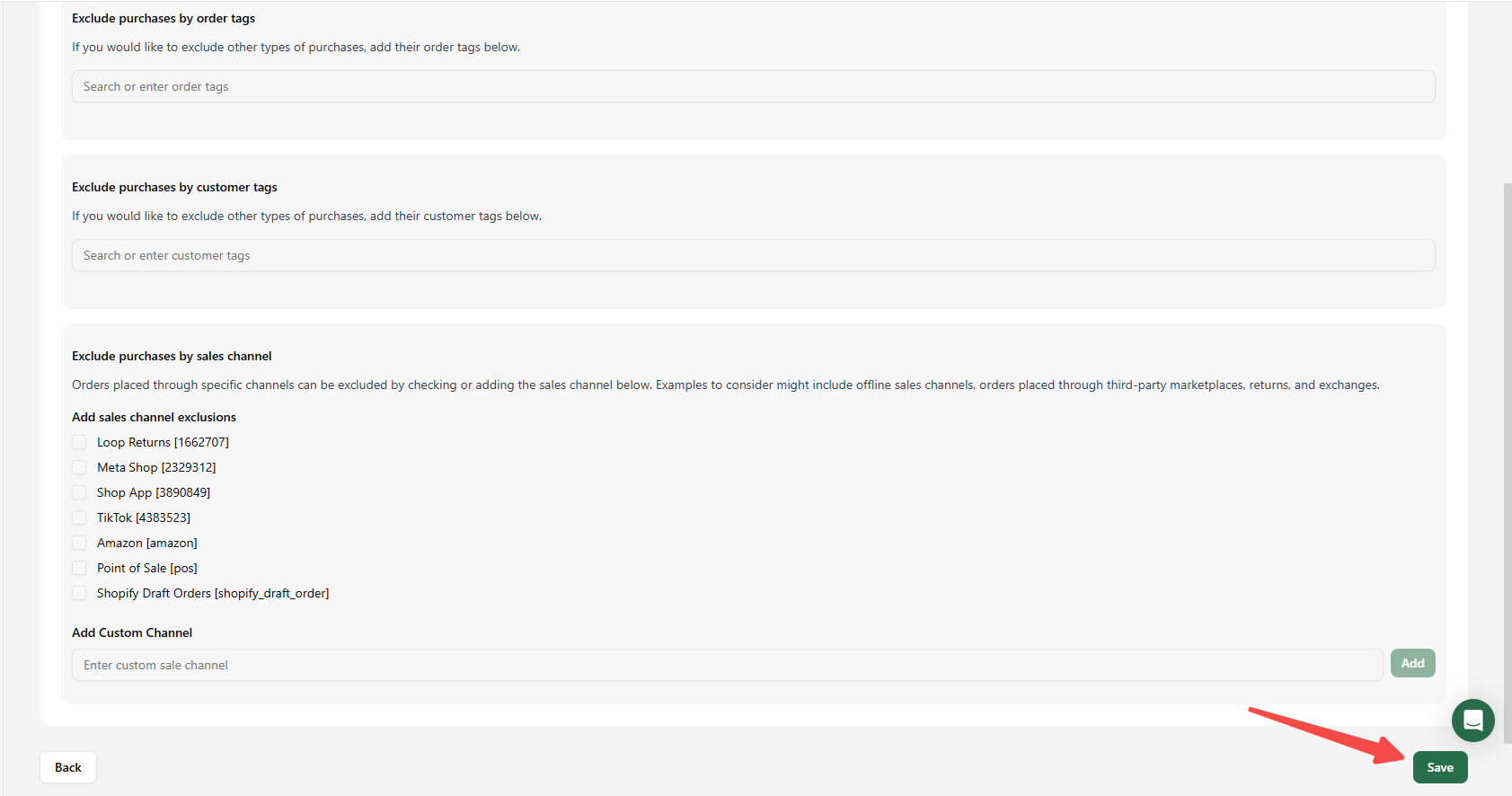
 3. Optionally exclude orders by tag or sales channel, save and confirm the destination appears. Use Actions to view analysis, edit or delete it.
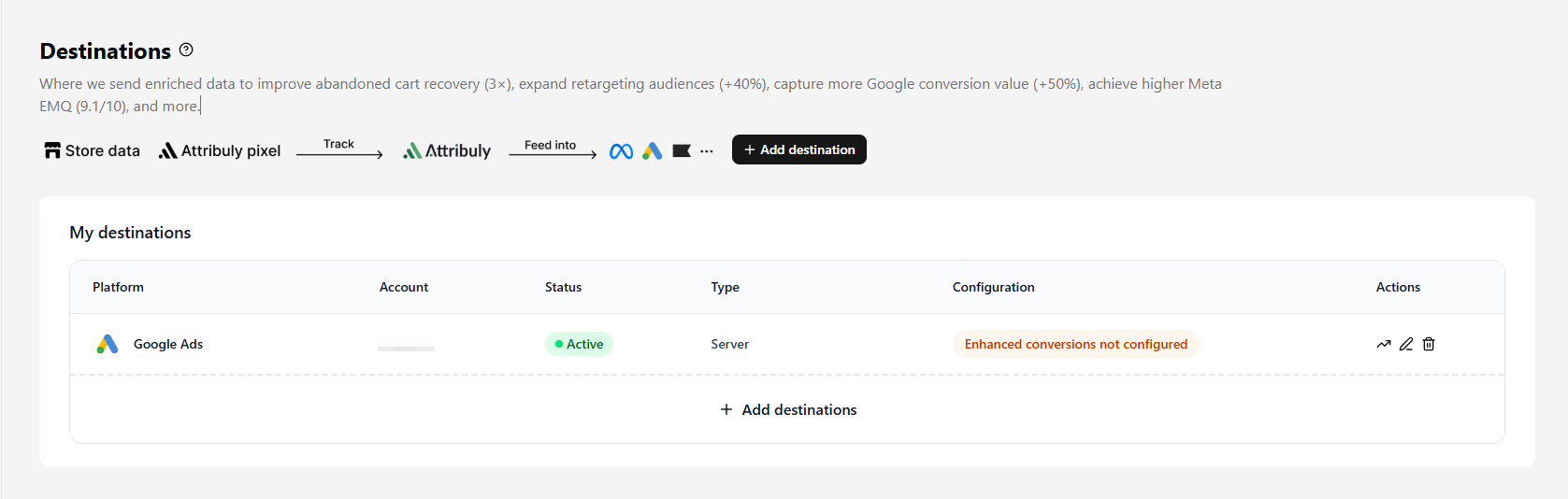
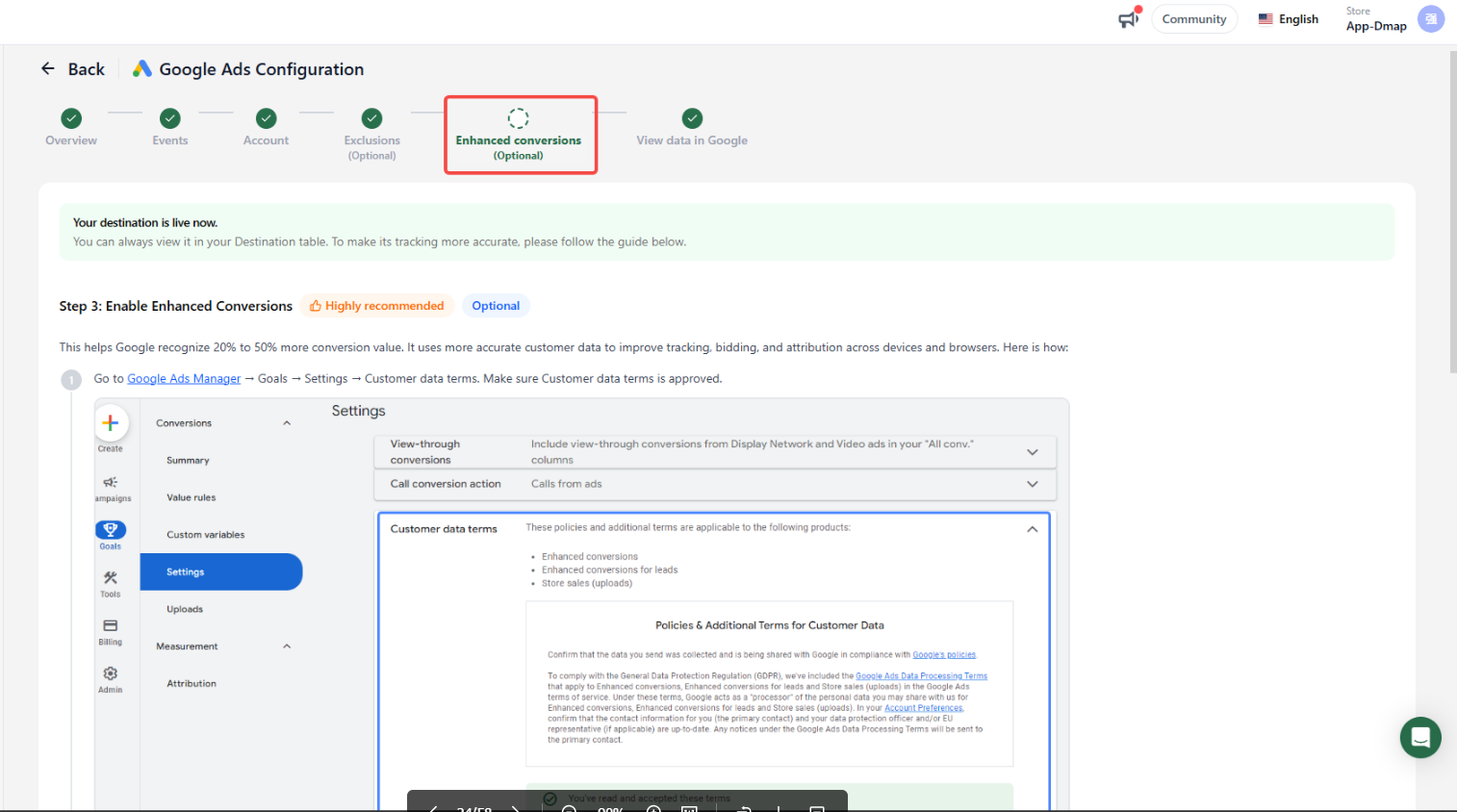
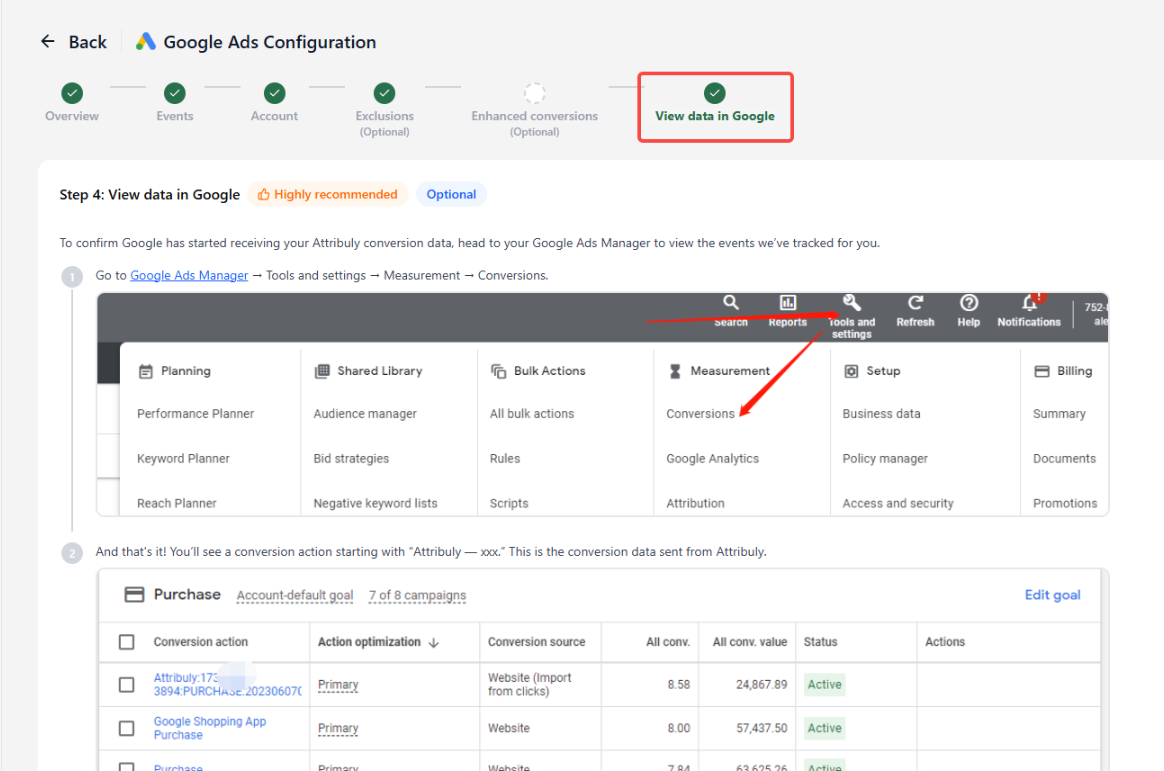
If the configuration says Enhanced conversions not configured, edit the destination and follow the instructions to enable enhanced conversions in Google.

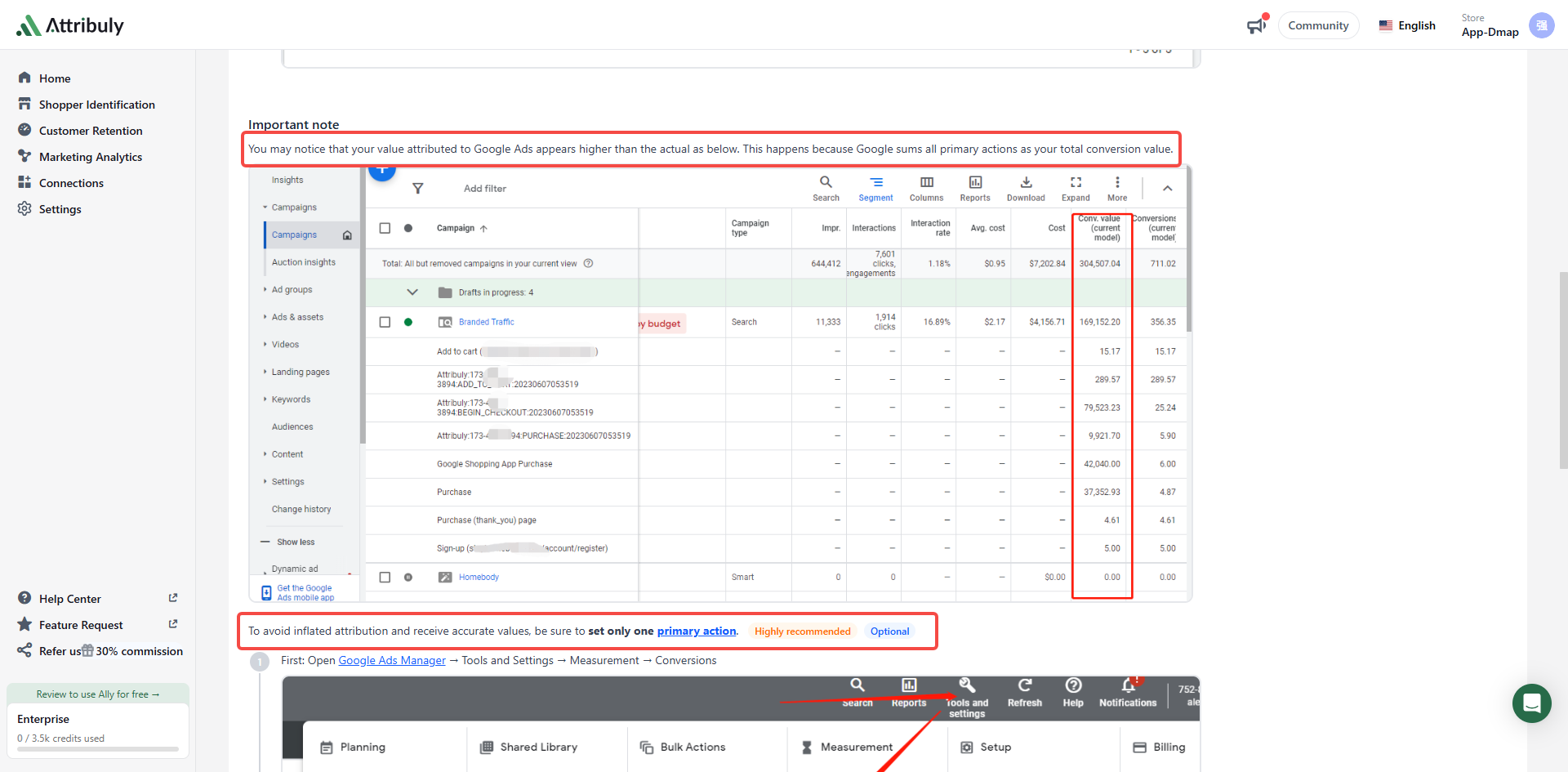
 After delivery starts, the source guide recommends setting Attribuly purchase as the primary action and other actions as secondary; use only one primary action to avoid inflated values. See Google conversion action instructions and the Google Ads destination guide.
GA4
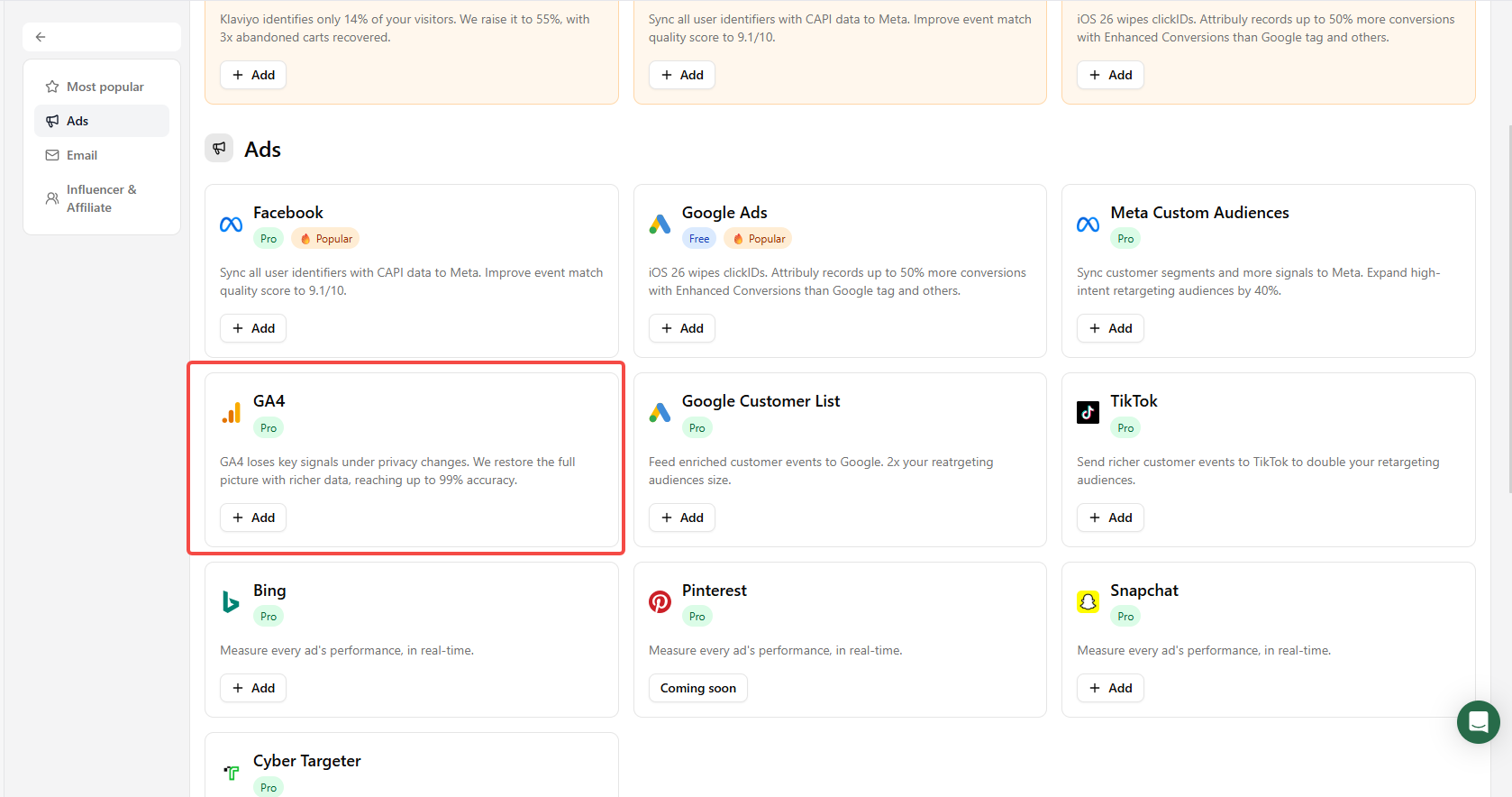
If data is already being sent to the same GA4 property, avoid configuring another feed to the same report. Add the GA4 destination through Connections → Destinations → Add destinations. See the GA4 integration guide.
TikTok, Bing, Snapchat and Cyber Targeter
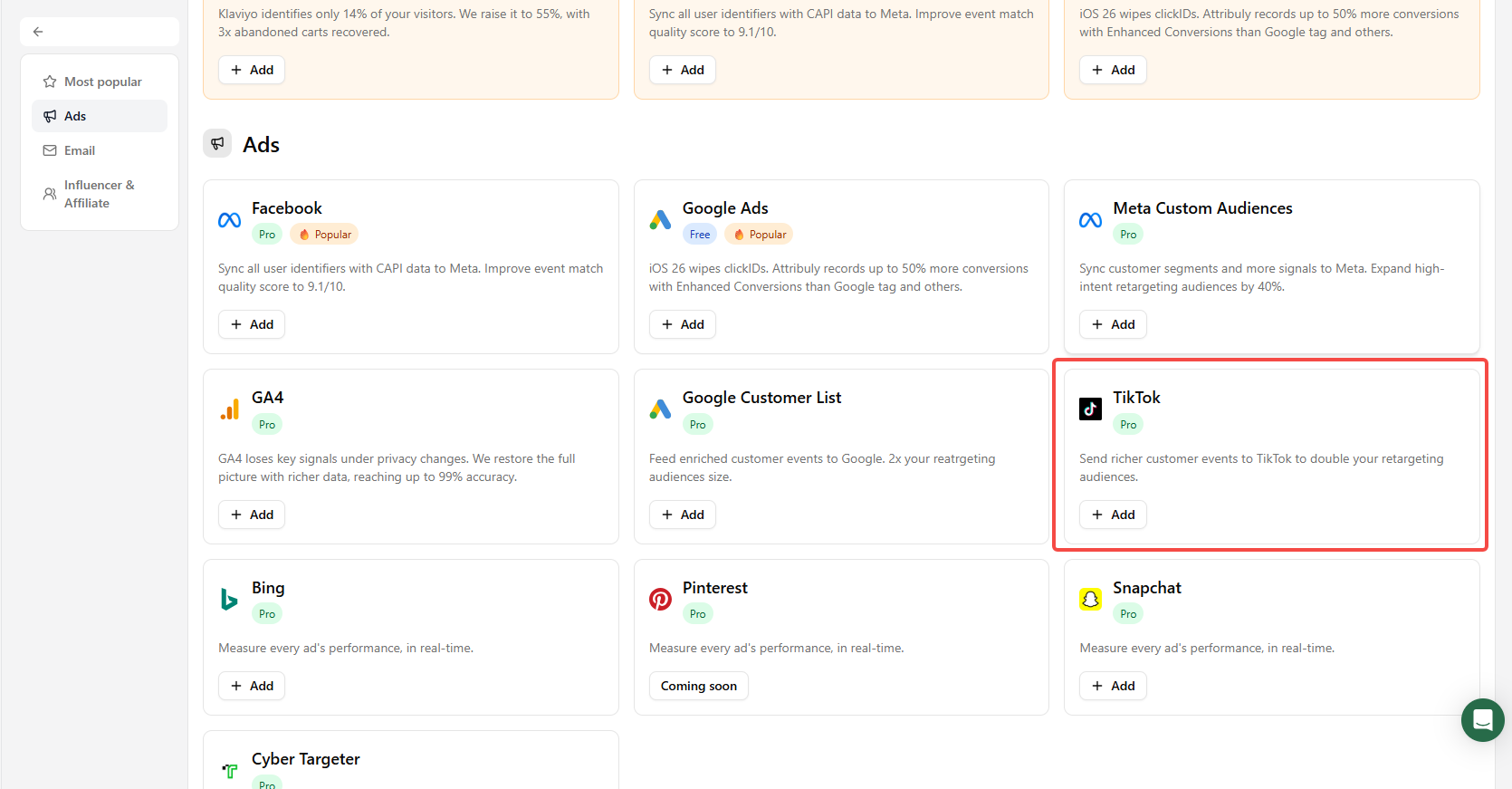
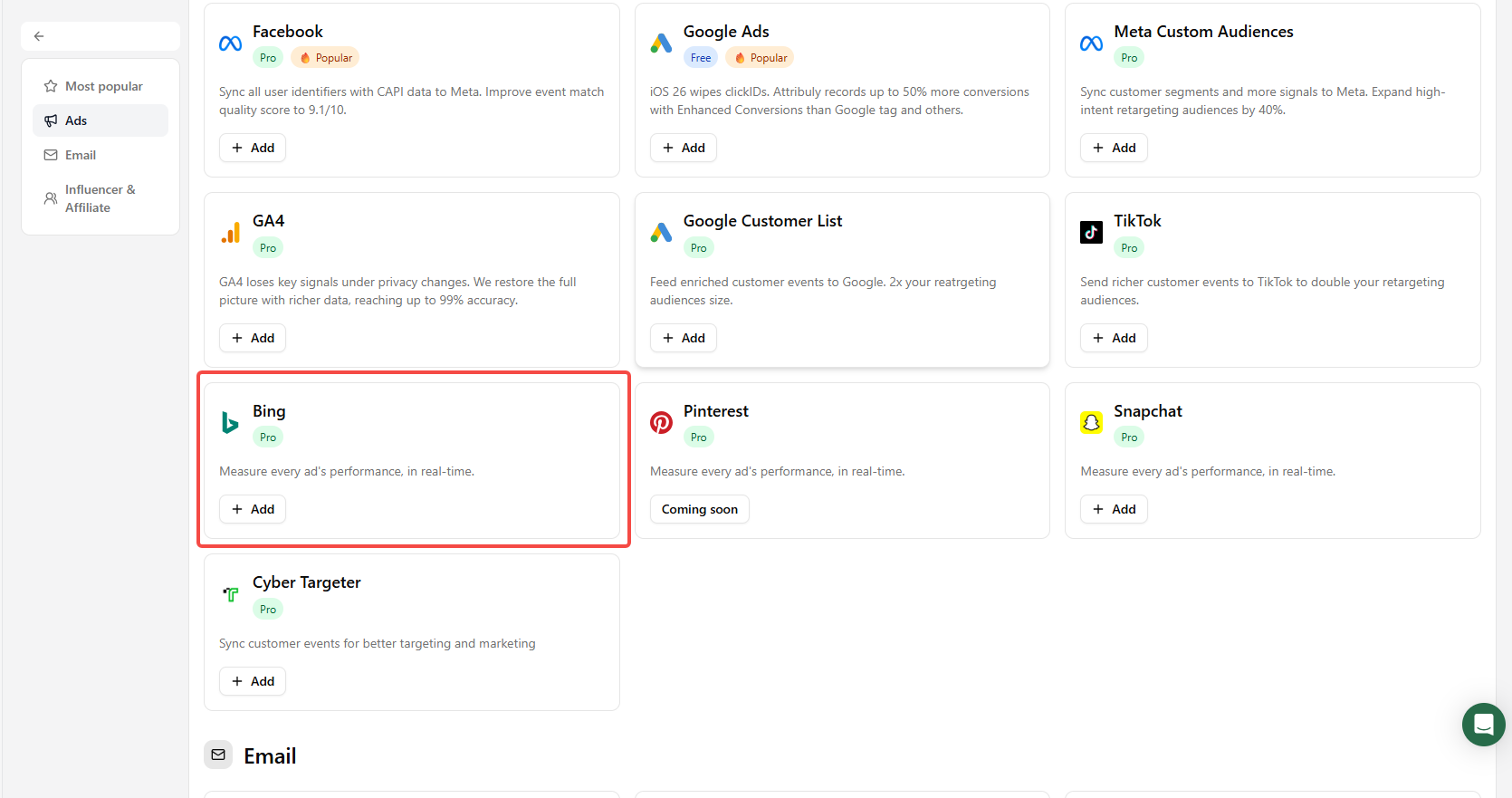
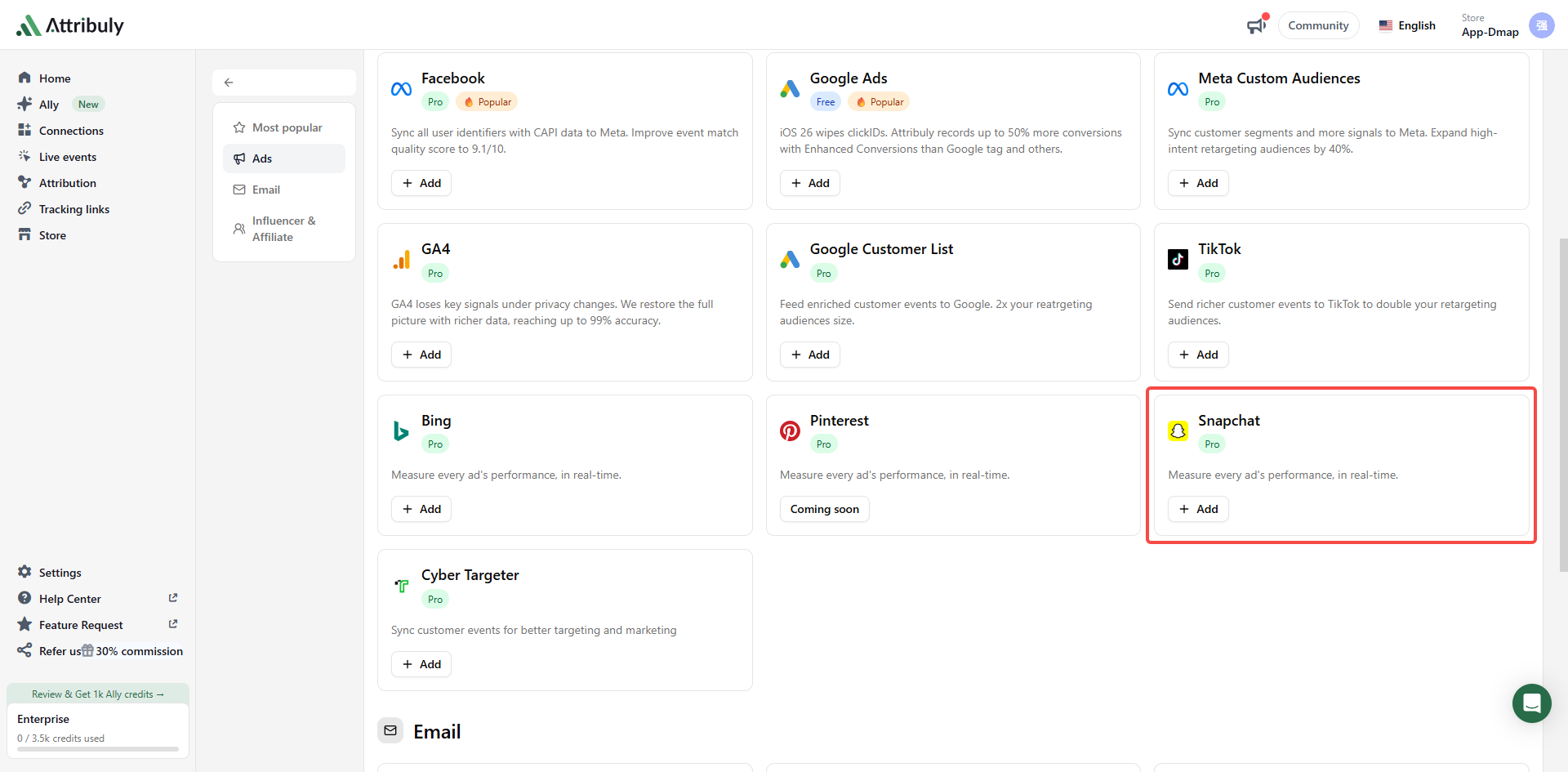
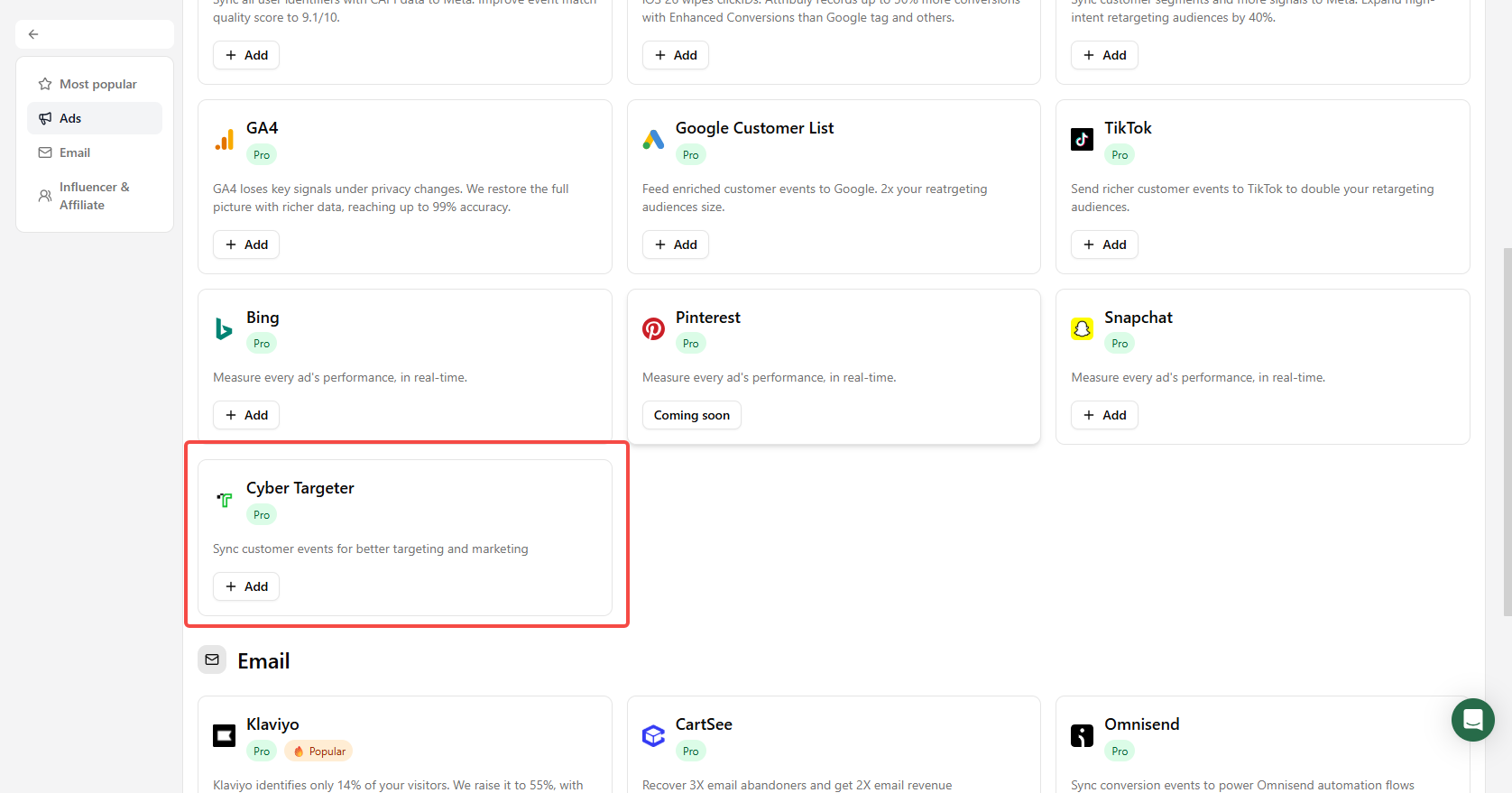
For each platform, go to Connections → Destinations → Add destinations and choose the matching destination. The optional TikTok AAN enrichment setting uses additional identifiers, as described above. See the TikTok, Bing, and Snapchat guides.
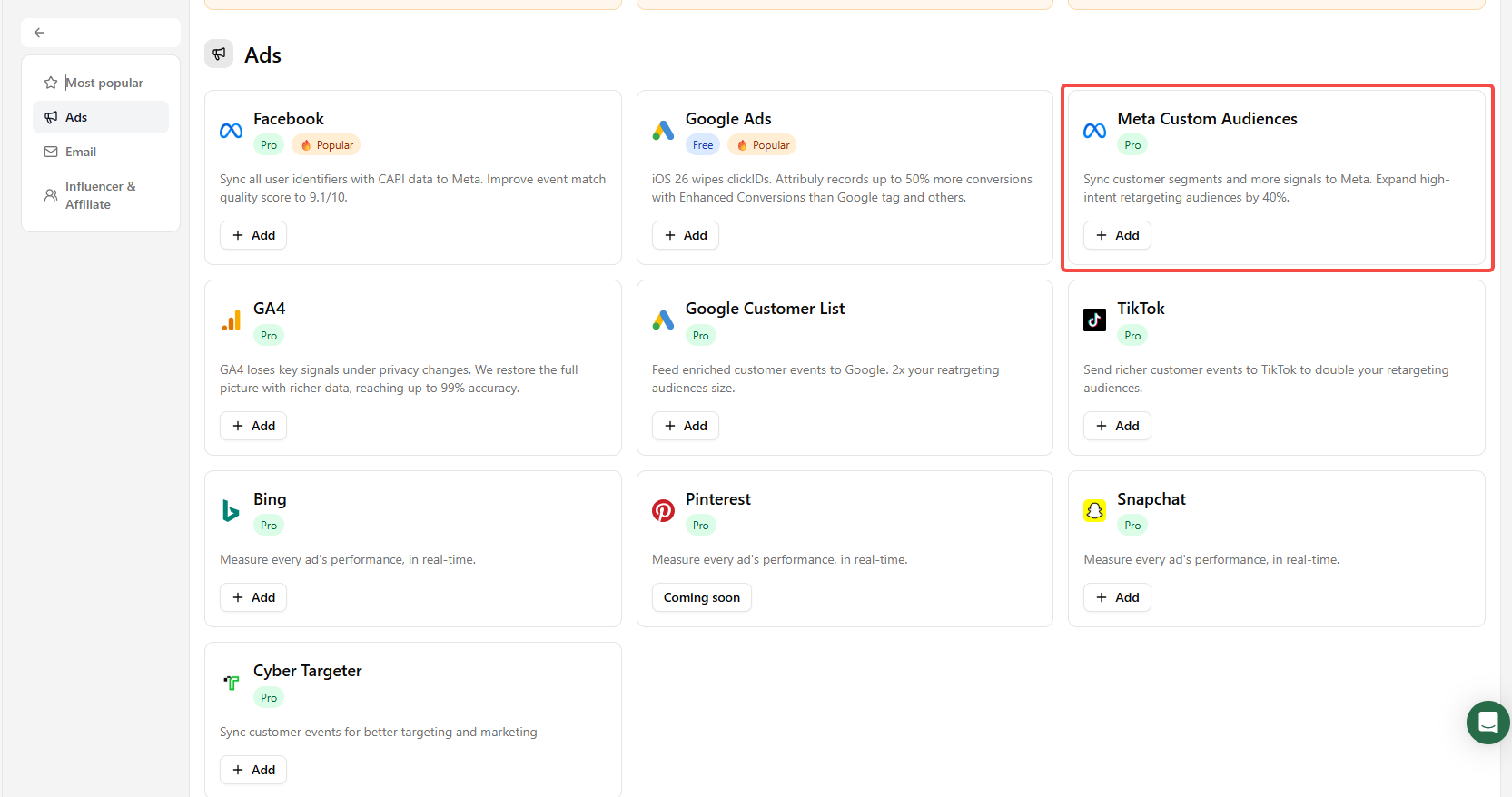
Meta Custom Audiences and Google Customer List
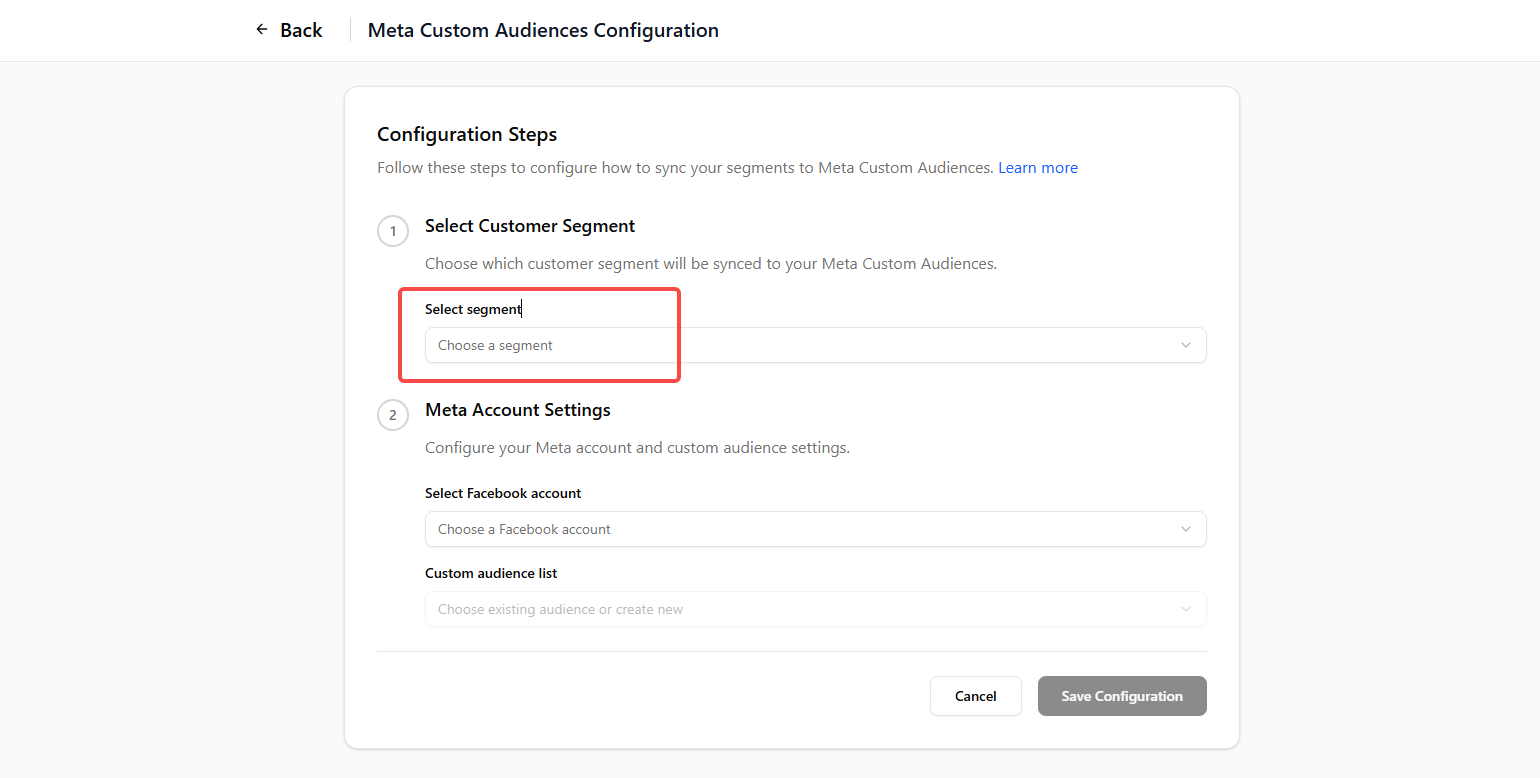
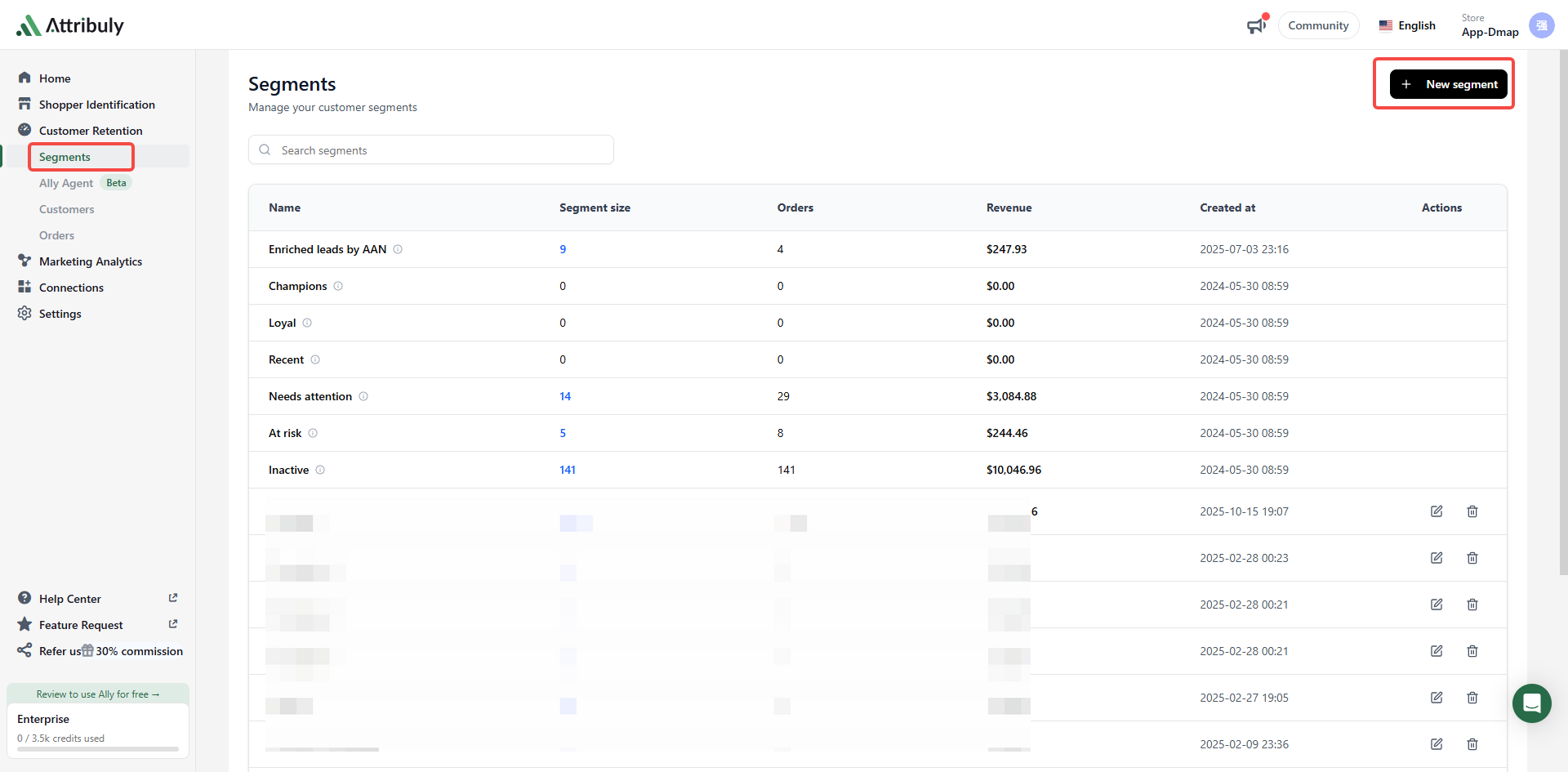
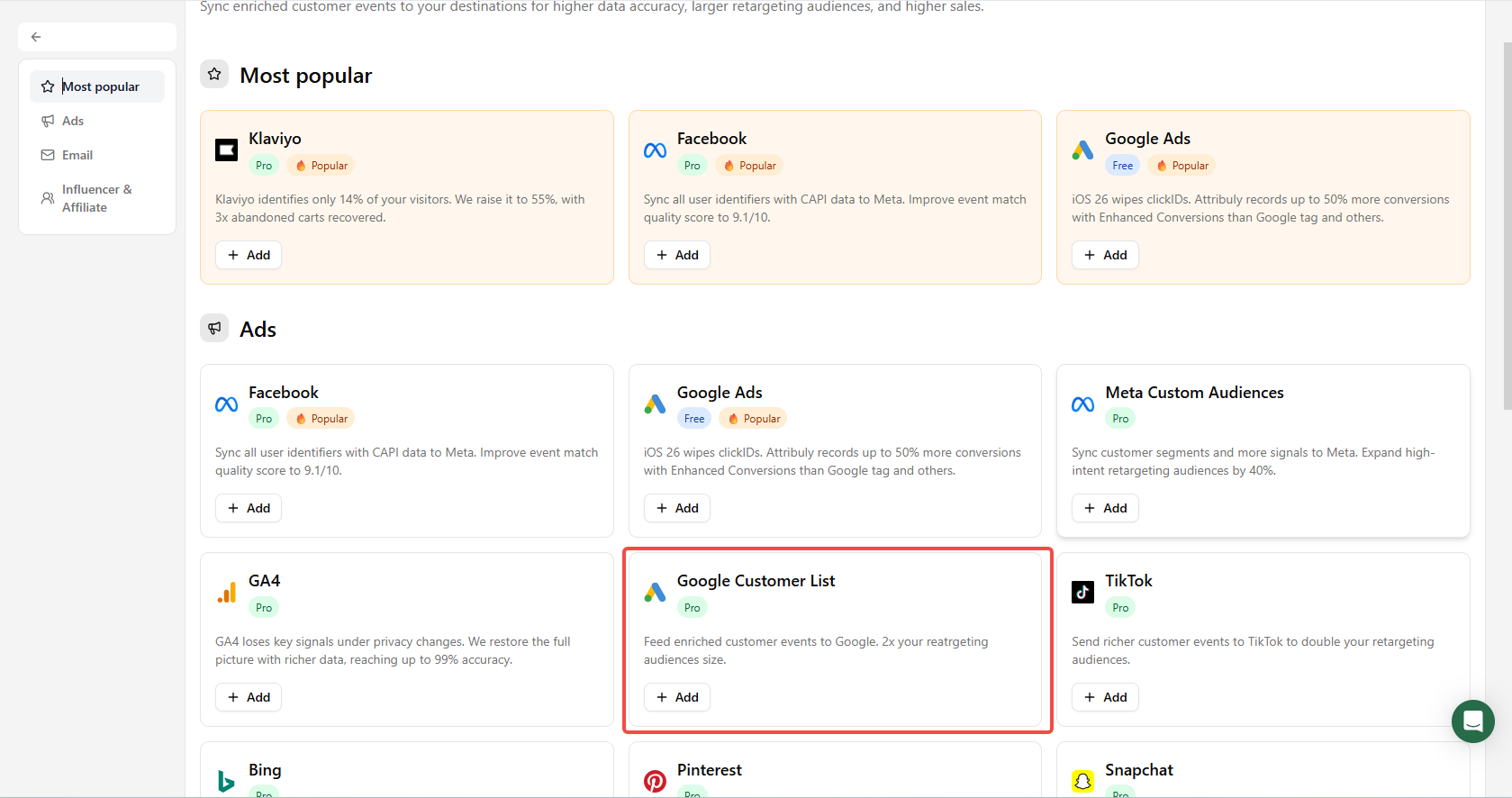
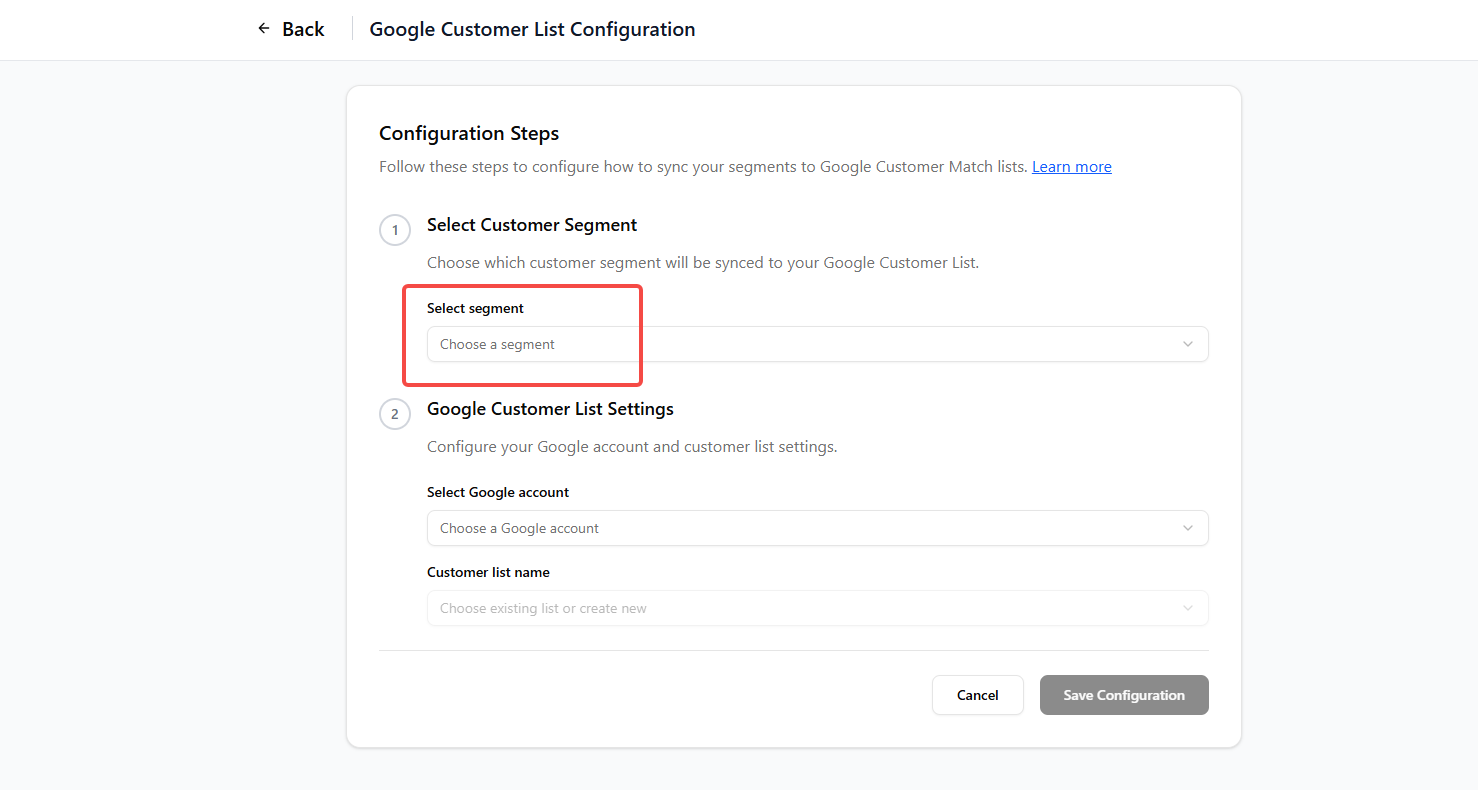
Add the matching destination under Connections → Destinations. You can create the segment used in the setup on the Segments page. See Meta Custom Audiences and Google Customer List.
Email destinations
Create an event destination in Attribuly, clone the relevant existing workflow in your email platform, and use the Attribuly event as the copied workflow's trigger. Add exclusions for native events so people tracked by both systems do not receive duplicate emails. This helps you evaluate the additional events covered by the copy.
Cartsee
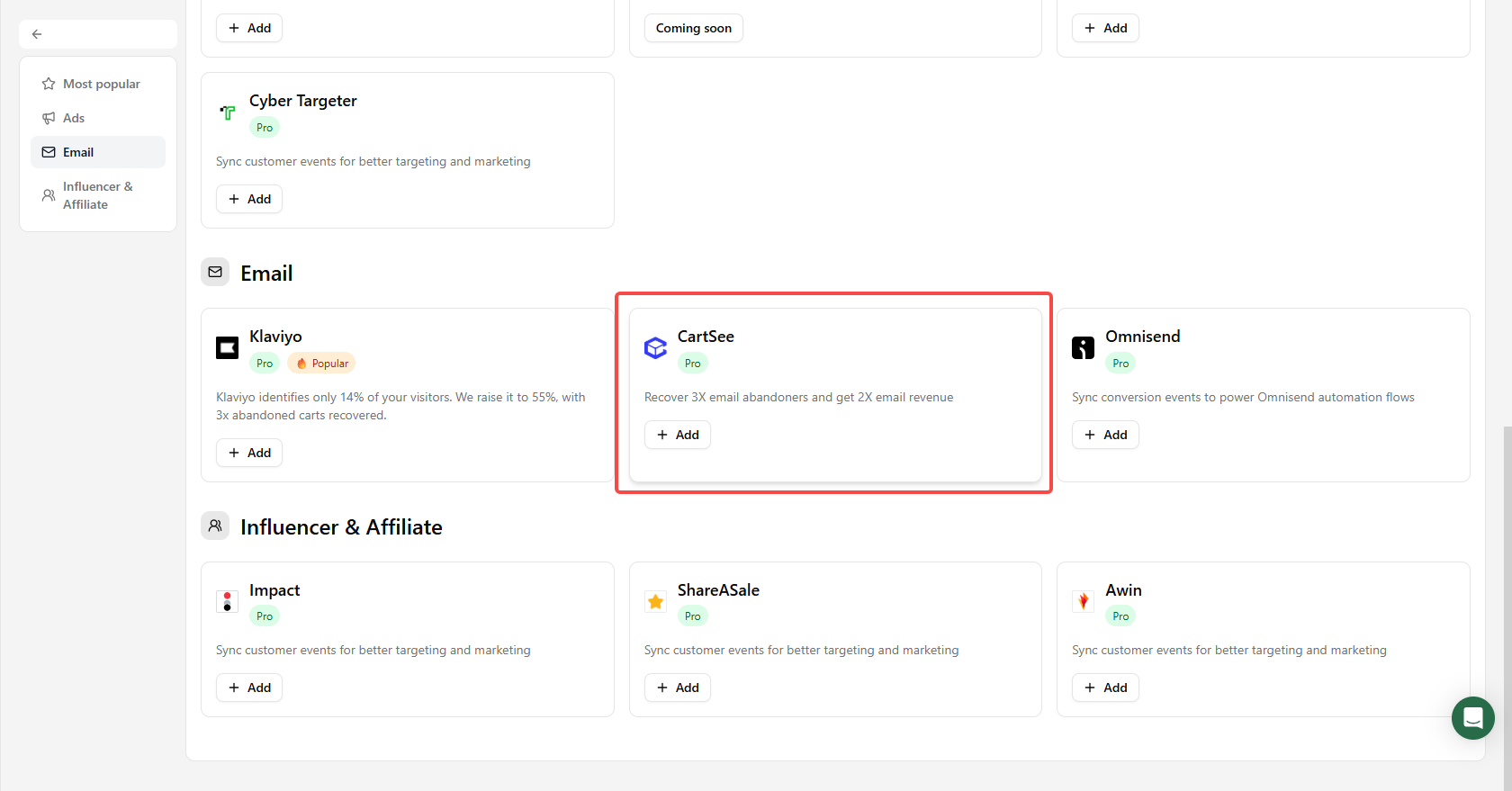
Add CartSee under Connections → Destinations → Add destinations. Clone the flow in Cartsee, change the trigger to the Attribuly event and configure exclusions. Your Cartsee contact can help. See the CartSee integration guide.
Klaviyo
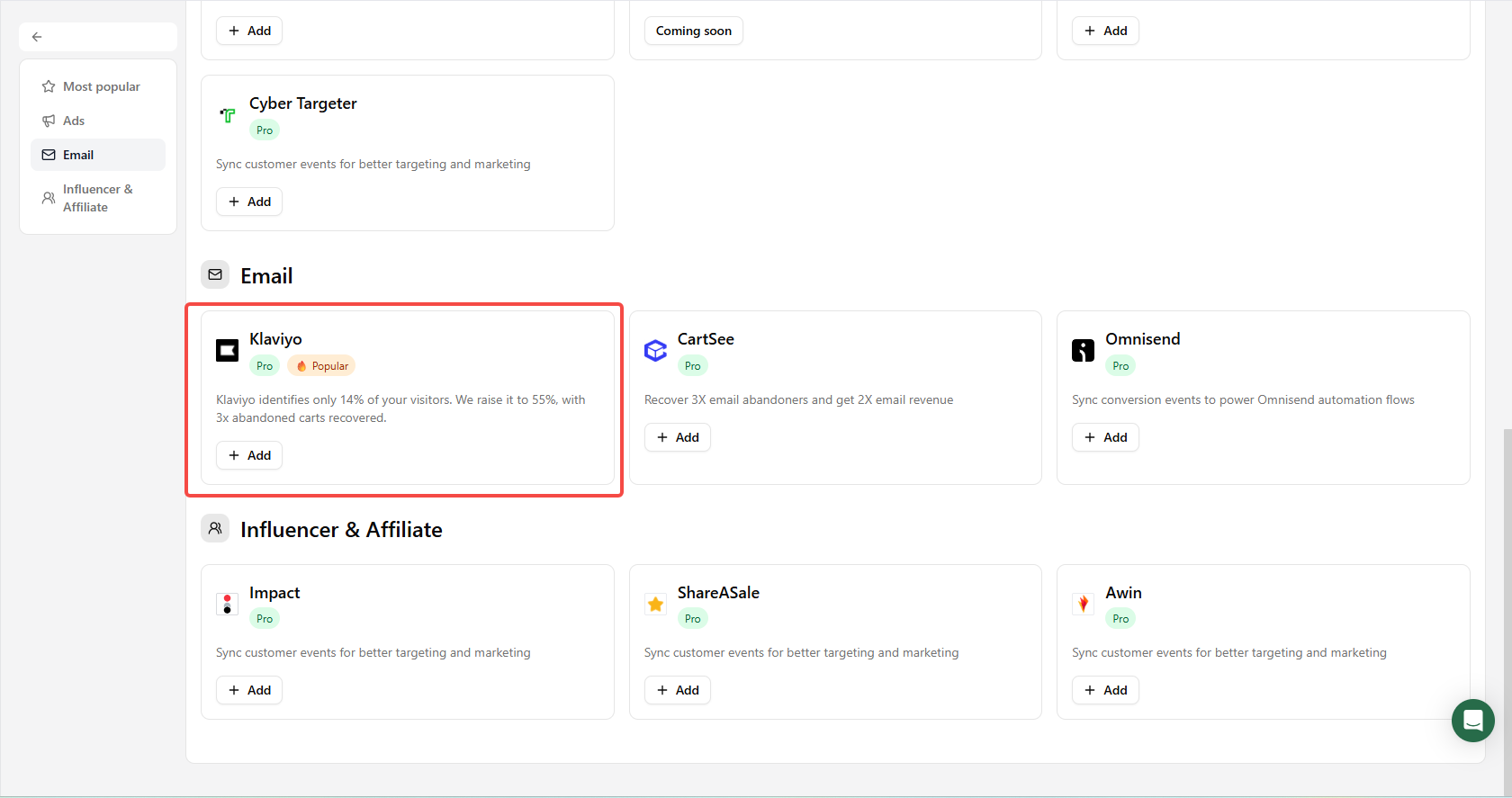
Add Klaviyo, then clone the abandonment flow and exclude contacts covered by native events. If Configuration says Flow not configured, the source guide indicates the cloned flow setup is incomplete. See the Klaviyo guide, flow cloning walkthrough and deduplication walkthrough.

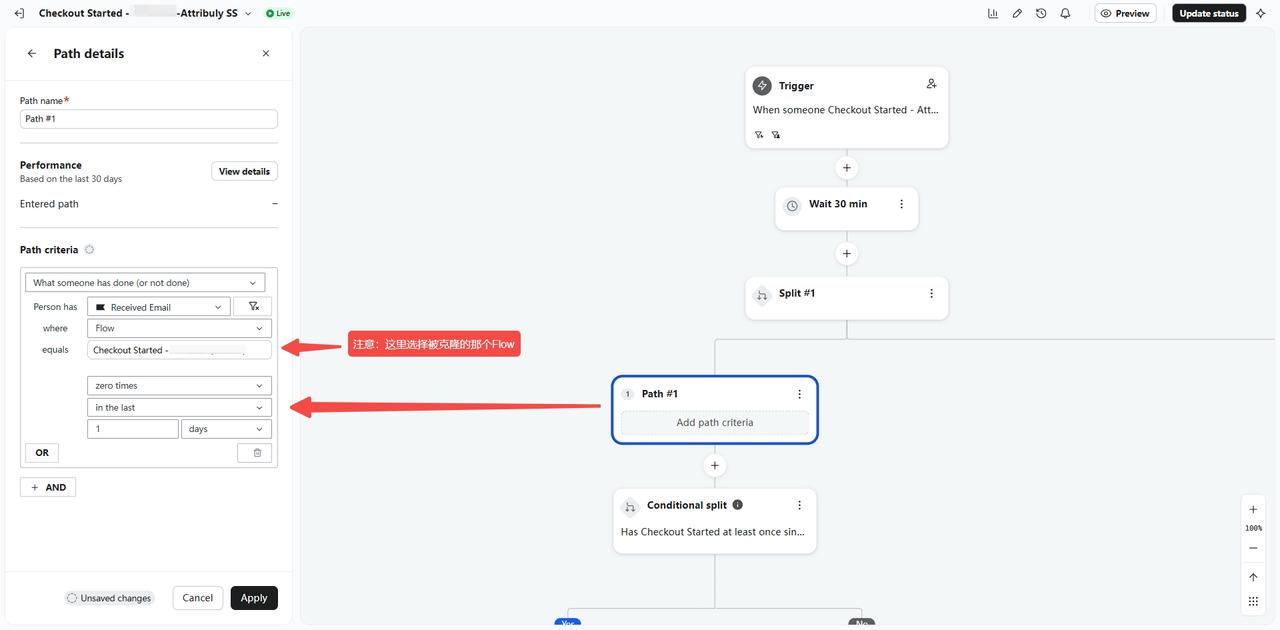 Select the original flow here
Omnisend
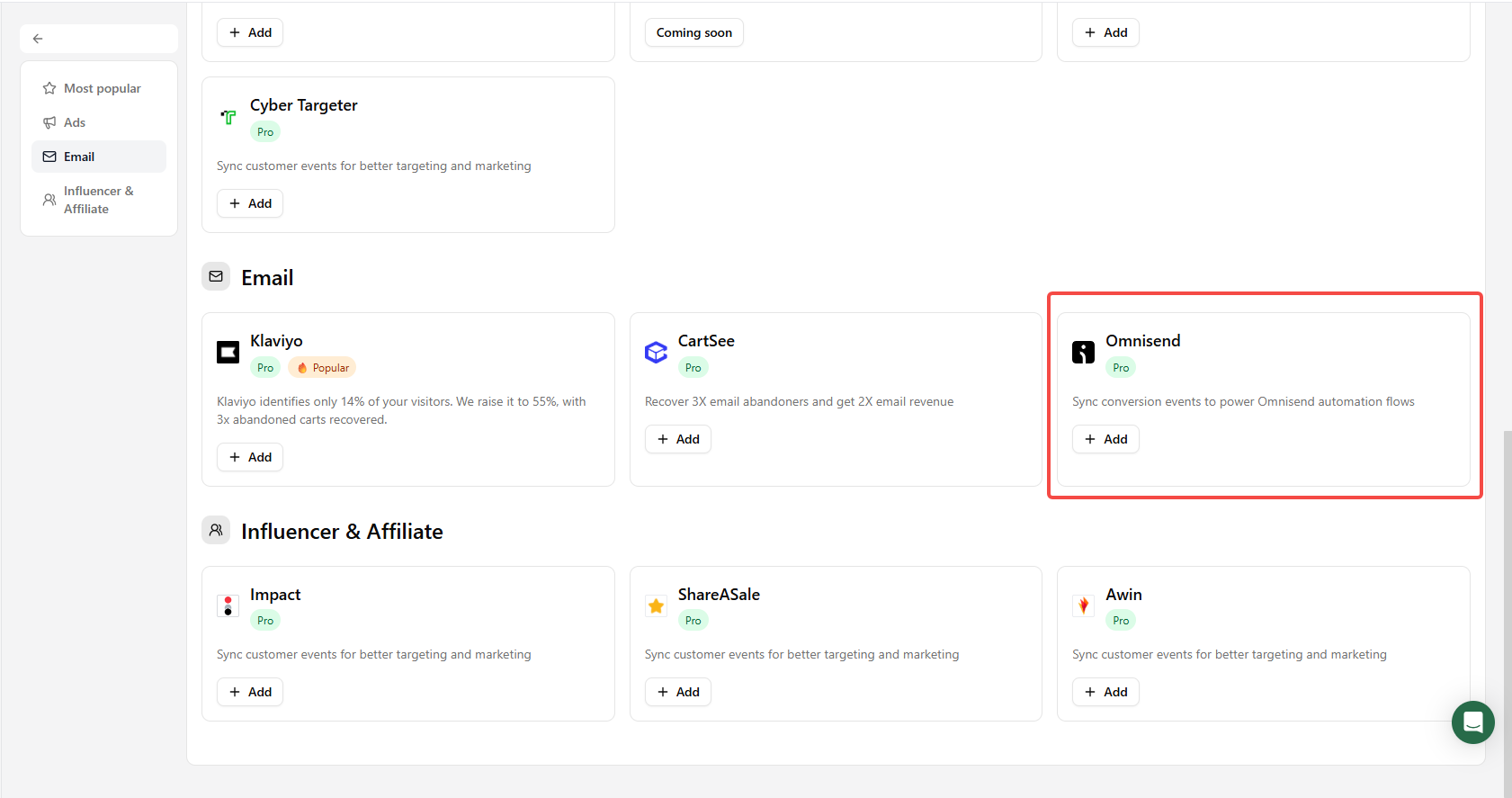
Add Omnisend, clone the existing workflow, use the Attribuly event as its trigger and add exclusions for native events. See the Omnisend setup guide.
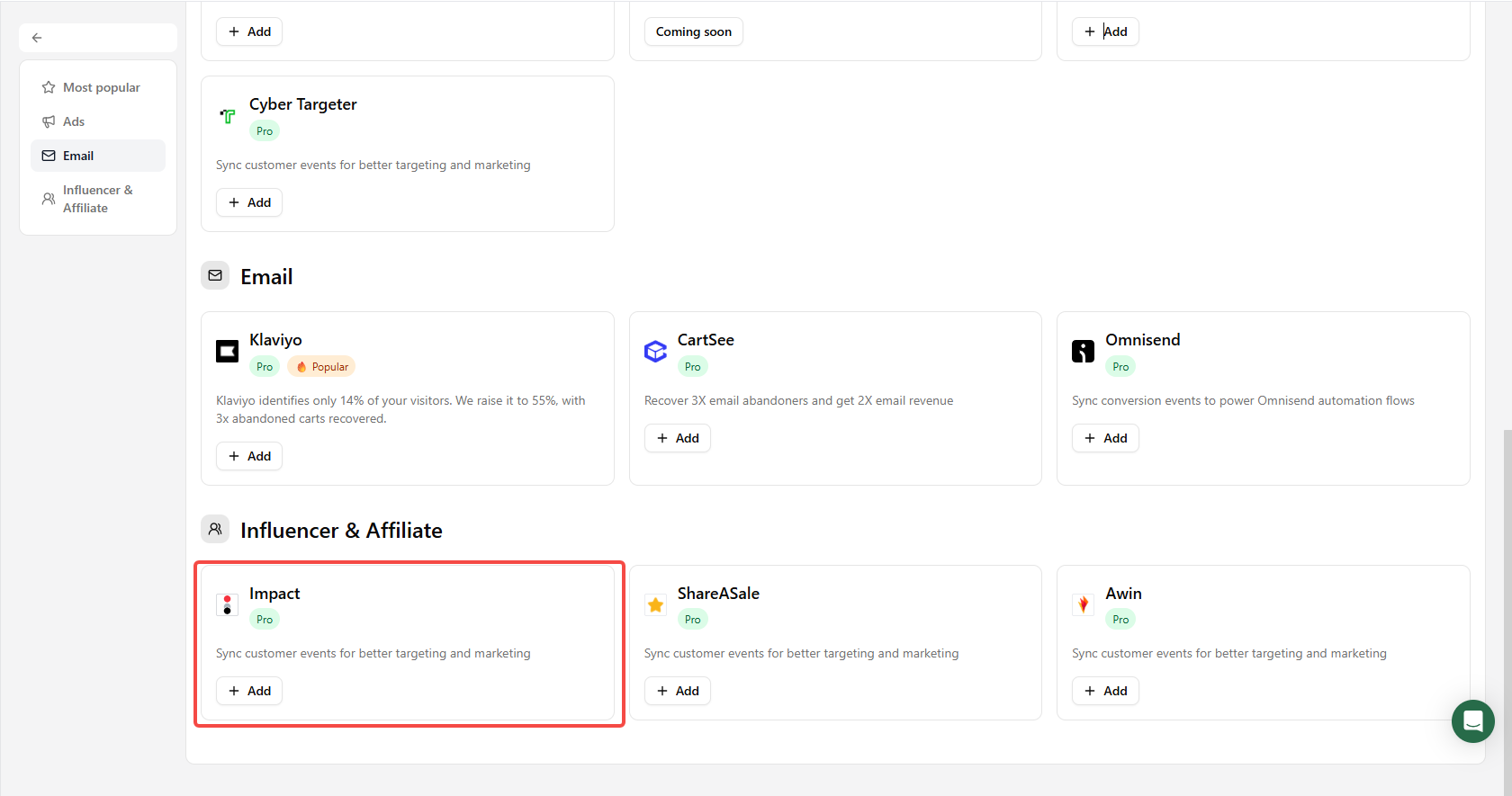
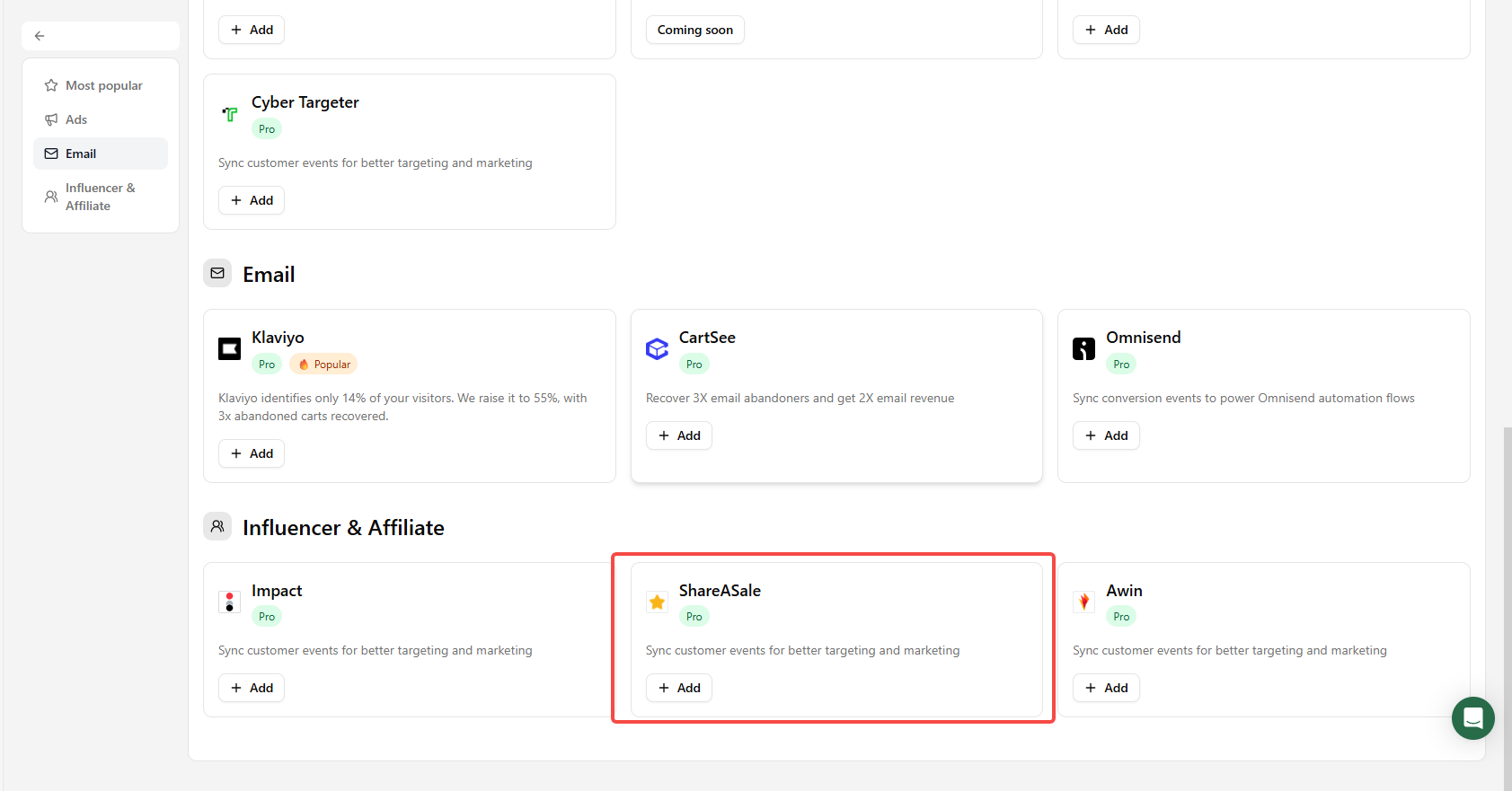
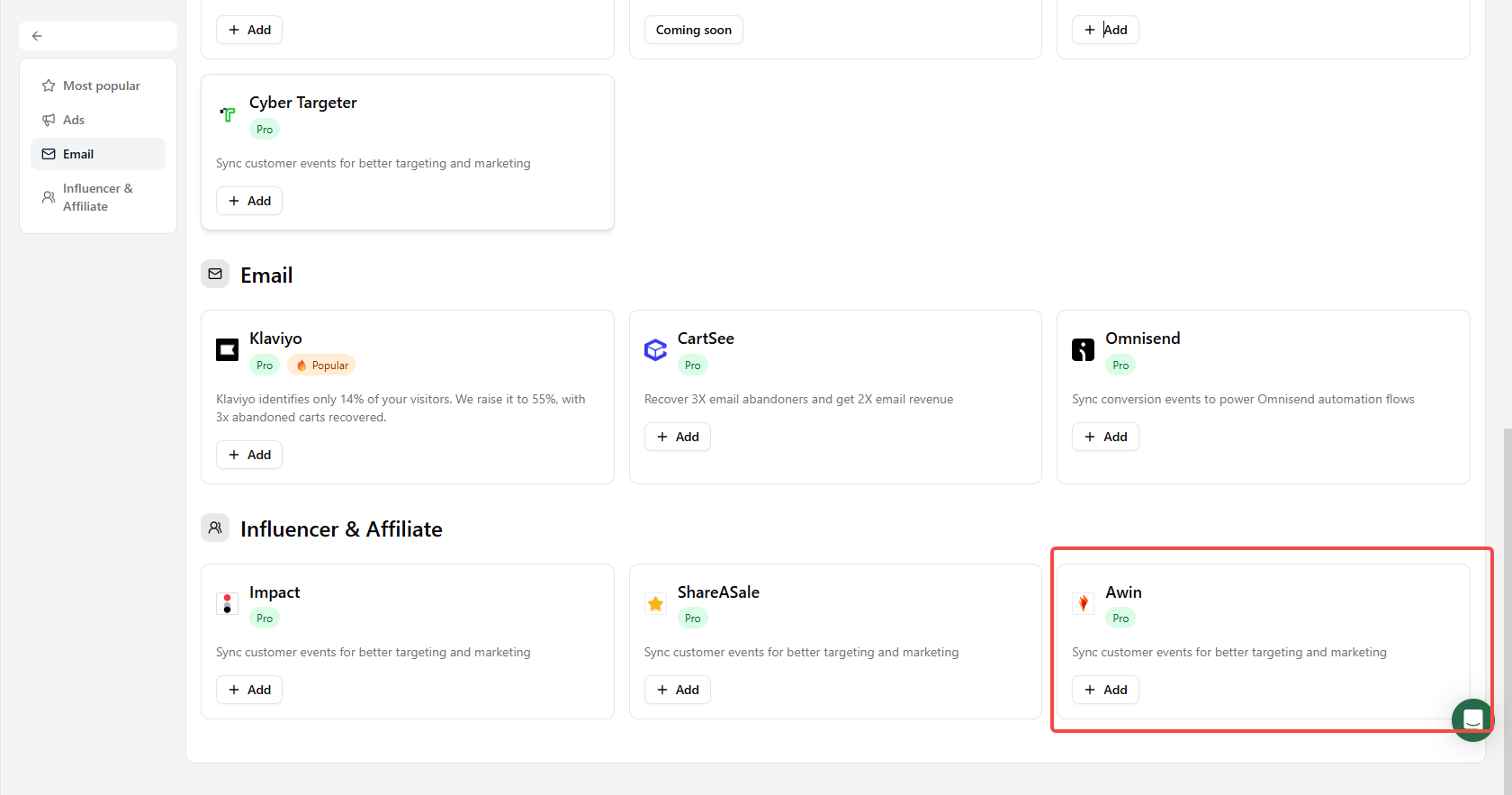
Influencer and affiliate destinations
Add Impact, ShareASale or Awin under Connections → Destinations → Add destinations. See Impact, ShareASale and Awin. The source guide notes that sending more events may increase platform charges for orders that previously incurred no fee.