
How to Reduce Checkout Abandonment: E-Commerce Best Practices & Recovery Strategies
Learn proven e-commerce strategies to reduce checkout abandonment. Optimize mobile UX, eliminate hidden costs, and automate revenue recovery.
Related articles
TL;DR
- The primary cause of immediate checkout drop-off is unnecessary effort.
- Forcing buyers to register an account before purchasing is responsible for 22% of abandoned checkouts .
- The average checkout form contains 11.3 fields.
- Typing shipping addresses on mobile screens frequently leads to typos, validation errors, and frustration.
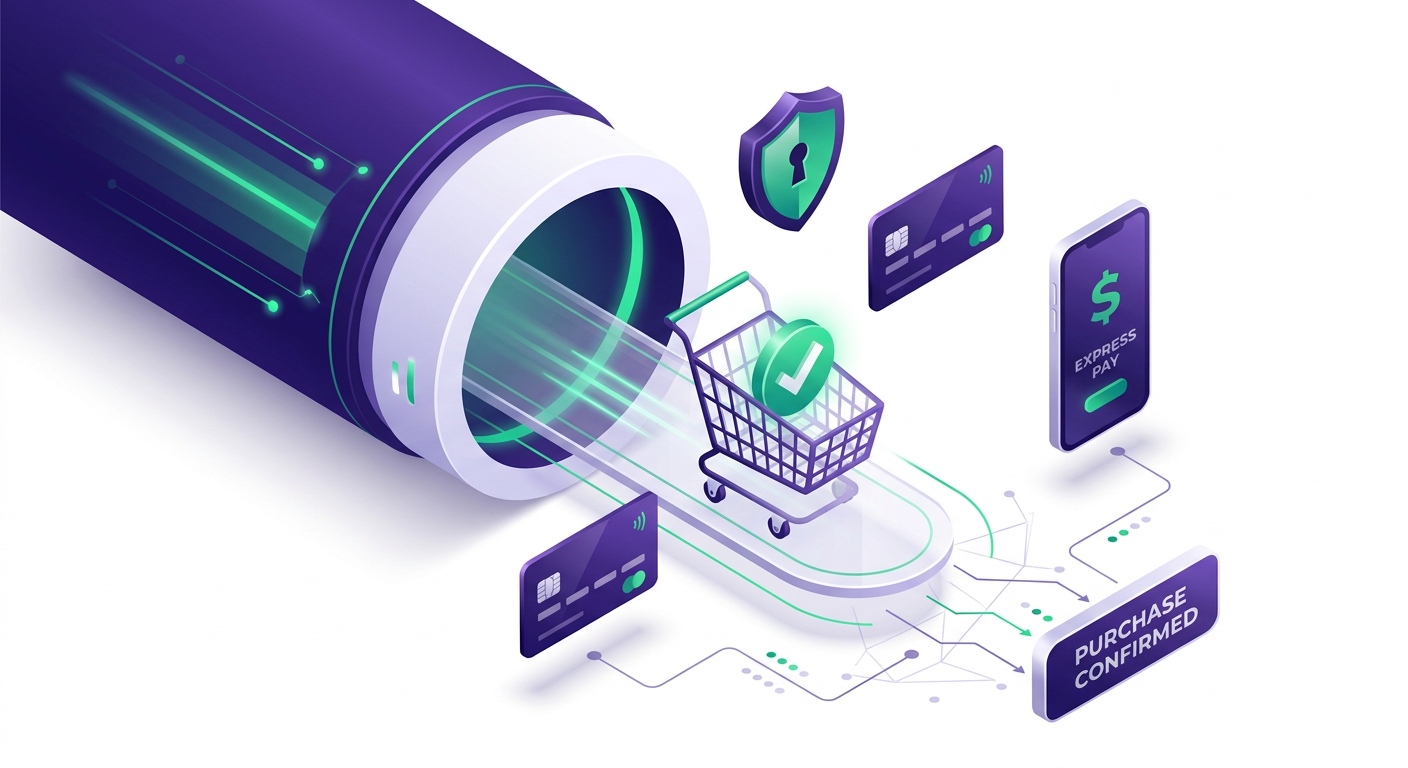
Every e-commerce merchant knows the pain: a buyer browses your catalog, selects items, adds them to their cart, and moves to the checkout page—only to vanish before clicking "Pay Now."
According to consolidated research by the Baymard Institute (2026 Cart Abandonment Statistics), the global average e-commerce checkout abandonment rate stands at 70.22%. That means more than seven out of every ten shoppers who begin the checkout process leave without completing their purchase.
While general cart abandonment often reflects casual browsing or price comparison, checkout abandonment represents lost revenue from high-intent buyers who actively tried to purchase. To fix this leak, you must address UX friction, hidden costs, and technical tracking limits.
Understanding checkout abandonment vs cart abandonment is the first step toward fixing your funnel. This guide breaks down actionable strategies to reduce checkout abandonment, optimize mobile conversion, and establish an automated recovery architecture.
Pillar 1: Eliminate Flow Friction with Field Minimization & Guest Checkout
The primary cause of immediate checkout drop-off is unnecessary effort. When a shopper encounters lengthy forms or mandatory sign-up steps, buying intent drops quickly.
Flow Friction
5-PILLAR CHECKOUT OPTIMIZATION FRAMEWORK Pricing Express Recovery & Transparency Payments Data Signals
1. Default to Guest Checkout
Forcing buyers to register an account before purchasing is responsible for 22% of abandoned checkouts. First-time customers want to complete their order quickly without managing another password.
Action: Enable guest checkout by default.
Alternative: Move account creation to the order confirmation page. Offer a simple option like: "Save your details for 1-click reordering next time" with a single password field after the transaction is complete.
2. Cut Form Fields Down to Essentials
The average checkout form contains 11.3 fields. You can collect all necessary delivery and payment information in 6 core fields:
Email Address (or Phone Number)
Full Name
Shipping Address
City
ZIP / Postal Code
Payment Details
Reducing total input fields from 11+ down to 6–8 can boost checkout completion rates by up to 17.2%. Combine "First Name" and "Last Name" into a single "Full Name" field, and automatically match City and State using the ZIP code.
3. Implement Address Autocomplete & Real-Time Validation
Typing shipping addresses on mobile screens frequently leads to typos, validation errors, and frustration. Integrating address autocomplete (such as Google Places API) reduces address input keystrokes by roughly 40%. Pair this with dynamic, inline field validation that highlights errors instantly—rather than displaying a red error banner after the user clicks "Submit."
Pillar 2: Establish Upfront Pricing Transparency
Surprise costs at the final step remain the single largest cause of checkout abandonment, driving away 48% of shoppers.
Cause of Checkout Drop-Off | Impacted Shoppers (%) | Primary Solution |
|---|---|---|
Extra costs too high (shipping, taxes) | 48% | Upfront shipping calculators & clear tax estimations |
Forced account creation | 22% | Default guest checkout option |
Complex or lengthy checkout form | 18% | Reduce fields to core essentials; add auto-complete |
Lack of trust in payment security | 18% | Contextual trust badges near payment CTA |
Slow delivery speeds | 19% | Multiple transparent shipping speed choices |
Disclose Shipping Rates Early
When buyers see unexpected shipping fees added to their order total on the final payment screen, they experience sudden buyer remorse.
Cart Drawer Shipping Estimates: Use geo-IP lookup to estimate shipping costs directly in the cart drawer before the buyer clicks "Checkout."
Free Shipping Threshold Bars: Display a dynamic progress bar in the header or cart (e.g., "Add $12.50 more to unlock Free Express Shipping"). This sets clear expectations while increasing average order value (AOV).
Clear International Taxes & Duties: For cross-border e-commerce, show estimated import taxes and duties upfront so international shoppers aren't surprised by unexpected customs charges later.
Pillar 3: Mobile UX & Express Payment Acceleration
Mobile devices account for over 65% of e-commerce traffic, yet mobile checkout abandonment hovers around 80% to 85%—significantly higher than desktop. The culprit is typically poor mobile layout design and tedious credit card entry.
Item | Detail |
|---|---|
Desktop Abandonment | ~65.0% - 73.8% [ Moderate Friction ] |
Mobile Abandonment | ~80.0% - 85.6% [ High Friction ] |
1. Position Express Payment Wallets Above the Fold
Manual credit card entry requires entering 16 digits, an expiration date, and a CVV—a process that averages 120 seconds on a smartphone.
Integrating one-tap express payment wallets cuts checkout completion time to under 15 seconds:
Apple Pay & Google Pay
Shop Pay
PayPal Express
Place these express options at the very top of the checkout flow or directly inside the cart drawer. This simple layout adjustment can deliver a 20% to 28% increase in mobile conversion rates.
2. Offer Buy Now, Pay Later (BNPL) Solutions
For purchases over $50, offering BNPL options (such as Klarna, Affirm, or Afterpay) reduces price friction by splitting orders into smaller interest-free installments.
3. Design for Mobile Thumb Zones
Ensure primary CTA buttons (e.g., "Complete Order") span the full screen width with a touch height of at least 48 pixels. Automatically pop up numeric keypads whenever users focus on credit card, phone number, or ZIP code fields.
Pillar 4: Embed Contextual Trust Signals & Reassurance
Online buyers routinely pause when entering sensitive payment details. If your checkout page lacks clear trust indicators, security concerns can stop purchases.
Place Security Badges Near CTAs
Placing security badges in your website footer does little to reassure a buyer on the checkout page. Position security badges—like SSL encryption icons, Visa/Mastercard logos, and trusted payment seal icons—directly adjacent to the main payment button.
Add Micro-Copy Guarantees
Reassure buyers right when they are making a decision with clear, concise micro-copy placed next to the total price:
"30-Day Money-Back Guarantee • Hassle-Free Returns"
"Encrypted 256-Bit SSL Checkout"
"No hidden fees—cancel or return anytime"
If your store handles high-value products, consider adding a quick live-chat trigger directly on the payment page. This allows shoppers with questions to get fast answers without leaving the checkout funnel.
Pillar 5: Server-Side First-Party Signals & Multi-Channel Recovery
Even after optimizing your checkout UX, some abandonment is inevitable. Recovering these lost sales requires accurate event tracking and well-timed multi-channel communication.
Overcoming Client-Side Tracking Limits
Modern browser privacy controls (like Safari's ITP) and ad blockers frequently block standard client-side JavaScript pixels. As a result, merchants can lose track of 15% to 30% of checkout events. If your email system doesn't capture the checkout_started signal, it won't send an abandoned checkout email.
To fix this gap, modern e-commerce architectures rely on server-side event tracking. Server-side tracking solutions, such as Attribuly, capture checkout_started events directly from the server to maintain data accuracy. They pass reliable first-party shopper signals to email platforms like Klaviyo, helping run timely recovery flows and track real marketing performance.
An Automated Recovery Sequence
Setting up an automated multi-channel sequence helps re-engage abandoned shoppers over 48 hours:
Checkout Abandoned
(T + 30 Mins) ► Email 1: Helpful Support (No discount) (T + 24 Hours) ► Email 2: Social Proof & Reviews (T + 48 Hours) ► Email 3 / SMS: Time-Limited Incentive
Message 1 (30 Minutes Post-Abandonment): Send a friendly customer service check-in without discounts. Ask if the buyer had technical difficulties or questions about shipping.
Message 2 (24 Hours Post-Abandonment):Highlight customer reviews, product guarantees, and key benefits to address common buyer hesitation. For more detailed strategy on copy and structure, review theseabandoned cart email best practices.
Message 3 (48 Hours Post-Abandonment): Offer a time-limited incentive—like 10% off or free express shipping—to encourage conversion.
Pro Tip: Use suppression rules to stop SMS messages if a shopper opens or clicks the recovery email, avoiding redundant communication.
The Recoverable Revenue ROI Formula
To prioritize your checkout optimization efforts, calculate how much revenue your store can recover by using this simple model:
Recoverable Revenue = Monthly Abandoners × Identification % × Click Rate % × Conversion % × AOV
Example Scenario
Let's consider a store that experiences 5,000 checkout abandonments per month:
Monthly Checkout Abandoners: 5,000
Identification Rate: 45% (capturing early contact fields and first-party cookies) = 2,250 identified abandoners
Recovery Click Rate: 20% = 450 store visits
Recovery Conversion Rate: 10% = 45 recovered orders
Average Order Value (AOV): $85.00
Recovered Revenue = 45 orders × \85.00 = \3,825.00 per month
By improving event tracking and updating your recovery strategy, this store recovers $45,900 in annual revenue that would otherwise be lost. Reviewing a comprehensive Shopify abandoned cart recovery checklist can help uncover additional revenue opportunities across your store.
The 10-Point Checkout Funnel Audit Checklist
Run through this checklist to evaluate your checkout flow and identify friction points:
1. Mobile Speed: Does your checkout load in under 2 seconds on mobile devices?
2. Guest Checkout: Is guest checkout enabled by default without forcing account creation?
3. Field Count: Is your form streamlined to 8 or fewer core fields?
4. Autocomplete: Is address auto-complete enabled to speed up mobile entry?
5. Express Wallets: Are Shop Pay, Apple Pay, or Google Pay placed above the fold?
6. Pricing Transparency: Are shipping costs and taxes shown before the final payment step?
7. Trust Placement: Are security badges and money-back guarantees placed near the payment CTA button?
8. Error Handling: Do form fields show real-time inline validation errors?
9. Server-Side Tracking: Are you capturing
checkout_startedevents with server-side tracking?10. Multi-Channel Recovery: Is an automated recovery sequence set up with SMS and email suppression rules?
Next Steps
Reducing checkout abandonment requires addressing both front-end UX friction and back-end tracking limits. Streamlining forms, adding express wallets, maintaining price transparency, and setting up reliable server-side tracking helps ensure high-intent buyers finish their purchases.
To improve your recovery strategy, start by auditing your current checkout drop-off points and verifying your tracking accuracy. You can also explore our customer journey retargeting guide to build consistent re-engagement across all marketing channels.
| Cause of Checkout Drop-Off | Impacted Shoppers (%) | Primary Solution |
|---|---|---|
| Extra costs too high (shipping, taxes) | 48% | Upfront shipping calculators & clear tax estimations |
| Forced account creation | 22% | Default guest checkout option |
| Complex or lengthy checkout form | 18% | Reduce fields to core essentials; add auto-complete |
| Lack of trust in payment security | 18% | Contextual trust badges near payment CTA |
| Slow delivery speeds | 19% | Multiple transparent shipping speed choices |
| Item | Detail |
|---|---|
| Desktop Abandonment | ~65.0% - 73.8% [ Moderate Friction ] |
| Mobile Abandonment | ~80.0% - 85.6% [ High Friction ] |
Sources and Related Reading
About Attribuly
Attribuly helps DTC brands recover abandoned cart revenue. We identify anonymous visitors and existing subscribers your ESP (like Klaviyo) missed, enrich their profiles, and feed the signals back — so your abandonment flows fire and your retargeting audiences grow, and you recover at least 15% more revenue. Shopify featured app, Klaviyo tech partner. Trusted by 20,000+ brands. Guaranteed 4× ROI.