
Abandoned Cart in Klaviyo: Setup & Recovery Guide
Master how to set up an Abandoned Cart in Klaviyo with dual triggers, Liquid tags, dynamic links, timing sequences, and server-side identity recovery.
Related articles
TL;DR
- Before opening your email template editor, you must decide which behavioral event will trigger your automated emails.
- While Started Checkout syncs automatically when you connect Shopify or WooCommerce to Klaviyo, Added to Cart tracking often requires manually enabling the web snippet.
- With event tracking active, log into your Klaviyo dashboard and complete the following UI steps:
- Flawless exclusion logic is essential.
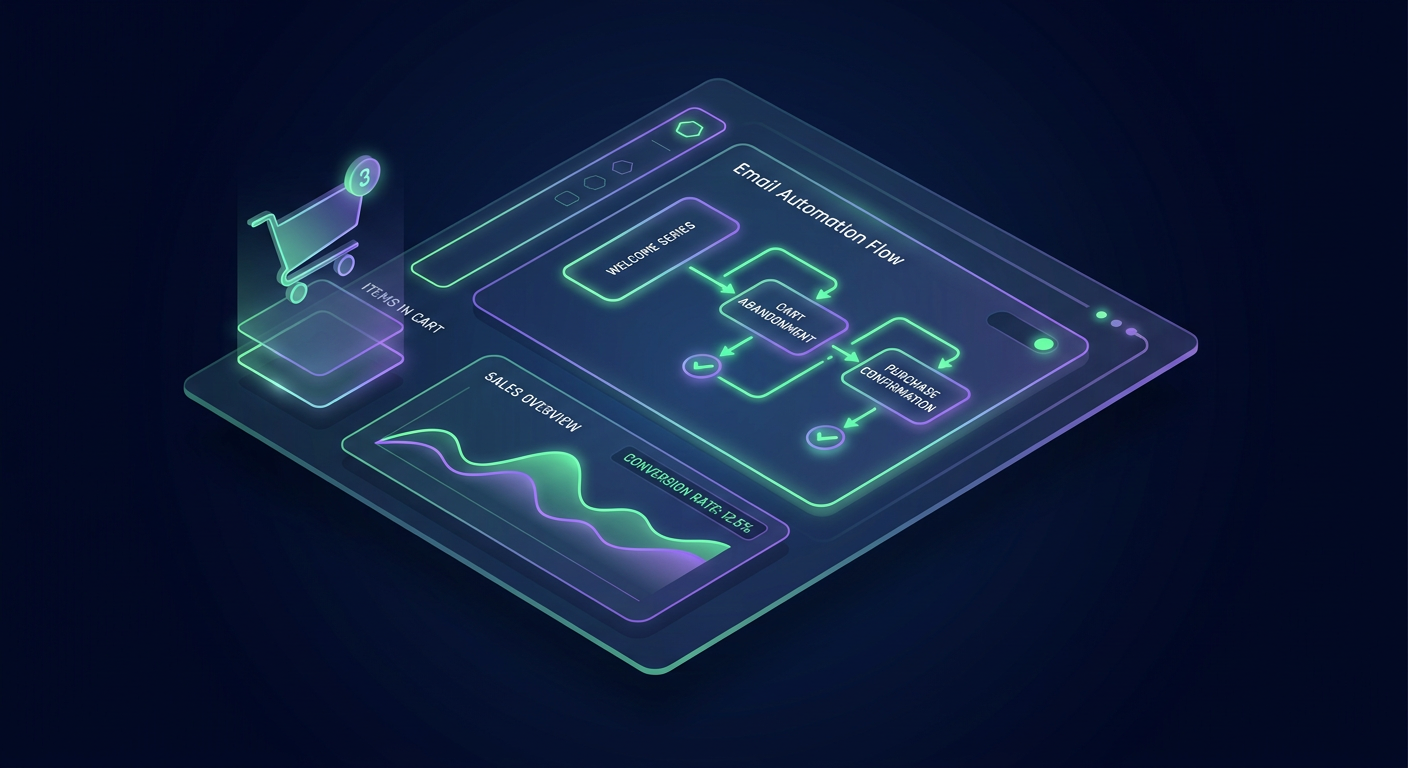
Every day, nearly 70% of online shoppers add products to their carts or start entering checkout details, only to leave without completing their purchase. For digital store owners, this represents a significant leak in revenue. Implementing an automated sequence for an Abandoned Cart in Klaviyo is the single highest-ROI lifecycle marketing campaign you can deploy to reclaim those lost transactions.
However, setting up a recovery system that works reliably requires more than choosing a pre-built email template. You need to understand the technical nuances between different user triggers, configure exclusion rules so you don't annoy recent buyers, craft dynamic email layouts, and overcome modern tracking blockages caused by browser privacy changes.
This step-by-step guide walks you through building an enterprise-grade Klaviyo abandoned cart strategy from technical setup to high-converting email sequences.
Dual-Trigger Architecture: Added to Cart vs. Started Checkout
Before opening your email template editor, you must decide which behavioral event will trigger your automated emails. Klaviyo offers two distinct triggers for cart recovery, each serving a different stage of purchase intent.
Most store owners confuse these two triggers, often running a single sequence that either sends too early or misses shoppers who never reached the checkout page. The table below outlines how these two triggers differ in practice.
Strategic Dimension |
|
|
|---|---|---|
Funnel Position | Mid-funnel (High browsing intent) | Bottom-funnel (High purchase intent) |
Native Integration | Requires theme snippet or app embed | Built-in native connection with Shopify/WooCommerce |
User Identification | Requires cookie or existing email session | Captures email typed during checkout step 1 |
Conversion Urgency | Moderate (Shopper is comparing options) | Very High (Shopper faced a checkout friction point) |
Primary Goal | Re-engage browsing shoppers before they leave | Drive immediate completion of an active session |
Setting up both flows creates a comprehensive safety net. The Added to Cart flow catches shoppers early in their decision process, while the Started Checkout flow addresses high-intent users who encountered friction during payment or shipping selection.
1. Enabling Added to Cart Event Tracking
While Started Checkout syncs automatically when you connect Shopify or WooCommerce to Klaviyo, Added to Cart tracking often requires manually enabling the web snippet.
In Shopify, navigate to Online Store > Themes > Customize. Open the App Embeds tab on the left toolbar, toggle the Klaviyo app embed to active, and ensure Track behavioral events is checked. Save your settings.
If you use a custom theme or an AJAX slide-out cart drawer, add the following script directly below your product tracking code in your theme layout:
<script type="text/javascript">
  var _learnq = _learnq || [];
  document.getElementById("AddToCart").addEventListener('click', function () {
    _learnq.push(['track', 'Added to Cart', item]);
  });
</script>
2. Building the Flow Structure in Klaviyo UI
With event tracking active, log into your Klaviyo dashboard and complete the following UI steps:
Click Flows in the main sidebar navigation, then click Create Flow.
Select Build Your Own in the top-right corner and title your workflow
Abandoned Cart - Started Checkout Trigger.In the trigger menu, choose Metric, then scroll and select Started Checkout.
3. Setting Up Flow Exclusion Filters
Flawless exclusion logic is essential. If a shopper completes their purchase, they must be removed from the recovery sequence instantly.
Click on your flow trigger node and open Flow Filters. Set up the following rules:
Placed Order zero times since starting this flowAND
Has not been in this flow in the last 7 days
If you are configuring an Added to Cart flow, add one more filter: AND Started Checkout zero times since starting this flow. This prevents shoppers from receiving both cart and checkout abandonment sequences at the same time.
Sequence Timing and Content Strategy
Timing directly impacts your recovery conversion rates. Sending an email too quickly can feel pushy, while waiting too long allows buyer intent to cool off. A three-email sequence spread over 72 hours delivers the best balance between persistence and customer respect.
[Trigger: Started Checkout]
       │
  (Wait 30 Mins)
       │
 ┌─────▼─────┐
 │  Email 1  │  --> Friendly Nudge & Dynamic Cart Link
 └─────┬─────┘
       │
  (Wait 24 Hours)
       │
 ┌─────▼─────┐
 │  Email 2  │  --> Social Proof & Objection Handling
 └─────┬─────┘
       │
  (Wait 48 Hours)
       │
 ┌─────▼─────┐
 │  Email 3  │  --> Incentive & Expiration Urgency
 └───────────┘
Email 1: The Helpful Nudge (30 to 60 Minutes)
Your first email should act as a helpful customer service reminder. Assume the shopper was interrupted by a phone call or lost their internet connection. Avoid offering discounts here, as doing so trains customers to abandon carts intentionally to get lower prices. Frame the email around helping them complete their order and include direct customer support links.
Email 2: Social Proof and Objection Handling (24 Hours Later)
If the shopper hasn't purchased after 24 hours, price, trust, or shipping costs are usually the primary hesitation points. Use this second email to highlight customer reviews, display user-generated content, emphasize simple return policies, and clear up shipping questions.
Email 3: The Final Incentive (48 to 72 Hours Later)
Reserve discounts or free shipping offers for your final message. Clearly state that their saved cart and dynamic discount code will expire within 24 hours to create natural urgency.
Dynamic Cart Reconstruction via Liquid Tags
A common reason cart recovery emails underperform is vague messaging. Showing shoppers the exact items left behind makes it easy for them to return and complete their order.
Klaviyo uses Liquid syntax to dynamically generate product images, titles, and item quantities from checkout data payloads.
When configuring your dynamic email table in Klaviyo, set the block property source to event.extra.line_items and use the variable item. Use these Liquid tags to populate your product layout:
Product Title:
{{ item.product.title }}Item Quantity:
{{ item.quantity }}Product Image:
{{ item.image }}
To create a button that takes shoppers straight back to their populated cart, set the button link URL to:
{{ event.extra.checkout_url }}
This single tag rebuilds the buyer's session in one click, eliminating the friction of re-adding items manually.
Recovering Lost Anonymous Shoppers
Standard web tracking scripts face growing challenges. Safari's Intelligent Tracking Prevention (ITP), iOS privacy updates, and ad-blocking extensions frequently erase client-side browser cookies.
As detailed in the Klaviyo Help Center Guide on Web Tracking, standard JavaScript tracking relies heavily on persistent browser cookies to link an IP address to a known email subscriber. When those cookies are blocked, up to 70% of shoppers who add products to their cart remain anonymous. As a result, standard Klaviyo flows never trigger for them.
To fix this data gap, growing e-commerce brands use server-side tracking and identity resolution platforms like Attribuly.
[Anonymous Visitor Cart Event]
       │
       ▼
[Client-Side Script Blocked by Browser/ITP] ──> (Standard Tracking Fails)
       │
       ▼
[Server-Side Identity Engine (Attribuly SS)]
       │
       ▼
[First-Party Signal Match & Session Enrichment]
       │
       ▼
[Enriched Event Payload Sent to Klaviyo API] ──> (Flow Successfully Triggered)
By processing events at the server level, Attribuly SS captures first-party server signals and de-anonymizes returning shoppers or device sessions. It enriches the event payload before passing it directly to Klaviyo's API. This enables your Abandoned Cart in Klaviyo setup to trigger reliably even when browser-side scripts are blocked, helping you recover revenue from lost traffic. You can explore step-by-step setup details in this Attribuly Klaviyo Integration Guide.
Quality Assurance and Testing Checklist
Before changing your flow status from Draft to Live, run through this pre-flight verification process to ensure everything works properly:
Payload Preview: Open your email block in the Klaviyo editor, click Preview Text & Data, and select Preview with real event data. Confirm that product images, names, and cart links render correctly.
Incognito Test: Open an incognito browser window, visit your store, add an item to your cart, proceed to checkout, enter a test email, and close the tab. Confirm that the event appears under Analytics > Metrics in Klaviyo within 15 minutes.
Suppression Audit: Place a test order through your checkout. Verify that the
Placed Ordermetric immediately cancels any pending recovery emails queued for that email address.Status Update: Once verified, switch your flow status from Draft to Live.
Setting up your recovery sequences correctly protects your store from lost sales and helps turn abandoned carts into predictable, automated revenue.
| Strategic Dimension | Added to Cart Flow | Started Checkout Flow |
|---|---|---|
| Funnel Position | Mid-funnel (High browsing intent) | Bottom-funnel (High purchase intent) |
| Native Integration | Requires theme snippet or app embed | Built-in native connection with Shopify/WooCommerce |
| User Identification | Requires cookie or existing email session | Captures email typed during checkout step 1 |
| Conversion Urgency | Moderate (Shopper is comparing options) | Very High (Shopper faced a checkout friction point) |
| Primary Goal | Re-engage browsing shoppers before they leave | Drive immediate completion of an active session |
Sources and Related Reading
About Attribuly
Attribuly helps DTC brands recover abandoned cart revenue. We identify anonymous visitors and existing subscribers your ESP (like Klaviyo) missed, enrich their profiles, and feed the signals back — so your abandonment flows fire and your retargeting audiences grow, and you recover at least 15% more revenue. Shopify featured app, Klaviyo tech partner. Trusted by 20,000+ brands. Guaranteed 4× ROI.