
Shopify Dynamic Product Ads Playbook for Cart Abandoners
Step-by-step Shopify playbook to launch Dynamic Product Ads for cart abandoners: feed hygiene, audience recipes, creative tests, CRM dedup, and prove incremental iROAS.
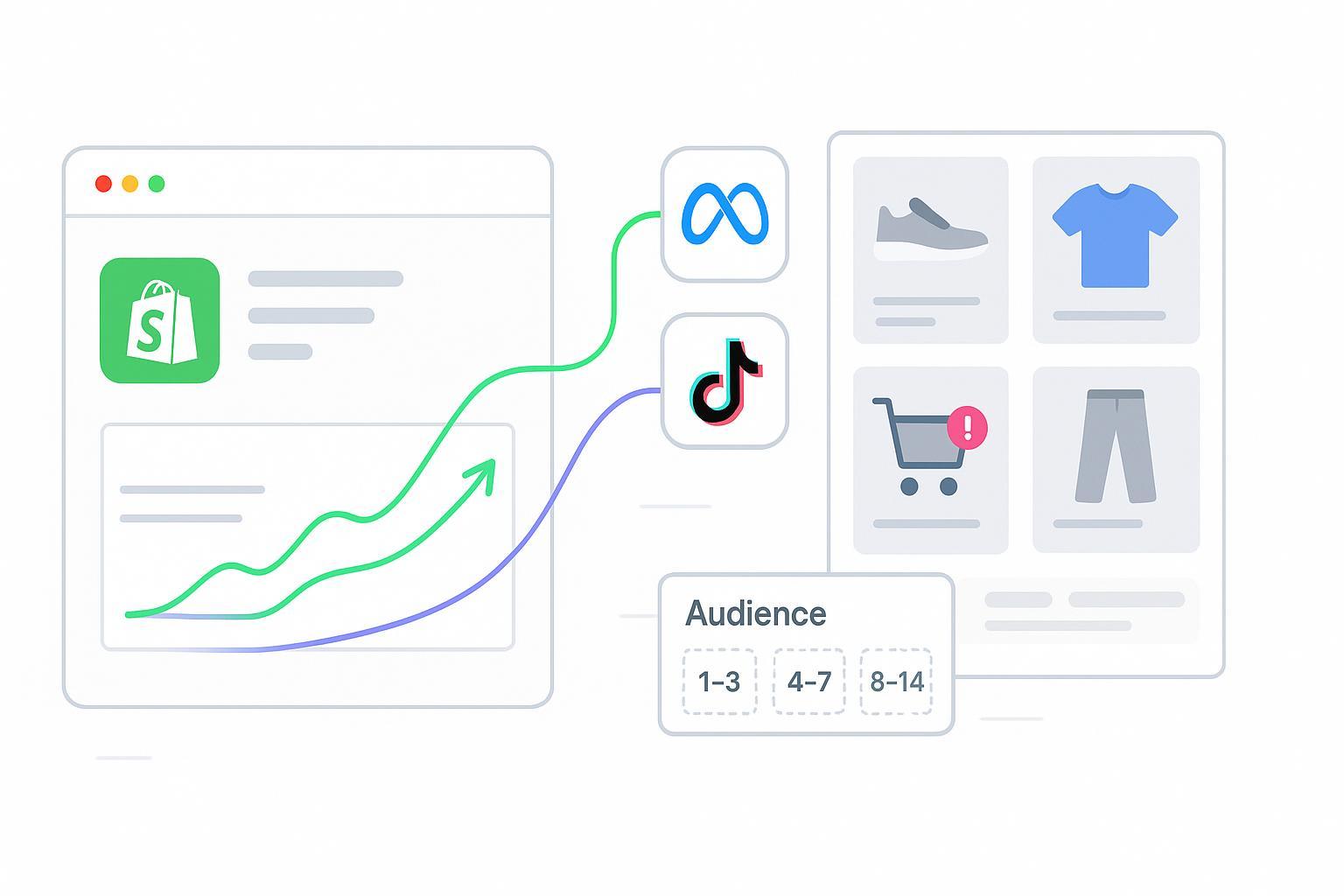
Cart abandoners are your warmest prospects. This step-by-step playbook shows you the fastest, low-lift path to launch dynamic product ads on Shopify that can lower CPA within 7–14 days. You’ll set up native integrations first, tighten feed hygiene, build high-intent audiences, run lean creative tests, apply CRM suppression to cut waste, and prove incremental ROAS with a simple holdout.
Key takeaways
Go live fast with Shopify’s native sales channels while keeping engineering near zero.
Maintain feed hygiene so your product IDs, images, and prices match across pixel events and catalog.
Build three cart abandoner windows and exclude purchasers to prevent waste.
Start with dynamic templates, then test offers and formats in short, controlled sprints.
Use CRM suppression and cross-channel deduplication to remove recent purchasers and overlaps.
Prove value with a holdout or time-based test, reporting iROAS and cart recovery rate.
Prerequisites and fast path overview
You’ll use Shopify’s native sales channels to connect your store, pixel, and product catalog. For Meta, install the Facebook & Instagram by Meta sales channel from your Shopify admin and connect Business Manager, Page, ad account, and Commerce Manager. Shopify’s help article explains the exact flow in Set up the Facebook & Instagram by Meta sales channel, and it’s the quickest way to sync your catalog and install the pixel without code.
For TikTok, add the TikTok sales channel in Shopify and complete the guided setup to sync products and install the TikTok Pixel. See Shopify’s TikTok sales channel overview and TikTok Pixel setup pages.
Fast path checkpoints: After connecting, verify that AddToCart and Purchase appear in Events Manager test tools with content_ids, value, and currency parameters; confirm your catalog shows approved products without critical feed errors; and ensure add-to-cart audiences populate and update daily.
Connect catalog and pixel for Meta and TikTok
Meta connection and verification: After installing the Meta sales channel in Shopify, confirm the pixel is attached to your store and firing. Use Events Manager’s Test Events and the Chrome extension documented under Meta’s Signals Gateway Pixel Helper to verify AddToCart and Purchase signals and parameters.
Create your cart-abandoner website audiences in Ads Manager. In Audiences, choose Custom Audience from Website and select the AddToCart event. Build three separate audiences with lookback windows of 1–3 days, 4–7 days, and 8–14 days. Later, at the ad set, exclude a Purchasers audience of 0–30 days. While official documentation is scattered, this workflow is standard and confirmed by practitioner overviews such as Marpipe’s DPA overview.
TikTok connection and verification: In TikTok Ads Manager, create or confirm your Pixel under Assets → Events. The TikTok Ads Help article on standard events and parameters lists required signals such as Add to Cart and Purchase. After installing via the Shopify channel, use TikTok Events Manager to verify events. Build Add to Cart audiences under Assets → Audiences, and set Purchasers as an exclusion. When you’re ready to advertise, follow Create Dynamic Showcase Ads for catalog-based retargeting and dynamic formats guidance.
Feed hygiene for Shopify dynamic product ads
DPAs succeed or fail based on your feed. The most common delivery issue is a mismatch between product IDs in pixel events and the catalog’s IDs, which drives a 0% match rate.
Quick checklist:
ID alignment: Ensure content_ids in AddToCart and Purchase events exactly match catalog IDs, including case and variant formatting. Meta documents catalog best practices and you can troubleshoot in Commerce Manager diagnostics.
Images and titles: Use high-resolution square images and clear, branded titles that include model or variant cues; avoid watermarks or heavy overlays. See the best practices link above for required fields and quality tips.
Price and availability parity: Keep price and sale_price in sync with the site; update availability with daily syncs.
Variants and grouping: Use item_group_id for variants so carousels and dynamic templates pull the right SKU.
Diagnostics cadence: Check Commerce Manager Diagnostics daily, fix critical errors immediately, and spot-check catalog-to-pixel match rate weekly.
Audience recipes for cart abandoners
Use three intent tiers and keep budgets concentrated where recency is strongest.
1–3 days: Highest intent. Start here with the majority of your retargeting budget.
4–7 days: Mid intent. Use steady frequency and test light incentives.
8–14 days: Low intent. Decrease frequency and lean on creative that refreshes interest.
Always exclude Purchasers 0–30 days from all three audiences to eliminate waste and protect customer experience. If your merchandising supports it, add a high-AOV subset using price filters at the product-set level. For a deeper framework on mapping audiences by journey stage, see Audience segmentation by journey stage — ultimate guide.
Launch campaigns on Meta and TikTok
Meta launch: Create a Catalog Sales or Advantage+ Shopping campaign and select your synced catalog. Use a product set to filter out-of-stock items and low-price SKUs if needed. Under placements, keep system recommendations early; you can narrow later. A practitioner guide, A pro advertiser’s guide to dynamic catalog ads and creatives on Facebook, explains dynamic templates, overlays, and when to consolidate catalogs.
TikTok launch: Use the Product Sales objective with your connected catalog and enable dynamic formats for automated assembly. TikTok’s help docs on creating Dynamic Showcase Ads and dynamic formats explain catalog selection, dynamic elements, and creative specs. Use vertical-first assets and enable product info modules where available.
Verification before publish: Confirm ad previews pull the correct SKU and price from your catalog, ensure each ad set excludes Purchasers 0–30 days, and check that audience sizes exceed platform minimums and are updating daily.
Build a creative testing engine
Start with dynamic templates to let the platforms assemble the right product for each person. Then layer simple tests you can read in 7–14 days. Test carousel versus collection or vertical-first placements, compare a clean product-only template to a subtle price-drop or free-shipping overlay (within policy), and try two clear CTAs like Shop Now versus See Styles. Keep the matrix small, run one test at a time per audience window, allow enough spend for a directional read, and roll the winner forward. Practitioner sources like the Socioh guide above help set constraints on overlay use and template choices.
CRM suppression and cross-channel deduplication
Your retargeting will look cheaper on paper if you keep showing ads to recent purchasers. Suppress them across Meta and TikTok and use the same lists in Google to prevent overlap. Export recent purchasers from Shopify for the last 30–90 days or sync from your CRM, normalize and SHA-256 hash emails, then upload as customer lists to each platform and set as exclusions. Meta’s Custom Audiences reference and Google’s Customer Match lay out accepted schema and hashing requirements; TikTok supports customer list uploads under Assets → Audiences.
Disclosure: Attribuly is our product. In workflows that require automation, Attribuly can be used to monitor catalog sync health and set up cross-channel deduplication so recent purchasers and overlapping audiences are suppressed consistently without manual CSV cycles. Keep privacy and consent requirements at the forefront.
Prove incrementality and report iROAS
Make the win undeniable by measuring incremental ROAS rather than relying on platform-reported conversions. Run a randomized holdout for at least two weeks by splitting your abandoner pool into exposed versus control; compute incremental revenue as the difference in observed revenue between groups, then calculate iROAS as Incremental Revenue divided by Ad Spend. If randomization isn’t feasible, alternate on/off periods (time-based) or split comparable regions (geo split), adjusting for carryover effects.
Report two core metrics: iROAS (Incremental Revenue / Ad Spend) and recovery rate (Purchases from abandoners ÷ Add to Cart events for exposed users) compared with the same metric for the holdout. To reconcile ads data with orders, align identifiers and tracking rules across Shopify, GA4, and ad platforms. The internal Shopify GA4 attribution checklist — unify Shopify, GA4 and ads covers transaction_id consistency, attribution windows, and daily reconciliation. For broader context on experiment-based lift versus attribution models, see SegmentStream’s overview of MTA tools.
Troubleshooting quick fixes
Pixel duplicates: If you see two AddToCart or Purchase events per action, ensure you haven’t installed both a theme snippet and a channel-managed pixel. Use a unique event_id for browser and server if you later add server-side augmentation. Meta’s Signals Gateway Pixel Helper guide helps pinpoint duplicates.
Catalog mismatch or 0% match rate: Check Commerce Manager Diagnostics for missing images, broken prices, or disapproved items. Ensure event content_ids match catalog IDs exactly and fix formatting mismatches.
Empty or tiny audiences: Confirm event volumes in the last 14 days, extend the lookback window temporarily, and make sure consent settings allow remarketing events to fire when users opt in. Platforms will flag minimum audience thresholds in their UIs.
Next steps
Ship the fast path in Week 1 with clean audiences and purchaser exclusion, verifying signals and catalog diagnostics daily. In Weeks 2–3, run one focused creative test per audience window and review early results after 7–14 days, then scale winners. In Weeks 3–4, launch a holdout or time-based test and report iROAS and recovery rate to stakeholders; if retargeting is profitable and stable, shift more spend to the 1–3 day window first. For a broader rollout beyond the minimal stack, the internal Retargeting stack checklist for 30–90 days outlines phased scaling, measurement refinements, and tighter deduplication across channels.
Sources and further reading
Shopify’s setup for the Facebook & Instagram by Meta sales channel explains how to connect catalog and pixel end to end: Set up the Facebook & Instagram by Meta sales channel.
TikTok’s documentation on standard events and parameters and how to create Dynamic Showcase Ads provides the key specs and steps to launch catalog-based retargeting.
Meta’s Catalog best practices and Diagnose and Fix Catalog Issues pages show how to keep your feed healthy and fix common blockers.
Practitioner overviews such as Marpipe’s DPA overview and SociOh’s dynamic catalog creatives guide are useful when UI naming changes outpace official docs.
For experiment-based measurement context, SegmentStream’s MTA tools overview discusses why holdouts and lift tests remain the gold standard.