
AppLovin ROAS Tracking for Shopify: Setup Guide & Attribution Best Practices
Step-by-step guide to set up AppLovin ROAS tracking on Shopify—pixel, MMP postbacks, and server-side patterns to capture clicks, map revenue, and reconcile ROAS.
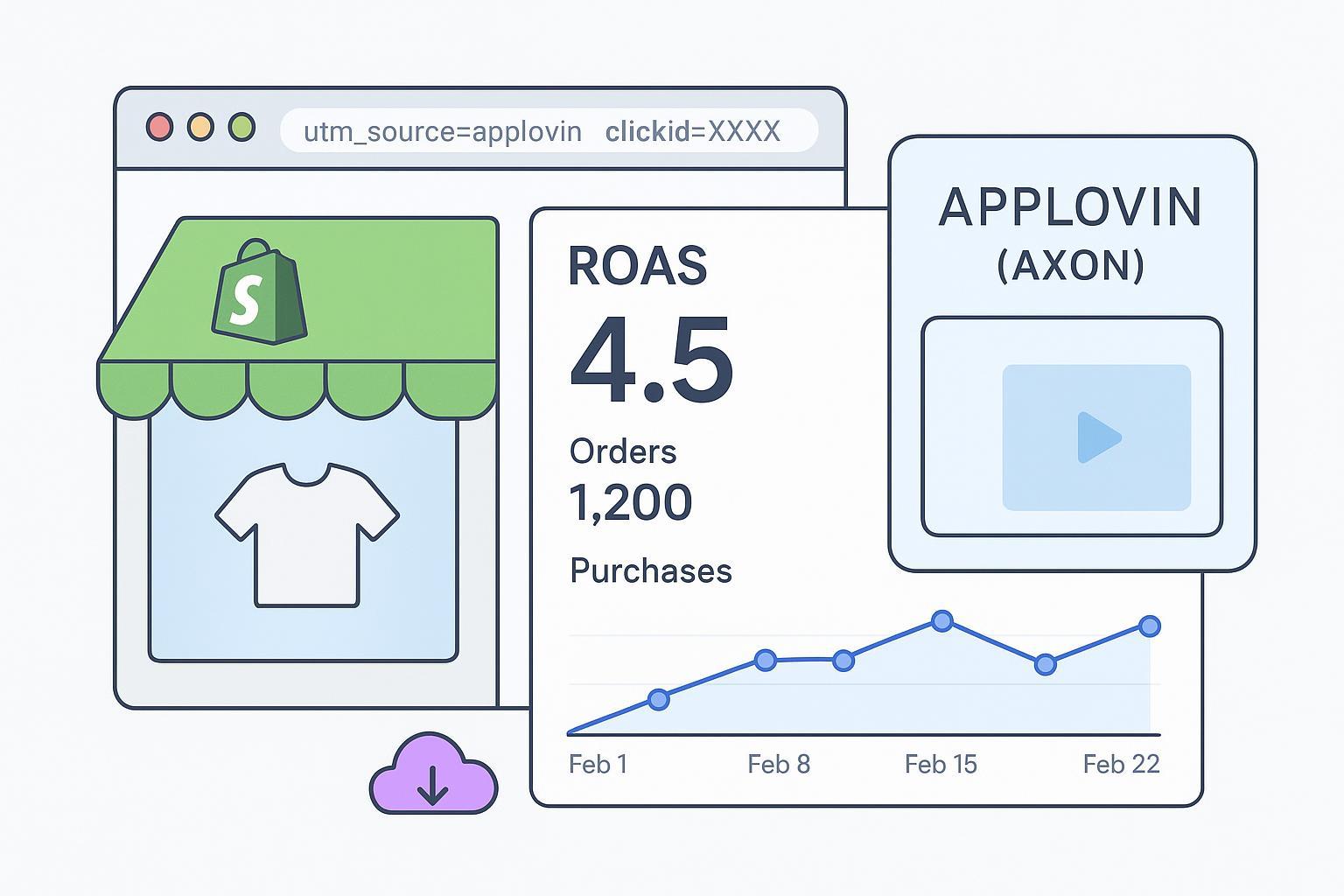
If you’re driving paid traffic from AppLovin (Axon) to a Shopify storefront, reliable ROAS depends on two things: capturing the click correctly on landing and posting a clean purchase event with revenue at checkout. This guide walks you through a practical setup that works for web storefronts—pixel-only, MMP postbacks, or a server-side/hybrid approach—plus QA, reconciliation, and troubleshooting so your AppLovin ROAS lines up with Shopify revenue within a documented window (commonly 7-day click, subject to your Axon settings).
Key takeaways
AppLovin web tracking hinges on disciplined landing URLs (UTMs + a click/event identifier) and a purchase event with order_id, value, and currency.
Choose one of three viable paths: pixel-only (fast), MMP postbacks (integrated), or server-side/hybrid (most resilient with dedup).
Validate with test orders, inspect network payloads, and reconcile against Shopify orders; document your attribution window in Axon.
AppLovin ROAS tracking Shopify — who this guide is for & prerequisites
This is for Shopify marketers and engineers who already run or plan to run AppLovin website campaigns and want dependable AppLovin ROAS tracking on Shopify.
You’ll need:
Axon/AppLovin Ads Manager access and publish permissions.
Shopify admin with permission to install apps/pixels (Plus or Standard), or access to theme/stack if headless.
A small validation budget (e.g., $50–$200 per geo/campaign) and the ability to place a few test orders.
Useful references as you go: the Axon Shopify app setup in the official docs, including app and GTM notes, and the events taxonomy for purchase object mapping. See Shopify’s current privacy/pixel framework for consent-aware tracking as well. Start with:
Axon Shopify integration (official): Shopify integration guide
Axon events reference: Events & Objects
Shopify consent framework: Customer Privacy API
For reconciliation philosophy—why Shopify orders are your baseline—see the internal primer on single source of truth: Internal vs External Attribution for Shopify ROAS.
Implementation options for AppLovin ROAS tracking on Shopify
Choose the path that matches your skills, timeline, and risk tolerance.
Option | Pros | Cons | Difficulty | Time to implement |
|---|---|---|---|---|
Pixel-only (Shopify app or native JS/GTM) | Fast to deploy; direct event stream to Axon | Browser limitations, consent blockers, potential checkout constraints | Low–Medium | 30–90 minutes + validation |
MMP postbacks (AppsFlyer/Adjust/Singular) | Mature partner mapping, consolidated attribution, less custom code | Another vendor in the loop, mapping effort, dashboard differences | Medium | Half day–2 days |
Server-side/hybrid | Most resilient to blockers; clear dedup with event_id parity; easier retries | Requires backend or server tag; more engineering | Medium–High | 1–4 days |
According to Axon’s official guidance, install their Shopify app for checkout coverage and avoid firing a GTM pixel on checkout when the app is present. See: GTM integration notes.
Step 1 — Capture clicks and enforce UTM discipline
You can’t attribute a purchase back to an ad if the landing click isn’t captured with stable identifiers.
AppLovin/Axon URL macro examples (verify identifier name)
Axon provides a general macro reference for campaign and creative metadata. Use UTMs and add a click/event identifier macro so the identifier persists through checkout. Because Axon’s “Promoting your websites” docs don’t currently publish a canonical “web click ID” parameter name, use a safe pattern and verify in your Axon UI and with test clicks.
Example template (verify parameter names in your account):
https://yourstore.com/?clickid={EVENT_ID}&utm_source=applovin&utm_medium=cpc&utm_campaign={CAMPAIGN_NAME}&utm_content={CREATIVE_SET_ID}
Macro glossary reference: see Axon’s Tracking URL macros.
Prefer a single identifier name end-to-end. In this guide we’ll use clickid as the primary example; if your account uses event_id instead, swap consistently across snippets.
Persist click IDs through checkout
On landing, read the identifier and UTMs from the URL, then store them (cookie + localStorage). Push to a data layer for GTM if you use it. Only run tracking after consent is granted per Shopify policy.
Example consent-aware snippet (simplified for illustration):
<script>
    // Run after Shopify’s Customer Privacy API is available and consent is granted
    function allowed() {
      return window.Shopify && window.Shopify.customerPrivacy &&
             window.Shopify.customerPrivacy.analyticsProcessingAllowed();
    }

    function getParam(name){
      const url = new URL(window.location.href);
      return url.searchParams.get(name);
    }

    function persist(key, val){
      if (!val) return;
      try { localStorage.setItem(key, val); } catch(e) {}
      const expiry = new Date(Date.now() + 90*24*3600*1000).toUTCString();
      document.cookie = key + '=' + encodeURIComponent(val) + ';path=/;SameSite=Lax;expires=' + expiry;
    }

    function init(){
      const id = getParam('clickid') || localStorage.getItem('clickid');
      if (id) persist('clickid', id);
      ['utm_source','utm_medium','utm_campaign','utm_content'].forEach(k => persist(k, getParam(k)));
      window.dataLayer = window.dataLayer || [];
      window.dataLayer.push({
        event: 'applovin_landing',
        applovin_clickid: id || null,
        utm_source: getParam('utm_source'),
        utm_campaign: getParam('utm_campaign')
      });
    }

    if (allowed()) { init(); }
    document.addEventListener('shopify:section:load', function(){ if (allowed()) init(); });
  </script>
Step 2 — Configure Shopify for purchase capture
Your purchase event must include order_id, value (revenue), and currency, plus clickid to close the loop.
Pixel-only via Shopify app or native JS
App route (recommended for checkout): Install the Axon Shopify app and enable its theme extension per the official guide. Axon states the app should handle checkout events; don’t also fire a GTM pixel on checkout to avoid duplicates. See the official Shopify integration guide and GTM notes.
Native JS or GTM (for non-checkout surfaces): If you’re not using the app on certain pages, initialize the pixel with your key and send commerce events mapped to Axon’s taxonomy; see Axon Pixel (native JS) and the Events & Objects reference.
A typical purchase payload should carry:
{
    "event_name": "purchase",
    "order_id": "1234567890",
    "value": 89.99,
    "currency": "USD",
    "event_id": "1234567890-purchase",
    "clickid": "ABCDEF123456"
  }
Notes:
Use clickid consistently in query strings, storage, and purchase payloads. If your Axon account expects event_id instead, rename everywhere.
If you also send server-side, reuse the same event_id for deduplication (see next sections).
GTM patterns for non-standard themes
If you’ve implemented Axon tags in GTM for product/listing pages, create:
Variables to read cookies/localStorage for clickid and UTMs.
Triggers for purchase/thank-you (Shopify’s new Order Status page events fire via pixels; ensure your GTM is not double-firing on checkout if the Axon app is installed).
A tag that posts purchase with clickid, order_id, value, and currency. Axon’s GTM documentation reiterates avoiding checkout duplication—use their app on checkout pages.
Server-side forwarding template (hybrid model)
Send the browser purchase event for match quality, and also post server-side for resilience. Keep event_id parity so duplicates are ignored upstream.
Example server POST body (illustrative):
{
    "event_name": "purchase",
    "event_id": "1234567890-purchase",
    "order_id": "1234567890",
    "value": 89.99,
    "currency": "USD",
    "clickid": "ABCDEF123456",
    "timestamp": "2026-06-12T19:45:00Z",
    "customer": {
      "email_sha256": "…optional-hash…",
      "phone_sha256": "…optional-hash…"
    }
  }
Architecturally: webhook → queue → worker → destination endpoint with retries and idempotency. For Shopify idempotency patterns, see Shopify’s guidance: Implementing idempotency.
A neutral example of a Shopify-native server-side workflow is a tool that forwards confirmed orders to ad platforms with event_id parity and consent-aware controls; for instance, Attribuly can be configured to include AppLovin/Axon among destinations.
Step 3 — MMP postbacks and mapping (AppsFlyer/Adjust/Singular)
If you already use an MMP, you can leverage its partner integration to post purchase events to AppLovin.
AppsFlyer: Enable the AppLovin partner, map your purchase event, and check “Send revenue” so af_revenue is included. Use a clean attribution link structure (pid, c, af_sub1–af_sub5 for metadata). See AppsFlyer’s partner setup: AppLovin campaign configuration and About link structure and parameters. For macro usage in postbacks, see Postback macros for ad networks.
Adjust: Use partner parameters and/or callbacks to forward event payloads that include order_id, revenue, currency, and your click identifier. Reference: Adjust partner setup.
Singular: Confirm the AppLovin integration, enable revenue on checkout, and follow its link parameter notes. Reference: Singular’s AppLovin integration.
Whichever MMP you choose, explicitly test that clickid passes through and that the destination (AppLovin) records purchase with the same currency and order ID you see in Shopify.
Step 4 — Deduplication & event_id parity
Here’s the golden rule: generate one stable event_id for a given order-purchase conversion and use it in both browser and server-side sends. You can safely set event_id = order_id when one purchase event per order is guaranteed. Otherwise, concatenate a suffix (e.g., “-purchase”).
Server path: if a retry is needed, resend with the same event_id, and implement idempotency in your worker so one order creates one postback.
Browser path: the pixel should include the same event_id; your server destination should deduplicate by event_id or order_id.
Validation & QA checklist
Preflight: Click a test ad (or a simulated link) and verify the landing URL keeps UTMs and clickid; ensure no redirects drop parameters. Axon’s launch checklist also stresses disciplined UTMs for websites; see the Launch checklist.
Landing storage: Confirm clickid and UTMs are written to cookie/localStorage and available on the thank-you page.
Network payloads: On test purchase, inspect the Axon pixel or your MMP postback. It should contain event_name=purchase, order_id, value, currency, and clickid.
Dashboard latency: Expect minutes-to-hours for dashboards to update; allow 24–72 hours for full reconciliation if multiple systems are involved.
Window documentation: Record your currently configured click lookback (commonly 7-day click per many partner setups) and use it consistently in reconciliation. For patterns visible in partner docs, see Axon’s integrations with major MMPs (e.g., AppsFlyer above).
Reconciliation checklist & sample spreadsheet
Reconcile AppLovin-reported purchases with Shopify orders using a simple sheet. Suggested columns:
order_id, shopify_order_time, shopify_revenue, currency, applovin_event_time, applovin_revenue, clickid, match_status
Targets (illustrative; benchmark for your store size and mix):
Pixel-only: 60–85% match rate
MMP postbacks: 75–95%
Server-side/hybrid: 85–98%
If your pixel-only match rate sits below ~50% after fixing obvious issues (consent, UTMs, duplicates), consider moving to hybrid or enabling MMP postbacks.
For cross-channel reconciliation techniques that also apply here, see this methodology overview: Shopify attribution mismatches: Meta vs TikTok (2026).
Troubleshooting & FAQ
Q: Our checkout redesign broke purchase tracking. What changed? A: Shopify is sunsetting legacy scripts on the Thank You / Order status pages in favor of app/web pixels. Migrate to pixels and follow the upgrade guidance: Upgrade Thank you / Order status. If you use the Axon app, don’t also fire GTM on checkout (duplicates).
Q: After consent was added, events look sparse. Are pixels blocked? A: Yes, until consent is granted. Ensure your Consent Management Platform syncs with Shopify’s Customer Privacy API and your code waits on allowed-processing flags. See: Web Pixels privacy.
Q: Our landing URL parameters disappear after redirects. A: Preserve parameters across redirects. Audit your domain/app redirects and session-token flows; see Shopify’s session-token guidance: Session tokens.
Q: Should I include a named clickid or event_id? A: For this guide, we recommend clickid for consistency. If your Axon UI/docs specify event_id, switch entirely to that label and update all snippets. Validate with real test clicks from your Axon ad previews and check the first-hit network requests.
Privacy & consent best practices
Load and fire tracking only after consent is granted; subscribe to consent updates.
Minimize personal data; when using hashes for matching, use vetted SHA-256 and never send raw PII without a lawful basis.
Document your data flows (browser and server), retention, and retry policies so audits are straightforward.
Keep your privacy notice current with the partners you use.
For Shopify’s official policy surface and developer APIs, see: Customer Privacy API and Web Pixels privacy.
Appendix: Copy‑paste snippets and official docs
URL template (verify identifier names in Axon):
Axon docs: Shopify integration • GTM integration • Events & Objects • Tracking URL macros
MMP docs: AppsFlyer AppLovin configuration • Adjust partner setup • Singular AppLovin integration
Shopify privacy: Customer Privacy API • Web Pixels privacy
Internal reading: Shopify Integration (first‑party pixel) • Attribuly AppLovin integration
Closing: next steps
Stand up a minimal pixel-only flow, validate with two test orders, and document your Axon attribution window (start with 7-day click unless your account specifies differently). If browser-only proves fragile, graduate to a hybrid setup that reuses event_id across browser and server and benchmark your match rate. For teams that prefer a Shopify‑native workflow, consider configuring a server-side forwarder such as Attribuly to keep identifiers consistent across destinations.