
How to Use Taboola Server-Side Tracking with Shopify (2026)
Step-by-step guide to implement Taboola server-side tracking on Shopify—capture tblci, send click-id postbacks, test events in Realize, and prevent duplicate conversions.
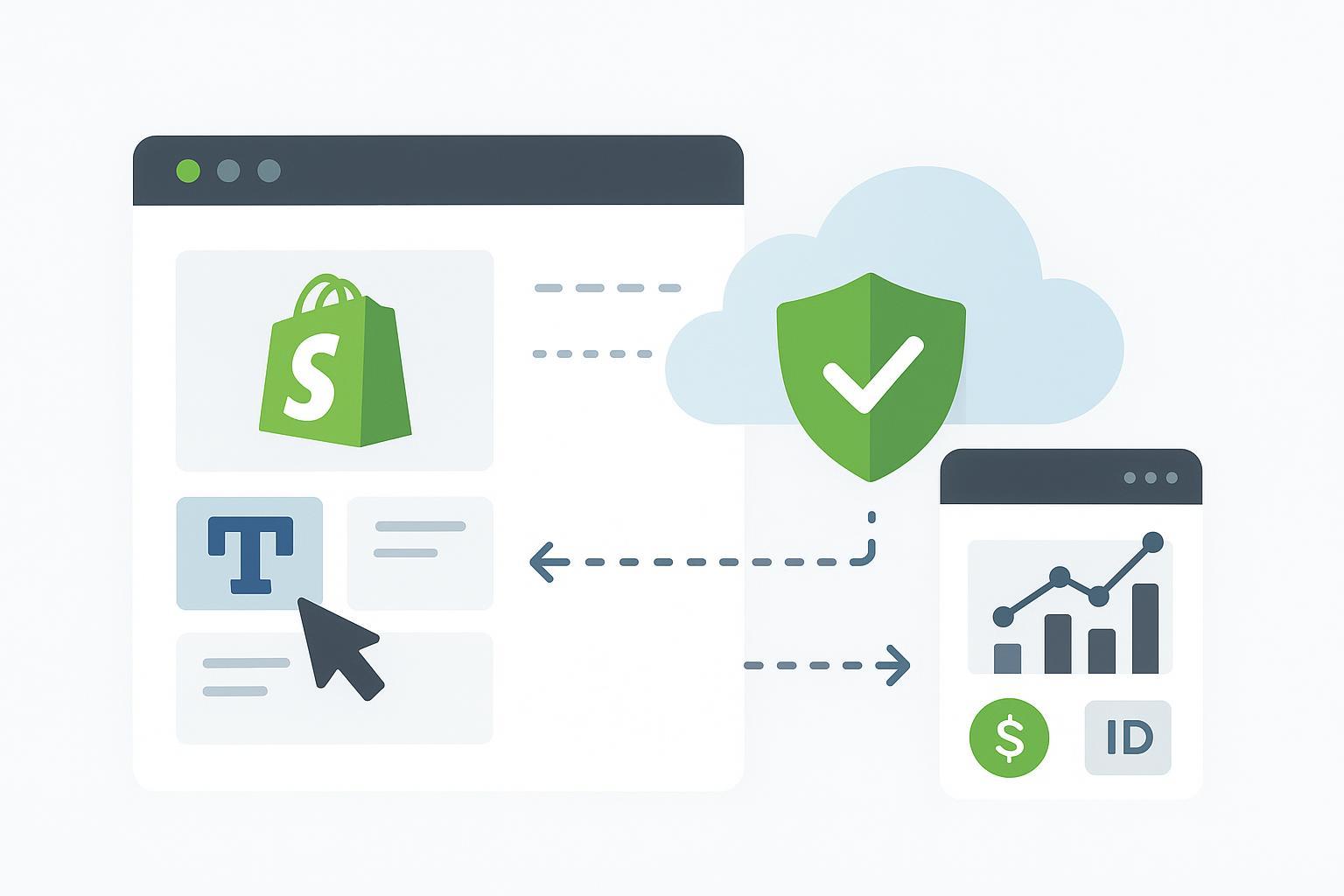
If you run Taboola traffic to a Shopify store, server-side (S2S) conversion tracking gives you resilient attribution and cleaner optimization signals—especially when pixels drop off at checkout or are blocked. This guide shows exactly how to implement S2S for Shopify in 2026, from capturing the Taboola click ID on landing to posting conversions from your server, with code you can copy.
Key takeaways
Taboola adds a click ID to landing URLs by default (tblci); your S2S request must send it as click-id (with a hyphen).
Create or confirm the conversion event in Realize, then post one S2S conversion per purchase from your server when the order is paid.
Use Shopify-friendly patterns: capture the click ID on landing, persist it in first-party storage (and/or your backend), associate it to the order, and trigger via orders/paid.
Verify end-to-end using the Testing Tool and Events Received in Realize before going live.
Keep idempotency: dedupe by order_id so retries don’t double count.
Why Taboola server-side tracking Shopify matters in 2026
Checkout flows, browser privacy controls, and ad blockers can interrupt client-side pixels. S2S complements the pixel with a backend signal anchored on the Taboola click ID and a verified order event, improving stability without abandoning your pixel setup. For a concise overview of conversion paths and verification, see Taboola’s official guidance in the conversion tracking hub under the conversion tracking overview and the testing tool documentation.
Prerequisites and naming alignment
Create/confirm your conversion event in Realize. S2S events use the same event name you configured; the name value in your S2S call must match exactly.
Understand click ID parameters:
On landing pages, Taboola automatically appends tblci={click_id} unless you’ve set a custom param using the {click_id} macro. See Taboola’s manual S2S integration notes and S2S verification.
In your server postback, the parameter must be named click-id (hyphen). Using a different name prevents attribution. The S2S endpoint and parameters are documented in the postback URL reference.
Step 1 — Capture and persist the click ID on landing
On the first pageview after a Taboola click, read the URL parameter (tblci by default; or your custom {click_id} name) and persist it.
Storage plan:
First-party cookie (30 days is common; adjust for your policies).
Optional: localStorage for resilience.
Optional: POST immediately to your backend to persist server-side in case browser storage is lost.
Consent gating: Respect Shopify’s consent state before setting non-essential storage via the Customer Privacy API and your cookie banner configuration.
Example capture snippet (add consent checks for your shop before setting storage):
(function(){
    function getParam(name){
      const m = new RegExp('(?:^|&)' + name + '=([^&]+)').exec(window.location.search.slice(1));
      return m ? decodeURIComponent(m[1]) : null;
    }
    var id = getParam('tblci') || getParam('click_id') || getParam('tbl_click_id');
    if(!id) return;
    // TODO: gate with Shopify Customer Privacy API consent state before setting non-essential cookies
    var expires = new Date(Date.now() + 1000*60*60*24*30).toUTCString(); // 30 days
    document.cookie = 'taboola_click_id=' + encodeURIComponent(id) + '; path=/; expires=' + expires + '; SameSite=Lax';
    try { localStorage.setItem('taboola_click_id', id); } catch(e){}
  })();
Tip: If you run a headless storefront, perform a similar read/persist step in your frontend framework and post the ID to your backend session.
Step 2 — Associate the click ID to the order
You need a reliable way to bring the captured click ID into the order context so your server can find it when the webhook fires.
Common patterns:
Write-through to the order
Save the ID to a cart attribute, checkout attribute, or an order metafield so it “rides along” to the order. On webhook receipt, read it from the order payload or via a quick Admin API lookup.
Backend mapping
When you first capture the ID, send it to your backend along with a durable key (e.g., checkout token, session ID, or logged-in customer ID). On orders/paid, use that key (which appears in the webhook payload) to retrieve the click ID from your database.
Either approach is valid. Write-through is simpler; backend mapping offers more control for cross-device reconciliation.
Step 3 — Trigger and send the server postback
Trigger the S2S conversion when the order is paid. Shopify’s 2026 guidance recommends using orders/paid for conversion events that should reflect finalized revenue. See orders webhooks for behavior specifics.
Required Taboola S2S fields and endpoint:
Endpoint (GET with query params): https://trc.taboola.com/actions-handler/log/3/s2s-action
Required params: click-id (hyphen), name (your Realize event name)
Optional (commonly used): revenue, currency (3-letter), quantity, orderid
Reference: the postback URL
Example cURL (one conversion per order):
curl -G \
    --data-urlencode "click-id=abcd1234" \
    --data-urlencode "name=purchase" \
    --data-urlencode "revenue=19.99" \
    --data-urlencode "currency=USD" \
    --data-urlencode "orderid=ORD-1001" \
    "https://trc.taboola.com/actions-handler/log/3/s2s-action"
Example Node.js webhook handler (sketch):
app.post('/webhooks/orders-paid', async (req, res) => {
    // Verify HMAC separately per Shopify's security guidelines
    const order = req.body;
    const amount = order.total_price;      // confirm your business logic for revenue
    const currency = order.currency;       // 3-letter code

    // Retrieve Taboola click ID: from order notes/metafields or your DB (by checkout_token, customer ID, etc.)
    const clickId = await getTaboolaClickIdForOrder(order);
    if (!clickId) { return res.status(200).send('No Taboola click ID'); }

    const params = new URLSearchParams({
      'click-id': clickId,
      name: 'purchase',
      revenue: String(amount),
      currency,
      orderid: order.name || String(order.id)
    });

    const url = `https://trc.taboola.com/actions-handler/log/3/s2s-action?${params.toString()}`;
    const resp = await fetch(url, { method: 'GET', redirect: 'follow' });

    // Idempotency: record that this order_id was posted to Taboola; on retries, skip.
    await markTaboolaPosted(order.id);
    res.status(200).send('ok');
  });
Implementation notes:
Idempotency and dedupe: Use order_id (or a generated event_id) to prevent double posting. If you also fire a pixel, decide which path is authoritative and suppress duplicates.
Monetary fields: Confirm which order field represents the revenue you want to report (e.g., total_price vs. subtotal_price). Always pass a currency code.
Architecture options for Shopify + Taboola S2S
You have three common choices. Pick what fits your team, budget, and stack.
Direct server (Shopify webhook → your server → Taboola postback)
Pros: Maximum control, easy to implement dedupe, fewer moving parts.
Cons: Requires engineering time and monitoring.
Server Google Tag Manager (sGTM)
Pros: Managed infrastructure patterns and tag templates; easier to iterate.
Cons: Hosting cost, template-specific behavior to validate.
Reference: See Stape’s walkthrough on Taboola server-side tracking with sGTM.
Managed connector/tooling (third-party platform)
Example: A platform like Attribuly can be used to capture first-party identifiers, receive Shopify order webhooks, and forward S2S conversions to ad platforms. If you prefer a managed approach to click-ID persistence, you can explore its concept page for capture here: Attribuly Capture. Keep in mind this is a neutral example; evaluate any tool based on your workflow.
Testing and go-live checklist
Use Taboola’s tools to validate each stage end to end.
Confirm your event exists in Realize and note its exact name.
Generate a test click and land on your store; ensure tblci (or your custom param) is present.
Verify the click ID is captured and persisted (check cookies/localStorage or your backend logs).
Place a test order; confirm your orders/paid webhook runs and logs the outgoing S2S request URL.
In Realize, use the Testing Tool and Events Received views to confirm the event arrives with the expected fields.
Run at least 10 positive tests and 5 negative tests (e.g., missing click ID) and monitor for 24–48 hours before full rollout.
Troubleshooting
Missing or expired click ID
Cause: Didn’t capture on first pageview, or storage expired/blocked.
Fix: Ensure the capture runs early; use a first-party cookie; consider server persistence. See the verification guidance in S2S verification.
Wrong parameter name in S2S request
Symptom: HTTP hit succeeds but no conversions recorded.
Fix: Use click-id (hyphen) exactly; event name must match Realize. Reference: postback URL parameters.
Event name mismatch
Symptom: Unclassified events in Realize.
Fix: Align the name field with the configured Realize event.
Currency/value formatting
Symptom: Revenue appears zero or with the wrong currency.
Fix: Send numeric revenue and a 3-letter currency code; see dynamic conversion values.
Duplicate conversions
Symptom: Overcounting purchases.
Fix: Implement idempotency keyed on order_id; dedupe pixel vs S2S.
Webhook timing
Symptom: Conversions fire before payment or miss paid events.
Fix: Prefer orders/paid; supplement with orders/updated only when needed. See orders webhooks.
Consent gating blocks capture
Symptom: tblci never stored for opted-in users.
Fix: Check Shopify Customer Privacy API state and your consent categories. See Customer Privacy API.
Time and difficulty
Capture & cookie setup: 30–90 minutes (Intermediate)
Webhook + server postback build: 2–4 hours (Intermediate–Advanced)
Testing & verification: 1–3 hours (Intermediate)
Production burn-in: Monitor 24–48 hours
Next steps
Keep your browser pixel active alongside S2S to maintain audience and on-site signals while you validate S2S delivery.
If you want a managed path for first-party identifier capture and server-side emissions, review the Shopify section and platform capabilities on the Attribuly integration pages to see how they align with your stack.
SEO note: This guide focused on “Taboola server-side tracking Shopify,” covering capture on landing, orders/paid webhook, and a compliant S2S postback, with verification steps grounded in Taboola and Shopify documentation.