
Shopify + GA4 Measurement Protocol: Send Server-Side Purchase Events (2026)
Implementation-ready guide to send server-side Shopify purchase events to GA4 via Measurement Protocol—covers measurement_id, api_secret, client_id extraction, and transaction_id dedup.
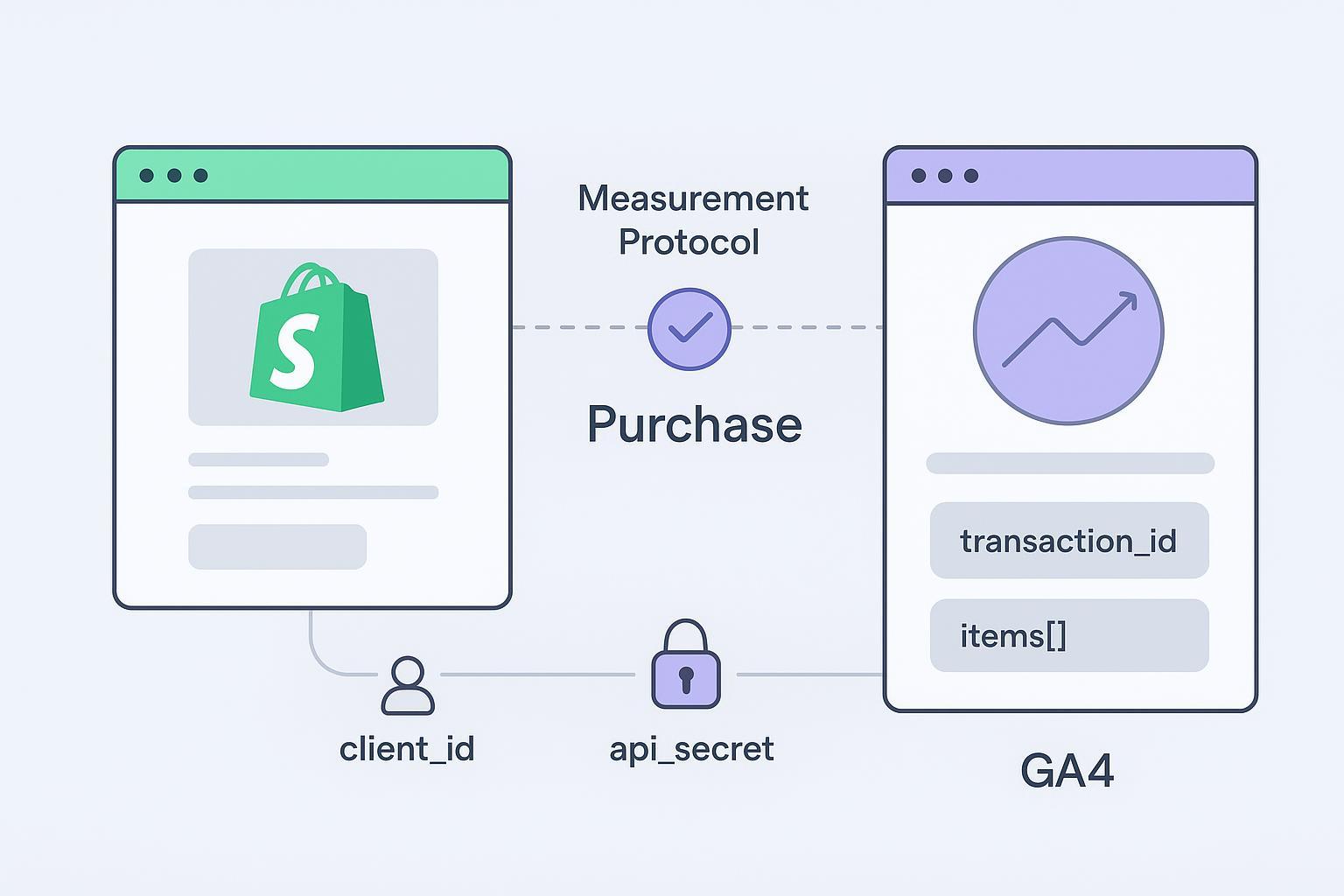
If your browser purchase tags drop at checkout or ad blockers get in the way, you still need GA4 to see every paid order. This guide shows exactly how to send server-side purchase events from Shopify to GA4 using Measurement Protocol—securely, accurately, and ready for production.
Estimated time: 45–180 minutes depending on your path (managed app, DIY webhook, or sGTM).
Key takeaways
You’ll send purchase events to the GA4 Measurement Protocol collect endpoint with two query credentials: measurement_id and api_secret (server-side only). See Google’s official Measurement Protocol reference.
Identity matters: forward the GA4 client_id (from the
_gacookie) so server events stitch to web sessions; optionally send a privacy-safe user_id for logged-in customers.Build a canonical payload for the
purchaseevent: includetransaction_id,value,currency, and anitems[]array. See Google’s Events reference for GA4 (purchase).Dedup logic: GA4 prevents duplicate purchases via transaction_id. Use your own internal event_id only for retries and application-level idempotency.
Security and privacy: never expose
api_secretclient-side; avoid sending raw PII; respect consent and use GA4’s consent object where appropriate.
Before you start (checklist)
GA4 access to your Web data stream (you’ll need the Measurement ID, e.g.,
G-XXXXXXX).Permission to create an API secret (Admin → Data streams → your Web stream → Measurement Protocol → Create).
Shopify admin access and ability to subscribe to the orders/paid webhook (recommended trigger for purchased orders). See Shopify webhooks.
A secure server or serverless function to hold
api_secretand post to GA4 over HTTPS.A basic consent plan (align with browser Consent Mode if used). GA4 supports a consent object in MP requests; see Google’s MP reference and Analytics policies.
Pick your path
Managed app (fastest): Use a reputable server-side tracking app. You’ll still validate payloads and identity.
DIY webhook (this guide’s main path): Write a small endpoint that listens to Shopify’s
orders/paid, maps the order to the GA4purchasepayload, and posts via MP.Server-side GTM (sGTM): Configure a GA4 MP tag in sGTM and forward from your webhook or queue; adds mapping UI and load management at the cost of extra setup.
DIY webhook setup for Shopify GA4 Measurement Protocol purchase events
Create your api_secret and find your measurement_id
In GA4, go to Admin → Data streams → select your Web stream.
Copy the Measurement ID (format:
G-XXXXXXX).Under “Measurement Protocol API secrets,” click Create and name the secret. Copy the API secret. Do not share it; store only on the server.
Use the HTTPS endpoints:
Collect:
https://www.google-analytics.com/mp/collectEU region:
https://region1.google-analytics.com/mp/collectFor validation first, use the debug endpoints:
https://www.google-analytics.com/debug/mp/collect(or region1). See Google’s MP overview and reference.
Capture client_id from the _ga cookie and persist it to the order
GA4 stitches server events to web sessions using client_id. You can read it from the _ga cookie on the storefront and carry it to the resulting Shopify order as an attribute or metafield.
Example: save client_id to a cart attribute (Liquid/Theme app embed or Online Store 2.0 theme). This pattern reflects common practitioner guidance; the cookie’s purpose is documented by Google, while the exact dot-splitting approach is widely used by experts such as Simo Ahava.
<script>
    function getGaClientId() {
      const cookie = document.cookie.split('; ').find(r => r.startsWith('_ga='));
      if (!cookie) return null;
      const v = cookie.split('=')[1];
      const parts = v.split('.');
      if (parts.length < 4) return null; // Expected: GA1.1.XXXXXXXX.YYYYYYYYY
      return parts.slice(-2).join('.'); // client_id = XXXXXXXXX.YYYYYYYYY
    }

    async function saveClientIdToCart() {
      const cid = getGaClientId();
      if (!cid) return;
      await fetch('/cart/update.js', {
        method: 'POST',
        headers: { 'Content-Type': 'application/json' },
        body: JSON.stringify({ attributes: { ga_client_id: cid } })
      });
    }

    // Run on page load; consider gating behind consent
    saveClientIdToCart();
  </script>
Alternatives:
Use Checkout UI extensions or metafields with cart_to_order copy enabled to ensure the identifier lands on the order. See Shopify cart attributes and metafields.
Build the purchase payload (items[], currency, value)
Minimum viable test payload (Debug endpoint). Replace placeholders with real values:
{
    "client_id": "12345678.1631029384",
    "events": [
      {
        "name": "purchase",
        "params": {
          "transaction_id": "1001",
          "value": 149.99,
          "currency": "USD",
          "items": [
            {"item_id": "sku-123", "item_name": "Blue T-Shirt", "price": 49.99, "quantity": 3}
          ]
        }
      }
    ]
  }
Canonical purchase payload (production-ready baseline). Include consent and optional user_id if applicable and compliant:
{
    "client_id": "12345678.1631029384",
    "user_id": "shopify_user_abc123",
    "consent": {"ad_user_data": "GRANTED", "ad_personalization": "DENIED"},
    "events": [
      {
        "name": "purchase",
        "params": {
          "transaction_id": "1001",
          "value": 149.99,
          "currency": "USD",
          "coupon": "SUMMER",
          "shipping": 9.99,
          "tax": 0,
          "items": [
            {
              "item_id": "sku-123",
              "item_name": "Blue T-Shirt",
              "item_brand": "BrandX",
              "item_variant": "L",
              "price": 49.99,
              "quantity": 3
            }
          ]
        }
      }
    ]
  }
Notes (per Google’s docs):
transaction_idis required for purchase and is GA4’s duplicate guard. See Google’s ecommerce setup and purchase params and Events reference.valueis numeric and should match your order revenue convention; always includecurrency(ISO-4217).Each object in
itemsmust have at leastitem_idoritem_name.
Post to the Measurement Protocol endpoint and handle retries
Endpoint (choose one region):
https://www.google-analytics.com/mp/collecthttps://region1.google-analytics.com/mp/collect
Query string: ?measurement_id=G-XXXXXXX&api_secret=YOUR_SECRET
Node/Express-style pseudocode for a Shopify orders/paid webhook → GA4 MP POST with internal event_id for idempotency:
// Pseudocode: Node/Express handler for Shopify orders/paid → GA4 MP
  app.post('/webhooks/orders-paid', async (req, res) => {
    try {
      const order = req.body; // verify HMAC per Shopify docs

      // Identity
      const clientId = extractClientId(order); // from order note_attributes/metafields (e.g., ga_client_id)
      const userId = order.customer?.id ? `cust_${order.customer.id}` : undefined; // opaque, non-PII

      // App-layer idempotency (not a GA4 dedup key)
      const internalEventId = `mp-${order.id}`; // or deterministic UUID from order.id + created_at

      // Map order → GA4 purchase
      const payload = {
        client_id: clientId || undefined, // Prefer client_id for web stitching
        user_id: userId, // Optional
        consent: consentFromOrder(order), // Optional; align with site consent
        events: [
          {
            name: 'purchase',
            params: {
              transaction_id: String(order.id),
              value: Number(order.total_price), // or total_price_set.shop_money.amount
              currency: order.currency,
              coupon: order.discount_codes?.[0]?.code,
              shipping: Number(order.total_shipping_price_set?.shop_money?.amount) || 0,
              tax: Number(order.total_tax) || 0,
              items: order.line_items.map(li => ({
                item_id: li.sku || String(li.product_id),
                item_name: li.title,
                item_brand: li.vendor,
                item_variant: li.variant_title,
                price: Number(li.price),
                quantity: li.quantity
              }))
            }
            // Note: GA4 does not document an event_id for purchase dedup; keep internalEventId in your logs/queue.
          }
        ]
      };

      // Send to GA4
      const endpoint = 'https://www.google-analytics.com/mp/collect';
      const qs = new URLSearchParams({ measurement_id: process.env.GA4_MEASUREMENT_ID, api_secret: process.env.GA4_API_SECRET });

      const resp = await fetch(`${endpoint}?${qs.toString()}`, {
        method: 'POST',
        headers: { 'Content-Type': 'application/json' },
        body: JSON.stringify(payload)
      });

      if (resp.status >= 200 && resp.status < 300) {
        // Log success with internalEventId for reconciliation
        return res.sendStatus(200);
      }

      // 4xx: fix config/payload; 5xx/429: retry with backoff using the SAME identifiers
      const body = await resp.text();
      console.error('GA4 MP error', internalEventId, resp.status, body);
      return res.status(500).send('Upstream error');
    } catch (e) {
      console.error('Webhook handling failed', e);
      return res.status(500).send('Internal error');
    }
  });
Retry and idempotency guidance: Keep transaction_id constant across browser and server versions of the same purchase and reuse your internal event_id on retries. Retry transient errors (429/5xx) with exponential backoff and jitter; do not retry 4xx without fixes. See Google’s MP resources and validation guidance.
Validate in GA4 (debug endpoint + DebugView)
First send to the debug endpoint:
https://www.google-analytics.com/debug/mp/collect(or region1). The response returnsvalidationMessagesif something is off.In GA4 UI, use DebugView and Realtime to confirm
purchaseevents and check item counts and revenue. See Google’s validate ecommerce and DebugView docs.
Notes for server-side GTM (sGTM) users
You can push your purchase payload into sGTM via an HTTP endpoint or Cloud Function and let a GA4 MP tag handle final mapping/transport. Benefits include centralized mapping and UI debugging; tradeoffs include extra infra cost and setup time.
Security, consent, and PII compliance
Never expose
api_secretclient-side or in public code repositories. Keep it in a secrets manager and rotate on a schedule.Do not send raw PII (emails, names, phone numbers, addresses) to GA4 via MP. Follow Google’s Analytics policies and data redaction guidance.
If you send
user_id, ensure it’s an opaque, non-PII identifier (e.g.,cust_12345) and consistent with your GA4 User-ID settings.Consent: align server-side sends with your site’s consent mode. GA4 MP supports a consent object (e.g.,
ad_user_data,ad_personalization); deny-sensitive processing when consent is not granted. See the MP reference.
Troubleshooting: common errors and fixes
400/401/403 from MP: Verify
measurement_id+api_secret, parameter names, and payload shape with the Debug endpoint (inspectvalidationMessages). See Google’s MP reference.429/5xx: Implement exponential backoff; do not change identifiers on retry. Aim for >98% acceptance after tuning.
Double counting: Ensure the same
transaction_idis used in browser and server events; avoid sending multiple logical purchases per order.Missing client_id: Confirm your
_gacapture runs before checkout; consider Shop Pay redirects and fallbacks. Stitching without client_id will reduce report coherence.Wrong currency/value: Use the order’s ISO currency and consistent rounding; map shipping/tax once only.
Multi-currency, subscriptions, refunds: Send per-order currency; treat renewals as distinct purchases; for returns, use refund events rather than re-sending purchase.
Practical example (neutral): Platforms like Attribuly can be used to capture the GA4 client_id on Shopify, process purchase events server-side, and forward a Measurement Protocol payload to GA4, which helps teams adopt a hybrid browser + server setup without exposing secrets.
Next steps and resources
If you prefer a managed path, explore Shopify + server-side tracking solutions; confirm they support GA4 MP purchase payloads, consent, and transaction_id parity. For deeper background, read Google’s official docs for the GA4 Measurement Protocol reference and purchase event parameters. To connect additional channels and standardize payloads across your stack, review integration options on your chosen platform.
Appendix
Quick parameter table (purchase essentials)
Scope | Parameter | Required | Notes |
|---|---|---|---|
Identity | client_id (web) | Yes (web) | Parse from |
Identity | user_id | Optional | Opaque, non-PII; consistent with GA4 User-ID settings. |
Event | name = "purchase" | Yes | Event name per GA4. |
Event | transaction_id | Yes | Unique order ID; GA4 uses this to prevent duplicates. |
Event | value | Recommended | Revenue; numeric; requires |
Event | currency | Recommended | ISO-4217 (e.g., USD, EUR). |
Event | items[] | Yes | Each item has item_id or item_name; include price and quantity. |
Meta | consent | Optional | Include when known (e.g., ad_user_data). |
Full canonical payload (copy/paste)
{
    "client_id": "12345678.1631029384",
    "user_id": "shopify_user_abc123",
    "consent": {"ad_user_data": "GRANTED", "ad_personalization": "DENIED"},
    "events": [
      {
        "name": "purchase",
        "params": {
          "transaction_id": "1001",
          "value": 149.99,
          "currency": "USD",
          "coupon": "SUMMER",
          "shipping": 9.99,
          "tax": 0,
          "items": [
            {
              "item_id": "sku-123",
              "item_name": "Blue T-Shirt",
              "item_brand": "BrandX",
              "item_variant": "L",
              "price": 49.99,
              "quantity": 3
            }
          ]
        }
      }
    ]
  }
Glossary
client_id: GA4 web identifier, typically derived from the
_gacookie.user_id: Optional cross-device ID you define (non-PII) for logged-in users.
transaction_id: Required ID that prevents duplicate purchase counting in GA4.
Measurement Protocol (MP): GA4’s HTTPS API for sending server-side events.
References (authoritative)
Google Developers — GA4 Measurement Protocol reference
Google Developers — Events reference: purchase parameters
Google Developers — Ecommerce setup guidance
Shopify — Webhooks; Attributes; Metafields