
How to Add a Shopify Free Shipping Bar (and Why It Lifts AOV)
Step-by-step guide to add a Shopify free shipping bar (cart page & drawer), localize currencies, and measure AOV lift with testing tips.
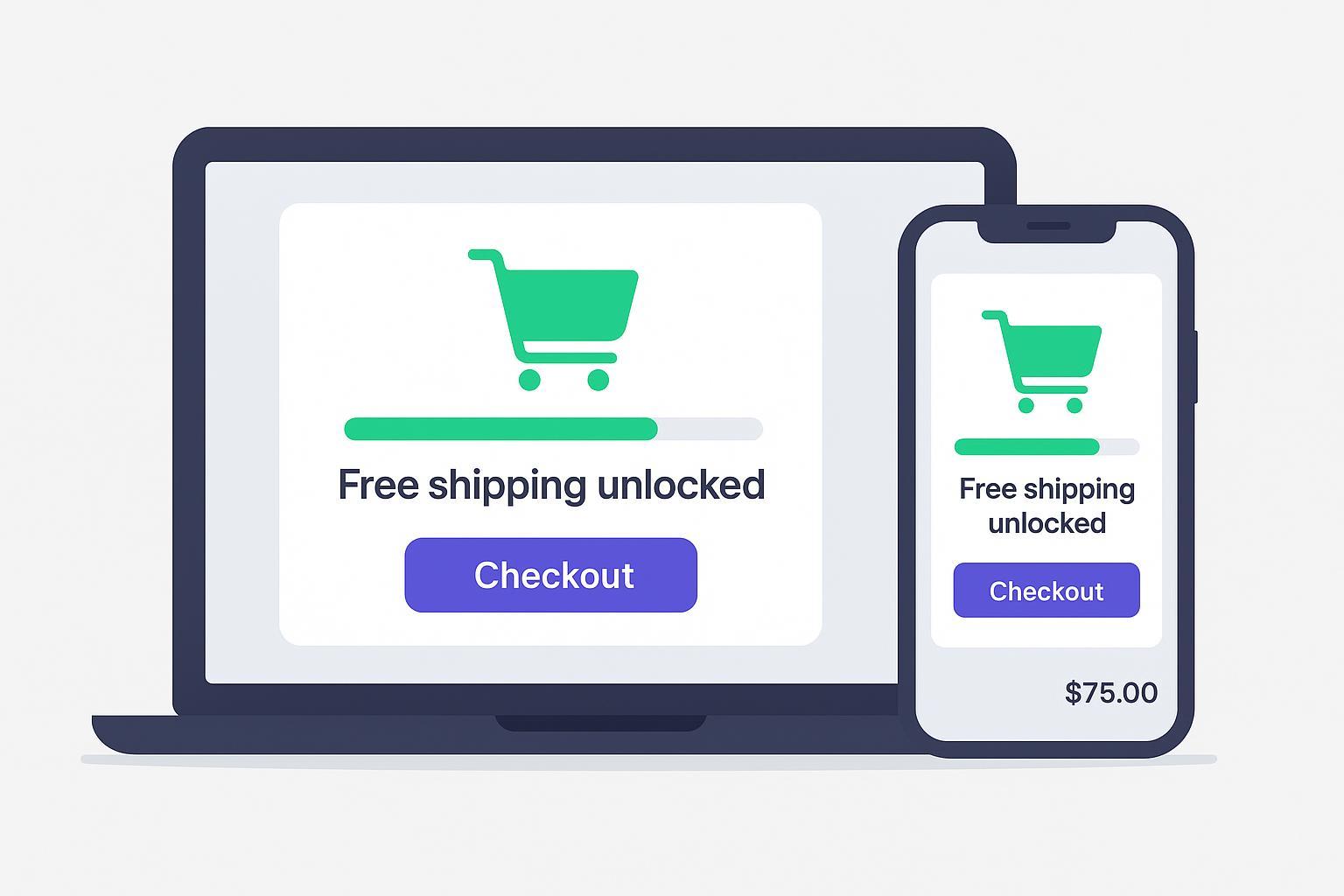
If customers can see how close they are to free shipping, many will add one more item to cross the line. In this guide, you’ll add a Shopify free shipping bar that appears in both the cart page and the cart drawer, and you’ll learn how to measure whether it truly increases Average Order Value (AOV).
Key takeaways
Make free shipping real first: create a price‑based $0 shipping rate that matches your threshold.
Two fast paths: copy‑paste theme code (Dawn‑ready) or use an app that supports the cart drawer, localization, and Markets.
Localize everything and show the active currency; don’t hard‑code English strings or currency symbols.
Place the bar near totals and the checkout CTA; keep it compact and accessible.
Measure lift with a simple before–after or A/B test; track AOV, conversion rate, and revenue per session.
Pre‑flight setup and safety
Before you add any code, align your UI with a real shipping rule and make a safe place to test.
Create a real free‑shipping rate
In Shopify Admin, go to Settings → Shipping and delivery → your shipping zone → Add rate.
Set a price‑based condition equal to your threshold (e.g., $50) and set the rate’s price to $0. Save. According to the official help article, this ensures your checkout matches what the cart bar promises; otherwise customers will bounce when the discount isn’t honored. See Shopify’s guidance in Shipping rates — Shopify Help Center: Configure price‑based free shipping.
Duplicate your theme
Online Store → Themes → Actions → Duplicate. Work in the copy.
Decide your starting threshold
A practical starting point is around 20–30% above your current AOV. Shopify’s guidance on free shipping and AOV supports this range; test and adjust for margin. See Free shipping and conversion and the AOV explainer Average Order Value.
Add a Shopify free shipping bar with theme code
You’ll implement a Dawn‑compatible progress bar that:
Renders on the cart page and in the cart drawer
Updates live as items are added or removed
Respects active currency and localization
Time: 20–45 minutes. Difficulty: Intermediate.
Where to place it
Cart page: sections/main-cart-footer.liquid (near totals and the checkout button) is a reliable spot.
Cart drawer: snippets/cart-drawer.liquid (near the subtotal or CTA).
Dawn keeps the page and drawer separate, so you’ll render the bar in both places.
1) Create a reusable snippet
Create snippets/free-shipping-progress-bar.liquid with accessible markup, locale keys, and money formatting.
{%- comment -%}
    Free shipping progress bar — reusable snippet
    Requirements:
    - Threshold should match a real $0 price-based shipping rate.
    - Strings come from locale files via `t`.
    - Amounts use Shopify money filters for active currency.
  {%- endcomment -%}

  {%- assign free_shipping_threshold = 5000 -%} {# 5000 = $50.00 in cents #}

  {%- comment -%}
    Markets example: adjust by buyer country
  {%- endcomment -%}
  {%- if localization.country.iso_code == 'US' -%}
    {%- assign free_shipping_threshold = 5000 -%}
  {%- elsif localization.country.iso_code == 'CA' -%}
    {%- assign free_shipping_threshold = 7500 -%}
  {%- elsif localization.country.iso_code == 'GB' -%}
    {%- assign free_shipping_threshold = 4500 -%}
  {%- endif -%}

  {%- assign cart_amount = cart.items_subtotal_price -%}
  {%- assign remaining = free_shipping_threshold | minus: cart_amount -%}
  {%- assign progress_value = cart_amount | times: 100 | divided_by: free_shipping_threshold -%}
  {%- if progress_value > 100 -%}{%- assign progress_value = 100 -%}{%- endif -%}
  {%- if progress_value < 0 -%}{%- assign progress_value = 0 -%}{%- endif -%}

  <div class="fsb" role="region" aria-label="{{ 'free_shipping_bar.region_label' | t }}">
    <div class="fsb__status" id="fsb-status">
      {%- if remaining > 0 -%}
        {{ 'free_shipping_bar.remaining' | t: amount: remaining | money }}
      {%- else -%}
        {{ 'free_shipping_bar.unlocked' | t }}
      {%- endif -%}
    </div>
    <div class="fsb__track" role="progressbar"
         aria-valuemin="0" aria-valuemax="100" aria-valuenow="{{ progress_value }}"
         aria-labelledby="fsb-status">
      <div class="fsb__bar" style="width: {{ progress_value }}%"></div>
    </div>
  </div>
Add the following locale keys to locales/en.default.json (and translate for other locales):
{
    "free_shipping_bar": {
      "region_label": "Free shipping progress",
      "remaining": "You're {{ amount }} away from free shipping",
      "unlocked": "You’ve unlocked free shipping!"
    }
  }
2) Add compact, accessible styles
Add to assets/base.css (or your theme CSS):
/* Free shipping bar styles: compact and high-contrast */
  .fsb { margin: 12px 0; }
  .fsb__status { font-size: .95rem; margin-bottom: 6px; }
  .fsb__track { background: #E6E9EF; border-radius: 999px; height: 10px; overflow: hidden; }
  .fsb__bar { background: #00F57A; height: 100%; width: 0; transition: width 200ms ease; }
  @media (max-width: 480px){ .fsb__status { font-size: .9rem; } }
3) Render the snippet in the cart page and drawer
In sections/main-cart-footer.liquid, render it near your totals:
{% render 'free-shipping-progress-bar' %}
In snippets/cart-drawer.liquid, render it near the subtotal/CTA:
{% render 'free-shipping-progress-bar' %}
4) Keep it in sync in the cart drawer
Liquid won’t update on AJAX cart changes. Listen for cart mutations and refresh the progress bar.
Add to assets/cart.js (or your main theme JS) after your cart code initializes:
// Free shipping bar updater
  (function(){
    const SELECTOR_TRACK = '.fsb__track';
    const SELECTOR_BAR = '.fsb__bar';
    const SELECTOR_STATUS = '#fsb-status';

    async function fetchCart(){
      const res = await fetch('/cart.js', { headers: { 'Accept': 'application/json' } });
      return res.ok ? res.json() : null;
    }

    function getThresholdCents(){
      // Keep in sync with Liquid thresholds; optionally expose via data-* attribute
      // as a progressive enhancement. For simplicity, mirror the default here.
      // Example: 5000 cents = $50.00
      return 5000;
    }

    function formatMoney(cents){
      // Fallback formatter. For perfect parity, render amounts in Liquid or
      // expose a preformatted string via data-attributes. Keep this simple.
      const amount = (cents/100).toFixed(2);
      return `$${amount}`; // If you serve multiple currencies, expose a label via Liquid.
    }

    function updateUI(cart){
      const threshold = getThresholdCents();
      const subtotal = cart.items_subtotal_price || 0;
      const remaining = Math.max(threshold - subtotal, 0);
      const pct = Math.min(100, Math.max(0, Math.round(subtotal * 100 / threshold)));

      document.querySelectorAll(SELECTOR_TRACK).forEach(track => {
        track.setAttribute('aria-valuenow', String(pct));
        const bar = track.querySelector(SELECTOR_BAR);
        if(bar) bar.style.width = pct + '%';
      });

      document.querySelectorAll(SELECTOR_STATUS).forEach(el => {
        el.textContent = remaining > 0
          ? `You're ${formatMoney(remaining)} away from free shipping`
          : `You’ve unlocked free shipping!`;
      });
    }

    function onCartMutated(){
      fetchCart().then(cart => cart && updateUI(cart));
    }

    // Hook common fetch endpoints used by themes
    const origFetch = window.fetch;
    window.fetch = function(input, init){
      const url = typeof input === 'string' ? input : (input && input.url);
      const willMutate = url && (/\/cart\/(add|change|update)\.js/.test(url));
      return origFetch.apply(this, arguments).then(res => {
        if(willMutate) {
          // Wait for server to confirm, then refresh
          Promise.resolve().then(onCartMutated);
        }
        return res;
      });
    };

    // Initial render
    fetchCart().then(cart => cart && updateUI(cart));
  })();
Notes:
For perfect currency formatting in JS, pass preformatted strings from Liquid via data attributes, or rely on your currency app’s formatter. The Liquid output already uses money filters.
If your theme fully re-renders the cart drawer section after updates, re-run this initializer after the section is replaced.
Use an app if you prefer no code
Time: 5–15 minutes. Difficulty: Beginner.
Choose an app that explicitly supports all of the following:
Cart drawer and cart page updates without a reload
Localization and per‑language message fields
Shopify Markets or geo targeting for per‑country thresholds
Multi‑currency display aligned to the active storefront currency
Mobile‑first presets and minimal performance impact
Quick setup flow:
Install your chosen app and select a “progress to free shipping” widget.
Set your threshold to match your Shopify rate rule.
Add messages for initial, remaining, and success states.
Place it in the cart drawer and cart page; the header is optional.
Enable Markets or geo targeting if you ship internationally.
QA on mobile and desktop; verify currency and translations.
For inspiration and background on implementation approaches, see these practitioner and vendor guides:
Flair Consultancy: How to add a free shipping progress bar without apps
ShineTech: Add a free shipping bar to your Shopify cart page
Essential Apps: How to add a free shipping bar on Shopify
Identixweb: Free shipping bar complete setup guide
Why it lifts AOV and where merchants go wrong
A visible goal encourages completion. When shoppers see they’re close to free shipping, many will add a low‑priced item to unlock it. Shopify’s own content highlights how minimum free‑shipping thresholds can nudge higher spend, and UX research emphasizes clarity around shipping costs to reduce hesitation. See Shopify’s overview on Free shipping and conversion and Baymard’s research on shipping transparency: Clear shipping info helps users decide.
Start with a realistic threshold, then test. Here’s a quick rule of thumb:
Baseline AOV | Starting threshold | Rationale |
|---|---|---|
$35 | $50 | ~+40% can work for lower tickets; validate margin and CVR impact |
$50 | $65–$70 | ~+30% keeps reachability high for most carts |
$80 | $95–$105 | ~+20–30% protects margin without making the goal feel distant |
Common pitfalls to avoid:
The bar promises free shipping at $X, but checkout doesn’t. Always configure the $0 price‑based rate first.
Thresholds that are too high get ignored; too low erodes margin.
Drawer totals don’t update, so the message feels “stuck.” Add the JS listener or choose an app that handles it.
Overbearing banners on mobile crowd out the CTA; keep the component compact.
Measure impact the right way
You don’t need a stats degree to validate whether your Shopify free shipping bar is working. Here’s a simple plan.
Design options:
Before–after: Run 2–4 weeks with the bar off, then 2–4 weeks on, keeping your traffic mix stable.
A/B test: Randomize exposure to the bar and compare exposed vs. control. If you can, log a simple “bar_viewed” event when the drawer opens.
KPIs to track:
AOV (Average Order Value)
Conversion rate
Revenue per session
Add‑to‑cart rate (helpful sanity check)
Sample‑size rule of thumb:
Aim for several thousand sessions per variant or use a reputable online calculator. Don’t call the test after a weekend; let full cycles run.
Analytics and reconciliation:
Baseline with Shopify Analytics for AOV and revenue; layer GA4 for session context.
For multi‑touch and channel‑level validation, an attribution platform like Attribuly can help you compare exposed vs. control cohorts and reconcile lift that might otherwise look like a channel mix artifact. For deeper reading, see our context guides: Diagnose ad performance with goal‑based attribution and GA4 vs Attribuly — best multi‑touch models for Shopify.
Troubleshooting and QA checklist
Use this quick checklist before and after launch.
QA before publishing:
Duplicate theme used for testing
Shipping rate configured: price‑based threshold with $0 cost
Messages translated via locale files; no hard‑coded English
Mobile drawer and desktop cart verified
Currency correct across Markets and currencies
If something’s off:
Bar not showing: Confirm you rendered the snippet in both the cart page and the cart drawer templates.
Stale amount in drawer: Ensure your JS listens for /cart/add.js, /cart/change.js, or /cart/update.js and refreshes /cart.js.
Currency mismatch: Use Liquid money filters in the HTML and, for any JS fallbacks, either expose the preformatted amount via data attributes or rely on your storefront formatter.
Shipping rule mismatch: Test a cart just at the threshold; checkout should show $0 shipping.
Accessibility: The bar needs role="progressbar" with aria-valuemin, aria-valuemax, aria-valuenow, plus a visible status text tied via aria-labelledby.
Copy library: messages you can use
Initial: “Enjoy free shipping when you spend more today.”
Remaining: “You’re {{ amount }} away from free shipping.”
Success: “You’ve unlocked free shipping!”
Store these in your locale files and reuse the keys in your snippet.
What we referenced and why
To give you options and a clear path, we drew on implementation guides and UX evidence:
Practical how‑tos and examples from peers and vendors: Flair Consultancy guide, ShineTech tutorial, Essential Apps overview, and Identixweb setup guide.
Shopify’s documentation on configuring price‑based free shipping so checkout behavior matches your UI: Shipping rates — Shopify Help Center.
UX evidence around shipping transparency and motivation to add items: Baymard shipping transparency.
Final notes
A Shopify free shipping bar works best when it’s honest, fast, and local to the shopper’s country and currency. Keep it small, keep it visible, and let the data tell you if it’s pulling its weight. If the first threshold doesn’t move AOV or harms conversion, iterate. That one small nudge close to the checkout button can be the difference between “almost there” and “order placed.”