
Elevar Pricing 2026: Full Breakdown for Shopify Server-Side Tracking
Complete breakdown of Elevar pricing for Shopify server-side tracking: plan tiers, order limits, overages, and setup. Verify pricing as of May 2026 — read now.
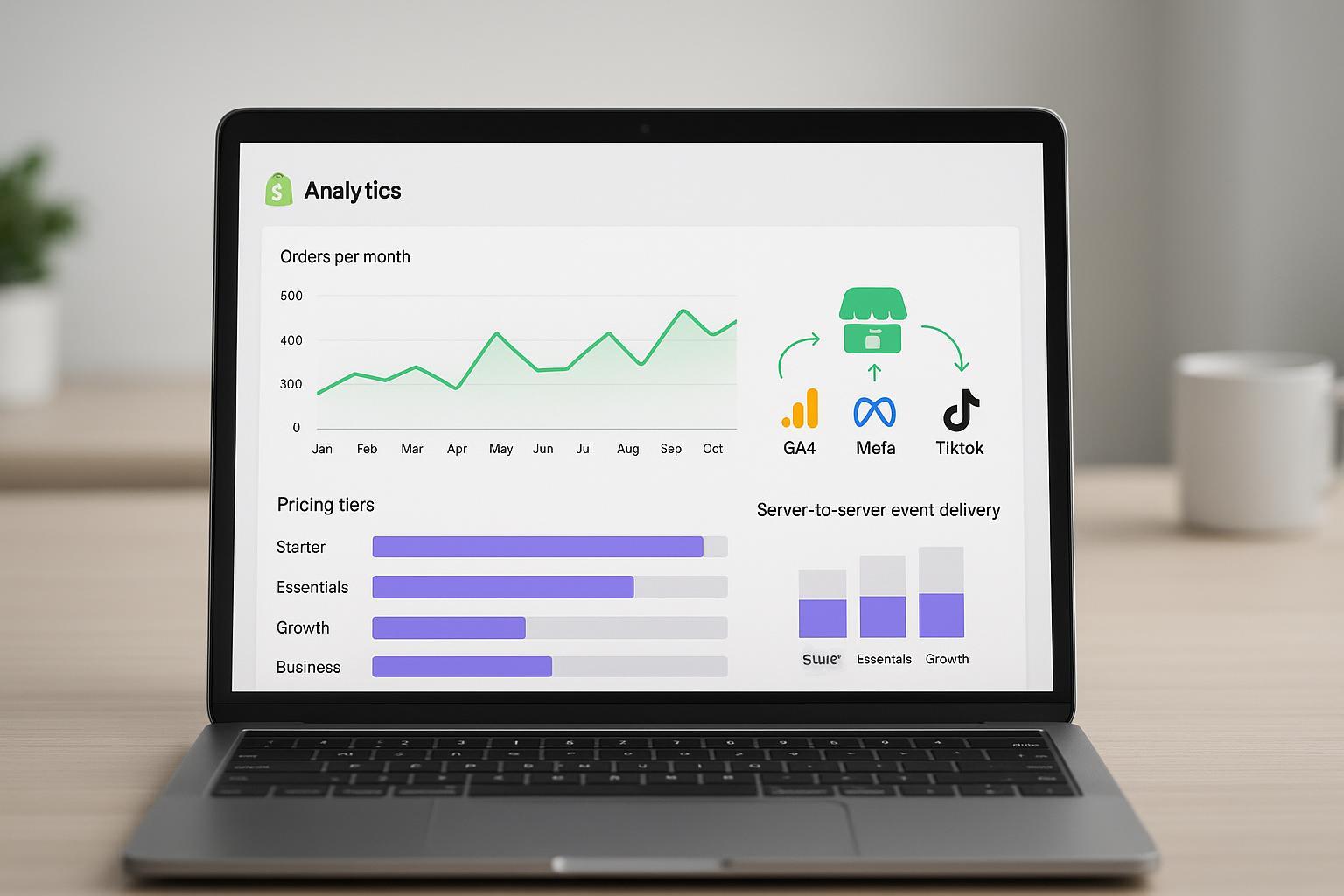
Buying server-side tracking on Shopify often comes down to one question: how many orders do you send each month. Elevar prices its paid plans by included monthly order volume with per‑order overages, and the details matter for budgeting and plan fit. This guide verifies the 2026 numbers directly from Elevar’s official pages and explains how order counting, overages, and feature scope work in practice.
Pricing as of May 2026. Always confirm live details on Elevar’s pricing page before purchase.
Key takeaways
The paid plans are Essentials at $200 for 1,000 orders, Growth at $450 for 10,000 orders, and Business at $950 for 50,000 orders. Overages are billed per extra order at $0.15, $0.04, and $0.03 respectively, per the figures on the Elevar Pricing and Plans page.
Orders counted are monthly online orders and exclude blocked channels such as POS and wholesale. Consent‑blocked orders are not charged. If you do not have live server-side destinations, Elevar notes that all Shopify orders may count during the billing period, as described on the pricing page billing copy.
Starter is listed at $0 with a small included order allowance useful for evaluation. Server‑Side Tracking appears on paid tiers based on the current plan grid on the pricing page.
Choose Server‑Side Tracking when you need reliable server‑to‑server delivery to GA4, Meta CAPI, TikTok, and similar destinations. Choose the Elevar data layer and GTM foundation when you primarily need structured client‑side event capture and control, as outlined in Elevar’s Data Layer & GTM for Shopify overview.
High‑volume brands over 100,000 monthly orders should contact Elevar for a custom arrangement per guidance on the pricing page.
Elevar pricing snapshot for Shopify
The following snapshot reflects Elevar’s public pricing table and tooltips as verified in May 2026.
Plan | Monthly price | Included monthly orders | Overage per extra order | Core inclusions on paid tiers |
|---|---|---|---|---|
Starter | $0 | 100 | n/a | Limited evaluation features; confirm details on the pricing page. |
Essentials | $200 | 1,000 | $0.15 | Data Layer, Server‑Side Tracking, Tracking Guarantee, User Identity Graph. |
Growth | $450 | 10,000 | $0.04 | Data Layer, Server‑Side Tracking, Tracking Guarantee, User Identity Graph. |
Business | $950 | 50,000 | $0.03 | Data Layer, Server‑Side Tracking, Tracking Guarantee, User Identity Graph. |
As spelled out on the official Elevar Pricing and Plans page, usage is based on monthly online orders; blocked channels like POS and wholesale are excluded. Consent‑blocked orders are not charged, and a single order isn’t double‑counted when routed to multiple destinations. If you have no live server‑side destinations during the period, Elevar indicates all Shopify orders may count until a destination is active. The same page also clarifies that overages are billed per order above your plan’s included limit—there’s even a one‑extra‑order example to check your math. For the policy framing that supports overage billing, see the Elevar Terms of Use.
Plan breakdown and who each tier serves
Essentials
For brands with roughly up to one thousand monthly online orders that need a clean tracking foundation plus reliable server‑to‑server delivery, Essentials is the entry point. The plan bundles the Shopify‑optimized data layer with Server‑Side Tracking, so you can capture structured onsite events and route conversions to advertising and analytics APIs. The pricing page positions the overage at fifteen cents per extra order above the included one thousand, per the Elevar pricing table.
Growth
Growth is designed for scale‑ups pushing into five‑figure monthly order volumes. It includes ten thousand orders per month and an overage of four cents per extra order. For fast‑growing DTC shops that can’t afford missed conversions in Meta CAPI or GA4, dropping the per‑order overage from Essentials can materially stabilize costs while providing headroom. See included orders and overage rates on the pricing grid.
Business
Business provides fifty thousand included orders with a three‑cent overage. This tier fits mature brands that rely on large‑sample attribution and want more predictable tracking costs relative to very high order counts. The paid tiers share core inclusions such as the data layer, Server‑Side Tracking, a tracking guarantee, and a user identity graph based on the current plan grid descriptions on the pricing page.
Starter
Starter appears at zero dollars with a small included order allowance suitable for testing the fit. Based on the current plan grid, Server‑Side Tracking is emphasized on paid plans. Check the live plan comparison on the pricing page to confirm Starter inclusions before relying on it for production tracking.
Which plan is right for your order volume
Think of order volume as the primary driver. Below is a quick mapping that aligns common Shopify store profiles to Elevar pricing tiers. Always check your actual rolling monthly order trend before committing, and remember to evaluate total Elevar cost when overages are likely in peak periods.
Monthly online orders | Likely fit | Why this tier often fits |
|---|---|---|
0–800 | Essentials | You stay within included orders most months and can absorb modest spikes at $0.15 per extra order. |
800–12,000 | Growth | You avoid the higher per‑order overage from Essentials and gain a large included buffer for campaigns and seasonality. |
12,000–60,000 | Business | Lower overage at $0.03 protects budgets during peaks, and included orders match steady scale. |
60,000+ | Business or custom | Start with Business and evaluate overage patterns; contact Elevar near or above 100k orders. |
Worked scenarios with real math
Boutique apparel at 1,200 orders per month on Essentials: $200 base plus 200 overage orders × $0.15 = $230 total for the period. If seasonality lifts to 1,600 orders, the bill becomes $200 + 600 × $0.15 = $290. These examples mirror the per‑order billing approach illustrated on the pricing page.
Scale‑up beauty at 8,500 orders per month on Growth: $450 base with no overage inside the 10,000 included orders. If a promotion spikes to 12,000 orders, overage equals 2,000 × $0.04 = $80, so $530 total, consistent with the overage rate shown for Growth.
Enterprise home goods at 55,000 orders per month on Business: $950 base with 5,000 overage orders × $0.03 = $150, landing at $1,100 for the period. If the brand averages 70,000 orders, the expected total becomes $950 + 20,000 × $0.03 = $1,550, based on the Business overage rate.
Order counting reminders pulled from the pricing page: the tally is monthly online orders, blocked channels like POS and wholesale are excluded, consent‑blocked orders are not charged, and you are not double‑charged when the same order is sent to multiple destinations. If you do not have live server‑side destinations during the period, all Shopify orders may count toward usage until you activate a destination. See the Elevar Pricing and Plans page for the current wording.
Server-Side Tracking versus the Elevar data layer and GTM
Short version
Elevar Server‑Side Tracking routes conversion and key events from Elevar’s servers to destination APIs such as Meta Conversions API, Google Analytics 4 and Google Ads, and TikTok Events API. The value is higher reliability than browser‑only pixels, better event coverage, and tools like delivery logs and deduplication, as described in Elevar’s Server‑Side Tracking overview and destination docs.
Elevar Tracking with the Shopify data layer and Google Tag Manager provides structured client‑side capture on your storefront. It is the foundation that helps your tags read consistent variables and can work alongside server‑side tracking, per Elevar’s Data Layer & GTM page.
When to choose which
If your priority is reliable delivery to ad and analytics platforms with support for server‑only signals and deduplication, choose Server‑Side Tracking on a paid tier.
If you are standardizing a messy tag setup or preparing the site for accurate measurement, start with the data layer and GTM foundation and add server‑side destinations when ready.
Implementation notes for Shopify stores
Order scope and exclusions: The pricing page clarifies that monthly online orders drive usage, while blocked channels like POS and wholesale are excluded. Consent‑blocked orders are not charged, and a single order sent to multiple destinations is counted once. These rules are crucial when reconciling your Shopify analytics with your Elevar bill; see the current details on the pricing page.
Running without destinations: If you have no live server‑side destinations during a period, Elevar indicates that all Shopify orders may count. Activate at least one destination once you are ready to send server‑side events; this behavior is described on the pricing page.
Shopify Plus nuance: Certain checkout events and advanced web pixel configurations may depend on Plus capabilities. Confirm requirements with Elevar and Shopify if you rely on deep checkout instrumentation.
Overages and billing cycle: Overages are billed per order above the included limit for your tier, not in bulk blocks. The pricing page shows example arithmetic so you can sanity‑check your projected invoice. For policy framing, consult the Terms of Use.
Supported server-side destinations and docs
Meta Conversions API
Elevar documents the Meta destination with setup guidance, token management, and event parameter details. Start with the Elevar Facebook and Meta CAPI documentation and the step‑by‑step server‑side setup guide, and keep token credentials current via the CAPI token update article.
TikTok Events API
Elevar provides a dedicated setup guide for using TikTok as a server‑side destination. Configure authentication and event mapping using the TikTok server‑side setup guide and, if available, the TikTok documentation index.
GA4 and Google Ads
Elevar’s site and integrations listing indicate support for Google Analytics 4 and Google Ads destinations. Use the Google overview on Elevar and the integrations catalog to validate availability, and follow the onboarding steps to add these destinations in the product.
These links come from Elevar’s official product pages and documentation and are the best starting points for a current capabilities view.
Frequently asked questions
Does Elevar offer a free trial
As of May 2026, the pricing page states that you can get started on any plan with a free fifteen‑day trial; confirm this on the current Elevar Pricing and Plans page before signup since trial terms can change.
How are overages billed
Overages are charged per order above your included monthly limit. The pricing page includes an example showing a single extra order on Essentials leading to a fifteen‑cent overage added to the base plan price. The Terms of Use describe how excess usage may be charged after the billing period.
What counts as an order toward Elevar pricing
The pricing page defines usage as monthly online orders. Orders from blocked channels such as POS and wholesale are excluded. Consent‑blocked orders are not charged, and a single order sent to multiple destinations is not counted multiple times.
Does the Starter plan include server-side tracking
Based on the current plan grid, Server‑Side Tracking is listed on paid plans. Check the live pricing table to confirm Starter inclusions before planning production usage.
What should large brands over one hundred thousand monthly orders do
The pricing page directs high‑volume merchants to contact Elevar for a custom arrangement. If you regularly exceed the Business tier by a wide margin, a custom plan may be more predictable than paying ongoing per‑order overages.
Alternatives and further reading
If you are mapping the broader market before committing, you can also review Attribuly for a different approach to attribution and server‑side conversions. Read third‑party Elevar write‑ups as perspectives rather than sources of record; for example, a 2026 Hubbvee review and an ATTN agency summary exist, but always verify prices and features against Elevar’s official pages.
Changelog and verification notes
Pricing verified against Elevar’s public pages on May 18, 2026. Because pricing can change quickly, confirm the latest details on the Elevar Pricing and Plans page before purchase. For policy context, see the Terms of Use.
Key official sources referenced in this guide include the Server‑Side Tracking overview, Data Layer & GTM for Shopify, Meta CAPI docs, TikTok server‑side setup, and the Google tracking overview and integrations catalog, https://getelevar.com/all-integrations/, plus the onboarding steps guide.