
Best Klaviyo Flows for Shopify 2026: A Complete Revenue-Driven Setup Guide
Set up and optimize Klaviyo flows for Shopify with revenue-focused blueprints, 2026 benchmarks, QA checklists, and SMS guardrails—start improving revenue today.
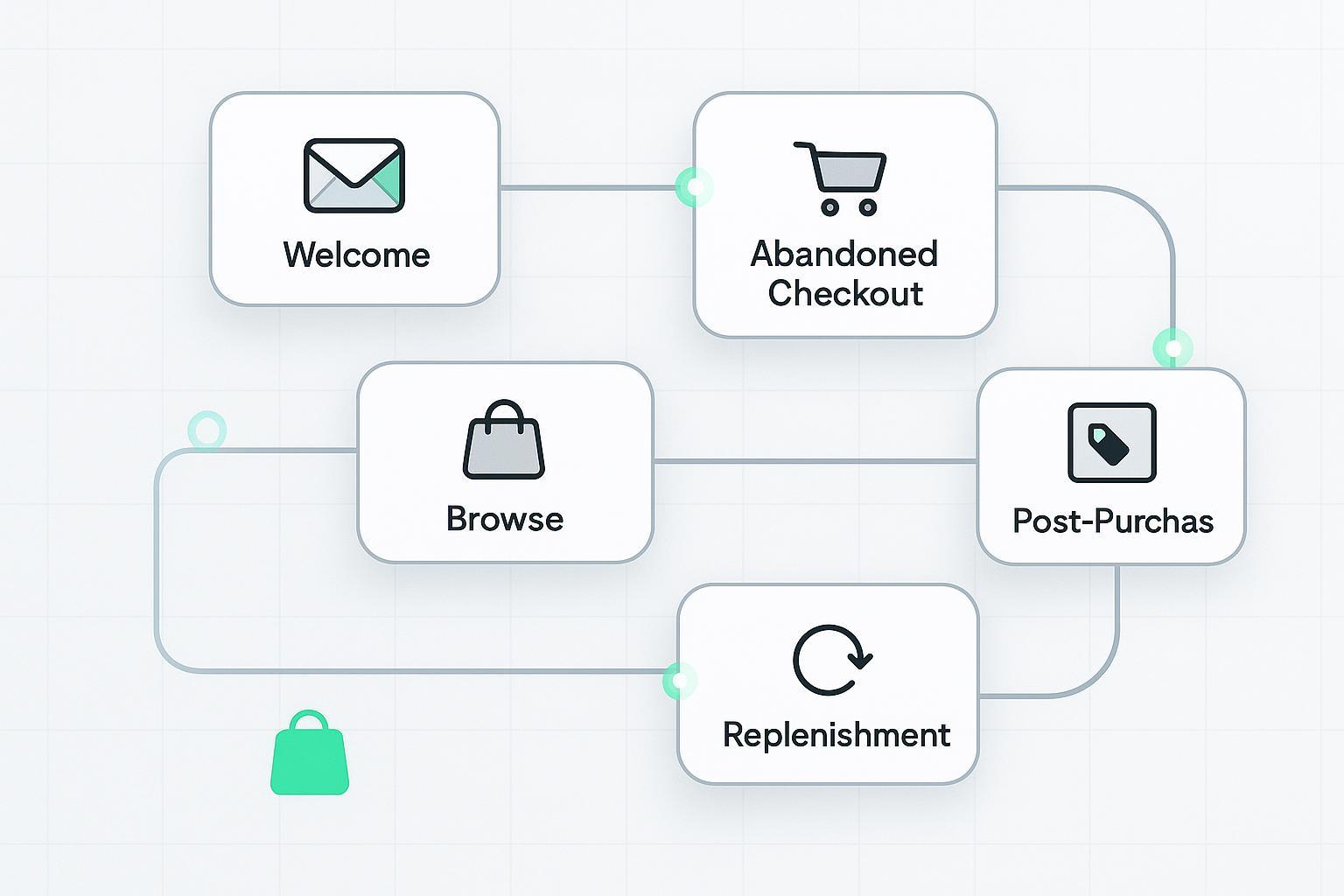
Flows do the quiet heavy lifting. In 2026, automated journeys consistently outperform one-off campaigns on click and placed-order rates for Shopify stores, and they do it with far less list fatigue. This guide gives you the exact, up-to-date blueprints to set up the best Klaviyo flows for Shopify, plus reliable timing, suppression rules, QA steps, SMS guardrails, and benchmarks so you can ship confidently and scale revenue.
Key takeaways
Prioritize six flows: Welcome, Abandoned Checkout (plus Added to Cart), Browse Abandonment, Post‑Purchase, Win‑Back, and Replenishment (if you sell consumables).
Start with practical defaults: first abandoned‑checkout email at 2–4 hours; welcome series of three emails in one week; browse flow within 1–24 hours of the view event.
Keep SMS tight and compliant: one abandoned‑cart SMS in the U.S. within 48 hours, only with explicit consent and quiet hours enforced.
Aim above 2026 baselines: flows should materially beat campaigns on click and placed‑order rates; watch bounce <1.0%, unsub <0.3%, spam <0.01%.
Reliability wins: verify Shopify events (Checkout Started, Added to Cart via server pixel), guard against re‑entry, localize product blocks for Markets, and test with sample profiles before going live.
The 2026 shortlist: the Klaviyo flows for Shopify that drive revenue
Flows punch above their weight in 2026. Klaviyo’s benchmarks show flows substantially outperform campaigns on engagement and conversion. As a north star, use Klaviyo’s current-year benchmarks to set expectations and review flow analytics regularly.
According to Klaviyo’s 2026 resources, flows outpace campaigns on click and placed‑order rates by a wide margin; see the benchmark hub and recap for context in 2026: Klaviyo Email Marketing Benchmarks (2026) and Klaviyo’s 2026 benchmark recap on open, click, and conversion.
Below is a compact, guidance-level snapshot to anchor your goals. Your brand’s targets should be informed by your own account’s benchmark view.
Metric (flows) | Healthy target or note (2026) |
|---|---|
Open rate | >33% typical for solid flow performance (contextual) |
Click rate | ~5%+ is common for flows per 2026 trends (brand/vertical vary) |
Placed order rate | ≈2%+ on key flows is a reasonable starting target |
Bounce / Unsub / Spam | <1.0% / <0.3% / <0.01% (deliverability health) |
Revenue per recipient (RPR) | Use account-level RPR; treat third‑party RPR stats as directional only |
Definitions and where to read flow performance live are outlined in Klaviyo Help: Understanding flow analytics (2026).
How to set up the abandoned checkout flow (Shopify)
Abandoned checkout is almost always your highest-ROI automation once it’s firing reliably.
Triggers and eligibility: Checkout Started vs. Added to Cart
Use Checkout Started (Shopify) for the classic abandoned‑checkout trigger. It fires once a shopper enters their email at checkout. See Klaviyo’s abandoned‑checkout setup guidance: Abandoned checkout setup for Shopify.
Add an earlier‑intent flow using Shopify’s server‑pixel “Added to Cart” metric to capture prospects who never reached email entry. Klaviyo recommends migrating to the automatic server‑pixel event; see Migrate to automatic Added to Cart for Shopify (2026).
Timing and message count
Start with 2–3 emails. Send the first at 2–4 hours post‑abandonment (4 hours is a reliable default), then a second touch 20–48 hours later. Klaviyo’s delay guidance supports these windows: Time delays and best practices.
Content and suppression
Insert a dynamic table of cart items, show images and prices, and keep a single, clear CTA back to checkout. Avoid promoting out‑of‑stock products using product availability rules from Klaviyo’s docs.
Filters: “Placed Order = 0 since starting this flow,” plus a re‑entry guard like “Hasn’t been in this flow in the last 7–14 days.” This prevents rapid re‑triggers from indecisive shoppers.
Welcome series that turns signups into first orders
Welcome often has your best open and RPR potential because intent is fresh. Treat it like an onboarding micro‑journey.
Trigger and branching
Trigger: Added to List (your primary subscriber list) synced from Shopify. See How to build a welcome series in Klaviyo.
Branch buyers vs. prospects with a conditional split: “Has Placed Order at least once.” Send purchasers to a compressed thank‑you/education track; keep prospects on the first‑order track.
Timing and offer logic
Start with three emails over about one week: send immediately, then +3 days, then +4 days. If you offer a discount, test where it appears (email 1 vs. 2) and make sure the code auto-applies at checkout. Use dynamic product blocks and a short brand story to build trust.
Browse abandonment: capture intent before it fades
Browse flows convert casual viewing into cart action when they’re timely, relevant, and restrained.
Trigger, filters, and content
Trigger on Viewed Product where the profile neither Added to Cart nor Placed Order since starting the flow. Keep the audience to true browsers.
Use a hero image of the product viewed, brief benefits copy, social proof, and a clear “View product” CTA. Dynamic product blocks pull the exact SKU. For inspiration and patterns, see Klaviyo’s 2026 browse examples: Browse abandonment ideas and examples (2026).
Cadence with optional SMS
Send the first message within 1–24 hours, then one or two follow‑ups over the next 1–3 days. If you use SMS, keep it to a single reminder for opted‑in profiles and space it away from email to avoid stacking.
Post‑purchase and replenishment: build habits and LTV
Turn a one‑time buyer into a repeat customer by sequencing thanks, education, and relevant add‑ons.
Thank‑you, education, and cross‑sell
Trigger on Placed Order. Send a quick thank‑you immediately, then product education and care tips. Save cross‑sells until after delivery or reasonable usage time. See Post‑purchase flow how‑to.
Split first‑time vs. repeat customers and adjust tone and offers accordingly.
Replenishment by category windows
For consumables or repeatables, build category-specific replenishment flows with delays that match real usage (e.g., 60–90 days for skincare; 100–120 for supplements that last longer). Exclude replenishable SKUs from generic win‑back to avoid conflicting messages.
Win‑back: save churning customers without burning your list
A good win‑back sequence reactivates lapsed buyers while preserving deliverability.
Delay math and pattern
Base delays on your average time between orders. As a rough starting point, 60–120 days covers many categories; refine by SKU cadence. Then use a 2–3 email pattern that starts with a helpful nudge and ends with a clear, time‑boxed offer for genuinely lapsed buyers.
Keep a tight suppression rule: “Placed Order = 0 since starting this flow,” and avoid re‑entering customers too frequently.
Practical workflow example: stabilize Shopify triggers with server‑side events
Here’s a neutral, real‑world pattern that prevents misfires and under‑firing flows:
Problem: Abandoned‑checkout and browse flows under‑trigger because some sessions never fire client‑side events, or identities stay anonymous until late in the journey.
Workflow: Use server‑side Shopify events for checkout started and added‑to‑cart, then sync identified profiles and audiences into Klaviyo. De‑anonymize high‑intent shoppers (email capture with consent) to expand who can receive browse/cart flows. A tool like Attribuly can be used in this role to send server‑side events and synchronize audiences, helping stabilize trigger reliability and coverage. Keep configuration changes behind a test profile until QA is complete.
Orchestrate email and SMS without over‑messaging
SMS can lift conversion, but only when it’s permissioned and paced.
Consent must be explicit and separate from email, and quiet hours should be enforced by region. Klaviyo documents SMS compliance and settings; review their 2026 guidance before activating flows: Klaviyo’s SMS compliance guide (2026).
Keep abandoned‑cart SMS in the U.S. to one message within 48 hours, and don’t stack an SMS within minutes of an email. Use flow filters to space messages and cap monthly SMS frequency for each profile.
KPI targets, reporting, and iteration
You can’t improve what you don’t measure. Read Flow Analytics weekly and iterate deliberately.
Where to look: Flow performance is summarized in Klaviyo with opens, clicks, placed‑order rate, and RPR; metric definitions are explained in Understanding flow analytics (Klaviyo Help, 2026).
Targets: set click rates near ~5%+ and placed‑order rates around ~2%+ for key flows as a starting point, then tune by category. Keep bounce <1.0%, unsub <0.3%, and spam <0.01% to safeguard deliverability.
Simple A/B plan: test one variable per email—subject line, send time, dynamic product block placement, or incentive presence. Run tests to significance and roll winners forward.
Directional RPR context: external reports sometimes cite welcome flow RPR in the ~$0.80–$2.50 range; treat such third‑party figures as directional only and benchmark against your own account view.
Attribution sanity: Klaviyo vs. Shopify vs. GA4
Disagreements are normal because systems measure different things on different timelines.
Klaviyo typically attributes revenue on a message‑interaction basis within configurable windows (e.g., 5‑day click). Shopify analytics are order‑centric; GA4 is session/source‑centric with different bot filtering and windows. To avoid double counting, evaluate flow RPR and placed‑order rate inside Klaviyo for optimization decisions, and use a separate model for channel mix.
For model details and options, review Klaviyo’s documentation on attribution approaches: Attribution models and configuration (2026).
Quality assurance: a fast Shopify flow QA checklist
Verify event coverage: Shopify integration connected; behavioral tracking enabled; server‑pixel Added to Cart is firing; Checkout Started triggers once email is entered.
Confirm identity resolution: emails map consistently; choose a single order metric (Placed Order vs. Ordered Product) for filters and be consistent across flows.
Test dynamic content: abandoned‑cart tables render correctly for multiple items; product blocks localize if you use Shopify Markets; out‑of‑stock logic prevents dead ends.
Guard frequency: re‑entry windows set; global frequency caps respected; SMS quiet hours enabled.
Ship safely: send to a test segment first, monitor deliverability and placed‑order rate for a week, then scale.
Next steps
Ship the six core flows using the defaults above, then iterate weekly against Klaviyo’s 2026 benchmarks.
Audit your event coverage and identity stitching; consider a server‑side approach to reduce missed triggers and expand eligible audiences. If you need a neutral option for checkout/start events and audience sync into Klaviyo, evaluate Attribuly Capture alongside your existing stack.
Create a simple ops rhythm: one improvement per flow per week, one A/B live at any time, and a monthly deliverability review.
Tips and references for further reading
Benchmarks and definitions: Klaviyo Email Marketing Benchmarks (2026)
Flow analytics: Understanding flow analytics (Klaviyo Help, 2026)
Abandoned checkout: Abandoned checkout setup for Shopify
Added to Cart (server pixel): Migrate to automatic Added to Cart for Shopify (2026)
Browse inspiration: Browse abandonment ideas and examples (2026)
Post‑purchase: Post‑purchase flow how‑to
SMS compliance: Klaviyo’s SMS compliance guide (2026)
Attribution models: Attribution models and configuration (2026)