
Meta CAPI vs Google Enhanced Conversions: Shopify (2026)
Shopify comparison of Meta CAPI vs Google Enhanced Conversions — EMQ & dedup reliability, 15–20 min quickstart checklists, diagnostics, and scenario-based recommendations.
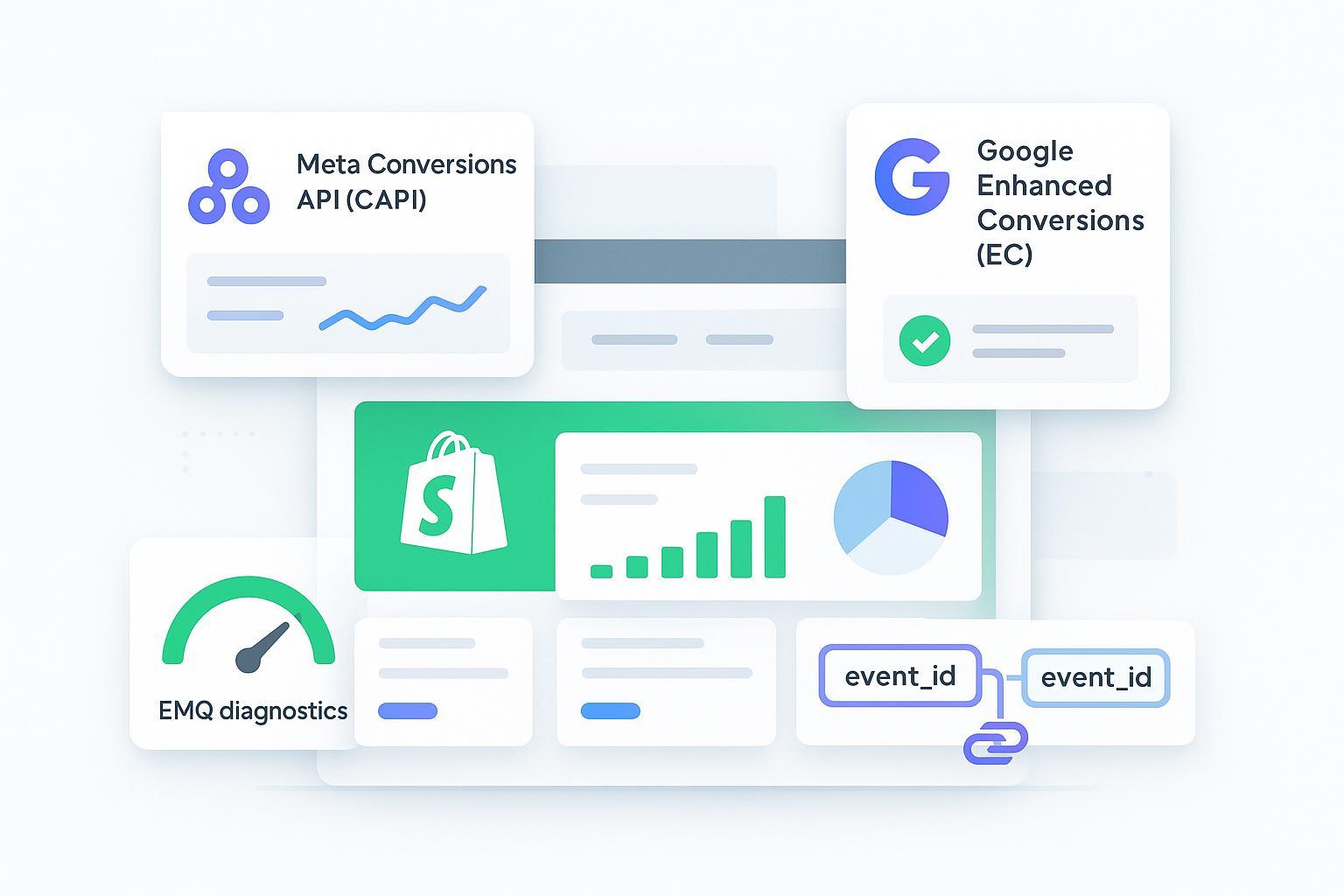
If you manage a scaling Shopify brand, the decision that matters most is accuracy under privacy constraints: raising Meta Event Match Quality (EMQ) and preventing duplicates when you run Pixel + server events, while making Google Enhanced Conversions work consent‑safely. Here’s a practical, evidence‑linked comparison to help you choose the right path.
Key Takeaways
Accuracy is the hero criterion: validate EMQ in Meta Events Manager and ensure dedup via shared event_id and fbp/fbc.
Google Enhanced Conversions depends on hashed identifiers and consent; monitor match rate in Google Ads diagnostics.
Shopify native is often the fastest to activate; third‑party platforms can add stronger diagnostics, integrations, and reporting.
Choose by scenario: accuracy‑first, speed‑first, consent‑first, integrated stack, or cost‑sensitive TCO.
TL;DR: the Shopify Meta Conversions API accuracy‑first verdict
If your priority is higher EMQ and reliable deduplication, you’ll want a setup that makes shared event_id and fbp/fbc visible in diagnostics and provides clear payload validation. Shopify native via the Facebook & Instagram app is quick, but platforms like Elevar, Littledata, and Attribuly add observability and integrations that can help sustain accuracy over time.
According to Meta’s guidance, you should monitor EMQ and dataset quality and confirm dedup keys are present across browser and server events. See the official overview in the Meta Omni Optimal Setup Guide and dataset quality references via the EMQ and monitoring docs.
Why Shopify Meta Conversions API accuracy matters
Meta’s Event Match Quality (EMQ) reflects how well your CAPI payloads match shoppers to Meta accounts. Higher EMQ typically improves attribution stability and bidding efficiency. You can validate EMQ and deduplication in Events Manager and raise EMQ by ensuring identifiers (email, phone, external_id) are present and properly hashed in server events per Meta’s guidance.
2026 Comparison Matrix — Accuracy and Dedup emphasized
Product | EMQ & Match Quality | Dedup Reliability | Implementation Speed | Diagnostics | Consent v2 | Integrations | Reporting | Architecture | Pricing/TCO (as of 2026-01-27) | Constraints | Evidence |
|---|---|---|---|---|---|---|---|---|---|---|---|
Shopify native + platform‑native | EMQ depends on proper Pixel+CAPI and EC; monitor EMQ in Events Manager; monitor EC match rates in Google Ads | Uses event_id parity and recommends fbp/fbc; verify in Test Events | Fast: install apps, toggle settings, test purchase | Meta Test Events; Google Ads diagnostics | Google Consent Mode v2 supported via Google tag/app | Core connections to Meta & Google | Reporting limited to platform dashboards | Managed server events; limited customization | App costs vary; platform fees apply | Customization constraints vs third‑party | Meta EMQ doc; Google EC diagnostics |
Elevar | EMQ improves with hybrid client+server and structured mapping | Dedup via event_id parity; guided setup | Moderate: guided server destination steps | Vendor dashboards plus platform diagnostics | Consent mode guidance compatible with v2 | Strong GA/Meta/Google support | Reporting focused on routing, not ROAS/LTV | Supports GTM Server and data layer options | Indicative tiers published; subject to change | Quotas/rate limits vary by plan | Elevar setup and pricing pages |
Littledata | EMQ targeted via hybrid tracking; match‑rate monitoring | Dedup through parity of identifiers; install guides detail steps | Very fast in many cases; install guide claims quick activation | Vendor + platform diagnostics | Works with consent flows; EC guidance | Meta, Google Ads EC, GA4, Segment, subscriptions | Reporting mostly routing; analytics integrations | Hosted relays; some server‑side GTM constraints | App‑store tiers published; subject to change | Integration scope differs by plan | Littledata install and product pages |
Attribuly | Focus on consent‑aware server‑side, hashed IDs; EMQ visibility via payload checks | Dedup via event_id and fbp/fbc alignment on server | Typically fast to activate for Shopify | Vendor dashboards + platform diagnostics | Supports consent‑aware activation for EC | Broad commerce‑focused destinations (Meta, GA4, Google Ads, TikTok, Pinterest, Snapchat, Klaviyo) | ROAS/LTV attribution views designed for operators | Hosted server‑side with practical workflows | Pricing published on official site; subject to change | Export options vary; BigQuery/Segment availability may vary | Attribuly integration and support pages |
Evidence links (selected):
Meta EMQ and monitoring: Meta Omni Optimal Setup Guide
Meta dedup keys: fbp/fbc parameters
Google Enhanced Conversions diagnostics: Google Ads EC help
Consent Mode v2 overview: Google Consent Mode v2
Elevar pricing/plans: Elevar plans page
Littledata install (Shopify → Conversions API): Littledata install guide
Disclosure: Attribuly is our product. See integrations: Attribuly Shopify integration and Attribuly Meta Ads integration
“Best for…” scenario recommendations
Accuracy‑first under privacy constraints: Pick a setup that makes EMQ and dedup keys obvious and testable. Shopify native is a good starting point. Elevar, Littledata, and Attribuly are particularly strong for ongoing diagnostics and payload validation, which helps keep EMQ high and duplicates low.
Fast activation with minimal engineering: Shopify native usually wins for speed; you can validate a test purchase in minutes. Littledata’s install flow can also be very fast when the prerequisites are in place.
Consent Mode v2 maturity for EU: You’ll need Google Consent Mode v2 signals and hashed identifiers for Enhanced Conversions. Validate ad_storage behavior and match rate in Google Ads diagnostics. Platforms with CMP integrations and consent‑aware server‑side workflows (including Attribuly) are especially well‑suited here. For the conceptual model and consent flags, see Google’s Consent Mode overview.
Integrated stack (GA4/BigQuery/Klaviyo/TikTok): If you need multiple destinations, choose a platform with broad, commerce‑focused connectors. Attribuly stands out for broad destination coverage and ROAS/LTV views; Elevar and Littledata are strong for GA/Meta/Google.
Cost‑sensitive teams optimizing TCO: Native apps minimize subscription costs and maintenance. Third‑party platforms add value through diagnostics, integrations, and reporting—balance monthly fees against the uplift in attribution quality and operator time saved.
Quickstart: Meta CAPI (15–20 minutes)
Install Shopify’s Facebook & Instagram app and connect your Meta Business Manager and Pixel.
Toggle Conversions API (server events) and confirm hybrid tracking (Pixel + server).
In Meta Events Manager > Test Events, perform an add‑to‑cart and test purchase; confirm browser and server events appear and share event_id with fbp/fbc present.
Review EMQ in Events Manager; if EMQ is low, add identifiers (email, phone) and verify parameter mapping.
Optional reference for a server‑side path with observability: Attribuly Meta Ads integration.
Quickstart: Google Enhanced Conversions (15–20 minutes)
Ensure the Google tag is installed via Shopify’s Google & YouTube app or GTM.
In Google Ads, go to Goals → Conversions → select your purchase action → turn on Enhanced Conversions and accept Customer data terms.
Confirm that hashed identifiers (SHA‑256) can be captured (email, phone, address) per your consent model.
Monitor match rate and diagnostics in Google Ads; review signals after 24–48 hours.
Official reference: Google Ads Enhanced Conversions overview.
Diagnostics and troubleshooting you’ll actually use
EMQ checks: In Meta Events Manager, watch the EMQ score and dataset quality. If the score dips, inspect which identifiers are missing and whether your server events include external_id.
Dedup test: Trigger a purchase and verify that the browser and server events share the same event_id. Make sure fbp/fbc are carried into the Conversions API payload, per Meta’s recommendations in the fbp/fbc parameters guidance.
Consent signals: For Google Enhanced Conversions, validate ad_storage and related Consent Mode v2 flags. Use Google Ads diagnostics to confirm match status and modeling behavior, referencing Consent Mode documentation.
Pricing & TCO snapshot (as of 2026-01-27)
Pricing is volatile and subject to change—always verify on official pages. Native apps typically incur minimal additional subscription costs, while third‑party platforms introduce monthly tiers. Balance fees against reduced troubleshooting time, improved match rates, and reporting benefits. Indicative references: Elevar’s plans page lists tiered pricing and overages; Littledata’s app store plans scale by order volume.
FAQ
What’s the difference between Meta CAPI and Google Enhanced Conversions? Meta CAPI sends server‑side events that complement the Pixel and rely on dedup keys like event_id and fbp/fbc. Google Enhanced Conversions augments measurement with hashed customer data, gated by consent, and reports match rate diagnostics in Google Ads.
How do I prevent duplicate conversions with Pixel + CAPI on Shopify? Ensure event_id parity across browser and server, carry fbp/fbc with server events, and validate in Test Events. If duplicates appear, trace the event_id in payloads and confirm only one server event per purchase.
How long does Shopify Meta Conversions API take to set up? With Shopify’s Facebook & Instagram app, most stores can validate a test purchase within 15–20 minutes. Third‑party platforms may take longer but provide deeper diagnostics and integration options.
How should I approach Consent Mode v2 for EU markets? Confirm your CMP integration sets ad_storage appropriately, and verify that Enhanced Conversions respects consent. Use Google Ads diagnostics to monitor match rates and modeling.
How to choose—put accuracy first, then layer speed, consent, and integrations
Start with an accuracy baseline: Pixel + server events with shared dedup keys and visible EMQ diagnostics, plus Enhanced Conversions with hashed identifiers. If you need the fastest path, go native; if you want ongoing diagnostics, broader destinations, and ROAS/LTV visibility, consider Elevar, Littledata, or Attribuly. Then weigh consent maturity for EU markets and the true TCO over the next 12 months.
Author perspective: Practitioner‑led comparison focused on verifiable diagnostics and quickstart steps. Disclosure: Attribuly is our product; we’ve kept the evaluation neutral and evidence‑linked.