
Attribution Models for Shopify (2026): Last-Click vs Multi-Touch vs GA4 Data-Driven — Which to Use
Compare Last-Click, Multi-Touch (Linear/Time-Decay/Position-Based) and GA4 Data-Driven attribution for Shopify—pros, data requirements, Shopify caveats, and volume-based recommendations.
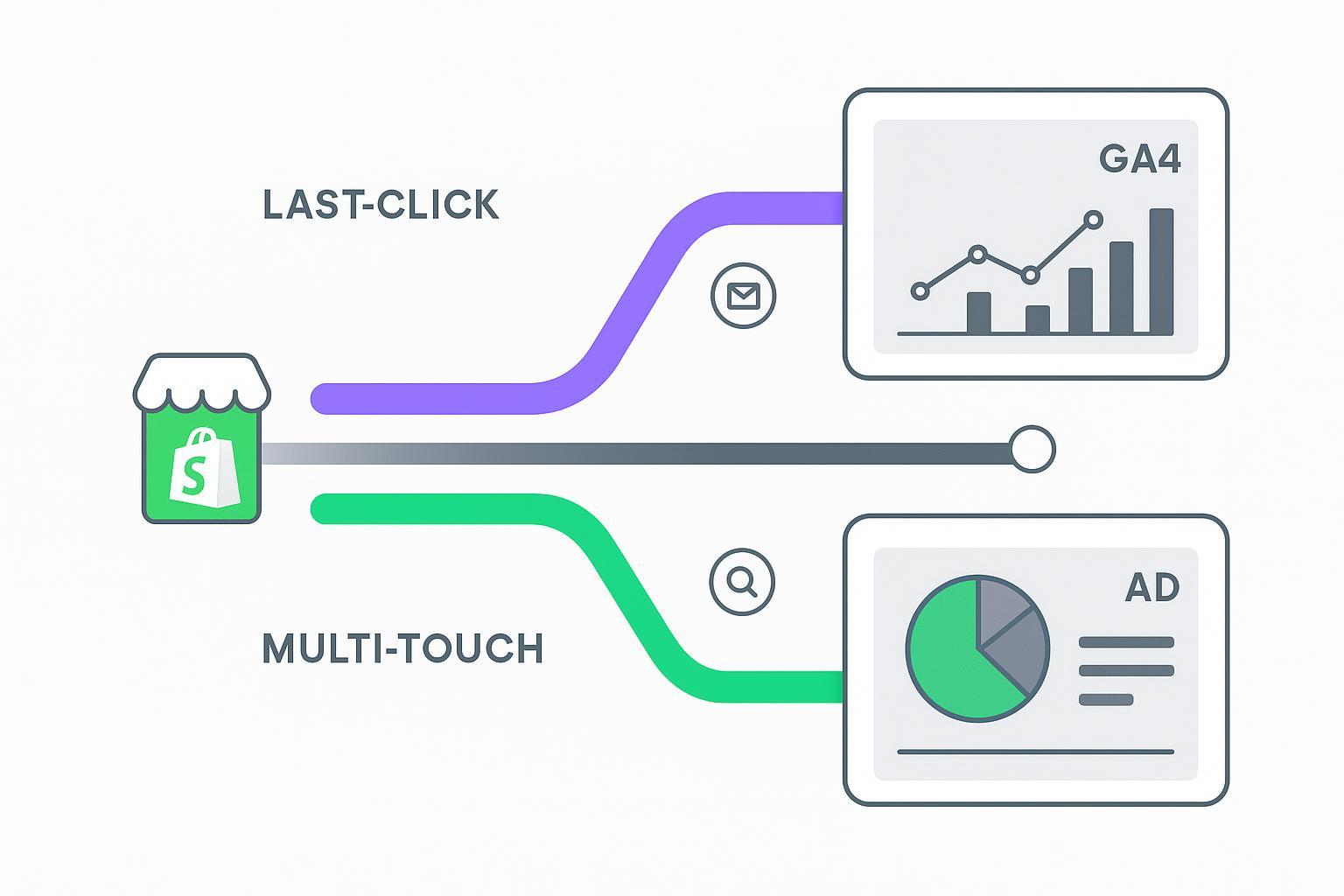
If your Shopify store’s numbers don’t match across Shopify Analytics, GA4, and ad platforms, you’re not alone. Different attribution models tell different stories about the same orders. The real question is: which model should you use now, and when should you switch as your data grows?
Key takeaways
Shopify attribution models choice affects budgets, ROAS, and team alignment. Pick a model to match your data volume, sales cycle, and channel mix.
For low volume or short cycles, Last-Click (or Time-Decay) is usually more stable than Data-Driven.
For discovery-heavy journeys, Position-Based or Linear preserves early-touch value without over-crediting “closer” channels.
GA4 made Data-Driven the default model in 2023; it’s powerful for high-volume programs but opaque and needs sufficient data.
Reconcile metrics by aligning windows, deduplicating purchases via transaction_id, and documenting each platform’s scope.
TL;DR verdict
Fewer than ~100 conversions/month or very short cycles: use Last-Click (or Time-Decay).
Discovery-led growth (SEO, affiliates, influencers): Position-Based or Linear.
High-volume paid (Search/Shopping) needing automated bidding: enable GA4/Google Ads Data-Driven and keep a rule-based MTA view for cross-platform parity.
How Shopify attribution models compare at a glance
Below is a compact matrix to orient decisions quickly. Details and examples follow.
Dimension | Last-Click | Multi-Touch (Linear / Time-Decay / Position-Based) | Data-Driven (GA4/Google Ads style) |
|---|---|---|---|
Model logic | 100% credit to the final eligible touch | Rule-based split by model; e.g., linear = equal split; time-decay = more to recent; position-based = more to first/last | ML assigns credit based on contribution patterns across paths |
Data requirements | Low | Low–Medium | Medium–High; more stable with higher volume |
Typical lookback | Platform-defined; often 30–90 days | Configurable by tool; 30–90 days typical | GA4 default key-event window 90 days with 30/60/90 options |
Shopify applicability | Simple to align with Shopify’s last/first interaction views | Requires external modeling/app for path-level credit | Native in GA4 (cross-channel DDA), separate from Shopify Analytics |
Reconciliation difficulty | Low (but biased) | Medium (capture and model paths) | Medium–High (model opacity + platform differences) |
Bias/accuracy notes | Over-credits lower-funnel and brand/retargeting | Sensitive to rule choice; transparent and consistent | Opaque; can be unstable at low volumes |
Privacy resilience | Depends on tagging strategy | Depends on tagging; server-side helps | Benefits from Consent Mode modeling and robust tagging |
Reporting usability | Very easy to explain | Moderate; clearer once rules are socialized | Easy UI in GA4, but logic is black box |
Cost & vendor dependency | Native/free | May require paid tool or in-house work | Included in GA4/Google Ads usage |
References: GA4 default and settings; GA4 lookback windows; Shopify report scope (links in citations below).
Definitions and one worked example
Last-Click attribution: 100% of conversion value to the final eligible interaction before purchase. Great for immediate optimization, but it can sideline discovery channels.
Multi-Touch attribution (MTA): Rule-based sharing of credit across touches.
Linear: equal share across all qualifying touches.
Time-Decay: recent touches get heavier weight.
Position-Based: first and last touches get larger shares; middle touches split the remainder.
Data-Driven attribution (DDA): Machine learning evaluates how much each channel increases conversion probability based on historical paths. In GA4, cross-channel DDA has been the default since mid‑Oct 2023.
Worked journey example ($200 order): IG Ad click → Email click → Google Search click → Purchase.
Linear: 33.3% each → $66.67 to IG, $66.67 to Email, $66.67 to Search.
Position-Based (40–20–40 as a common U-shape): $80 to IG, $40 to Email, $80 to Search.
Time-Decay (illustrative): Choose a half-life (e.g., 7 days). Normalize weights so Search gets the most, then Email, then IG. Exact split depends on timestamps.
DDA: Credit depends on your property’s data patterns; it’s not reproducible by hand but adapts to observed contribution.
According to Google’s Admin API changelog, GA4 deprecated legacy rule-based models and made cross‑channel DDA the default in 2023; attribution settings live in GA4 Admin. See Google’s changelog and help docs linked below for exact locations and options.
Scenario-based recommendations
Low volume (<100 conversions/month) or very short sales cycles
Use Last-Click or Time-Decay. They’re stable with limited data and align with optimization of “closer” channels.
Discovery-led growth (SEO/influencers/affiliates) with multi-week journeys
Choose Position-Based or Linear to protect early-touch value while still rewarding closers.
High-volume paid search/shopping with automated bidding
Enable GA4/Google Ads DDA to power bidding while keeping a parallel MTA view for reporting parity across platforms.
Retargeting/email-heavy mix
Favor Time-Decay or Last-Click; you’ll iterate faster on the late-stage touches driving immediate conversions.
Multi-platform stakeholder reporting
Maintain a rule-based MTA tool or model for cross-platform consistency; use GA4/Ads DDA solely for Google bidding and platform-native decisioning.
Think of it this way: you’re choosing which “lens” to use for budgeting and reporting. Short-cycle, low-volume programs need a simpler lens; complex, high-volume programs benefit from DDA’s adaptive lens, with an MTA cross-check to keep everyone aligned.
Implementation and reconciliation checklist for Shopify teams
Follow this lightweight workflow to keep numbers within explainable ranges:
Align identifiers and deduplicate purchases
Set Shopify order_id = GA4 transaction_id so GA4 ignores duplicates accordingly; see Google’s ecommerce validation guidance.
Standardize UTMs and capture ad IDs
Ensure consistent UTMs across channels; capture gclid (and fbclid/fbc/fbp where applicable) to unlock Ads matching/imports.
Confirm attribution windows per system
Document GA4 conversion window (30/60/90 days), Ads conversion windows, and any view‑through settings; keep a team-readable sheet.
Compare like-for-like time slices
Use the same timezone and date range; exclude returns/cancellations consistently.
Expect and annotate model differences
Note that GA4 uses cross‑channel DDA by default while Shopify’s reports skew toward last/first interaction views.
For a deeper, step-by-step validation workflow with cohort checks, see the guide on how to validate multi-touch attribution for Shopify (internal resource linked in Tools & next steps below).
GA4 defaults, lookback windows, and data-threshold guidance
GA4 default model: Cross‑channel Data‑Driven since Oct 2023. Legacy rule‑based models were deprecated; remaining options include cross‑channel last click and ads‑preferred last click. Confirm via Google’s Admin API changelog.
Where to configure: GA4 Admin > Attribution settings (data display settings). Google’s help article shows exact navigation and controls.
Lookback windows: For key events, GA4 commonly uses a 90‑day default with configurable 30/60/90‑day options; some event types (e.g., engaged‑view) have shorter fixed windows. Details are in Google’s lookback window help.
Volume guidance: Google does not publish a single GA4 DDA “minimum.” Practitioners typically target several hundred monthly conversions for stable estimates; at materially lower volumes, prefer rule-based MTA for decisioning while DDA can run in the background. See practitioner analysis from Napkyn.
Why it matters: windows and models define who “can” receive credit and how much. A seven‑day window heavily favors closers; a 90‑day window makes room for discovery.
Privacy and server-side tracking in 2026
Consent Mode v2: When consent is denied, Google can model conversions to maintain reporting continuity; correct implementation and verification are essential. See Google’s Consent Mode overview.
Shopify Web Pixels and first-party data: Using Shopify’s Web Pixels API and/or server-side event forwarding can improve match rates and resilience.
Deduplication: For GA4, relying on transaction_id prevents double counting purchases across clients or retries; Ads platforms support offline imports and enhanced conversions to bridge gaps.
In plain terms: robust first-party and server-side tagging keeps your attribution standing when browser signals are scarce.
Pricing and vendor trade-offs (subject to change)
GA4 and Google Ads Data-Driven Attribution are included in platform usage (no separate model fee).
Rule-based MTA can be done in-house (engineering/analyst time) or via third-party apps. Expect variability by vendor and plan. Budget both the software cost and the onboarding/maintenance hours.
Revisit pricing and thresholds quarterly. Lookback defaults, modeling behavior, and platform eligibility can change.
Tools and next steps (Also consider)
If you need a practical way to reconcile Shopify, GA4, and ad-platform views while comparing attribution rules, also consider third-party reconciliation tools such as Attribuly, which provides Shopify-native workflows to validate multi-touch attribution and compare models step by step. See the guide: How to validate multi-touch attribution step by step.
FAQ
Why don’t Shopify, GA4, and Google Ads numbers match?
Different models, windows, and scopes. GA4 defaults to cross‑channel Data‑Driven, Ads can use action‑level models, and Shopify reports focus on orders/sales channels. Also, deduplication rules differ. See Google’s changelog and help docs for GA4 model defaults and Shopify’s report scope overview linked below.
When did GA4 switch to Data-Driven by default?
Google deprecated legacy rule-based models and made cross‑channel DDA the default in mid‑October 2023. Confirmed in the Google Admin API changelog: GA4 Admin API changelog (Google, 2024–2026).
How many conversions are needed for reliable Data-Driven Attribution?
Google doesn’t publish a fixed GA4 minimum. Practitioner consensus suggests several hundred conversions per month for stable signals. See Napkyn’s guidance on GA4 attribution challenges: 15 common GA4 attribution challenges and how to solve them (Napkyn, 2024–2026).
What lookback window should a Shopify merchant use in GA4?
It depends on your cycle. GA4 key-event lookback defaults to 90 days with 30/60/90 options; shorter windows bias toward closers. See Google’s lookback window help: About key event lookback windows in GA4 (Google, 2025–2026).
Where do I set or review GA4 attribution settings?
Go to GA4 Admin and open Attribution settings to adjust model and conversion window. See Google’s configuration guide: Attribution settings in GA4 (Google, 2024–2026).
How do I deduplicate purchases between Shopify and GA4?
Set Shopify order_id as GA4 transaction_id; GA4 records only the first purchase per transaction_id and ignores repeats. See Google’s ecommerce validation guide: Validate ecommerce events in GA4 (Google, 2024–2026).
Citations and further reading
GA4 default and deprecations: GA4 Admin API changelog (Google, 2024–2026)
GA4 attribution settings: Attribution settings in GA4 (Google, 2024–2026)
GA4 lookback windows: About key event lookback windows in GA4 (Google, 2025–2026)
Shopify reporting scope: Shopify reports overview (Shopify, 2025–2026)
GA4 purchase deduplication: Validate ecommerce events in GA4 (Google, 2024–2026)
Consent Mode and modeled conversions: About Consent Mode (Google, 2024–2026)
Practitioner take on DDA volume: 15 common GA4 attribution challenges and how to solve them (Napkyn, 2024–2026)
Choosing among Shopify attribution models isn’t about finding a perfect truth; it’s about picking the most useful lens for where your store is today—and knowing when to change that lens as volume, channels, and privacy constraints evolve. Start simple, document assumptions, and validate with a periodic cross-check. That’s how you keep budgets honest and growth steady.