
How to Use Klaviyo Segments to Identify High-Intent Anonymous Shoppers
Step-by-step guide to build Klaviyo segments that surface high-intent anonymous shoppers and trigger post-identification flows. Includes copyable recipes and QA tips.
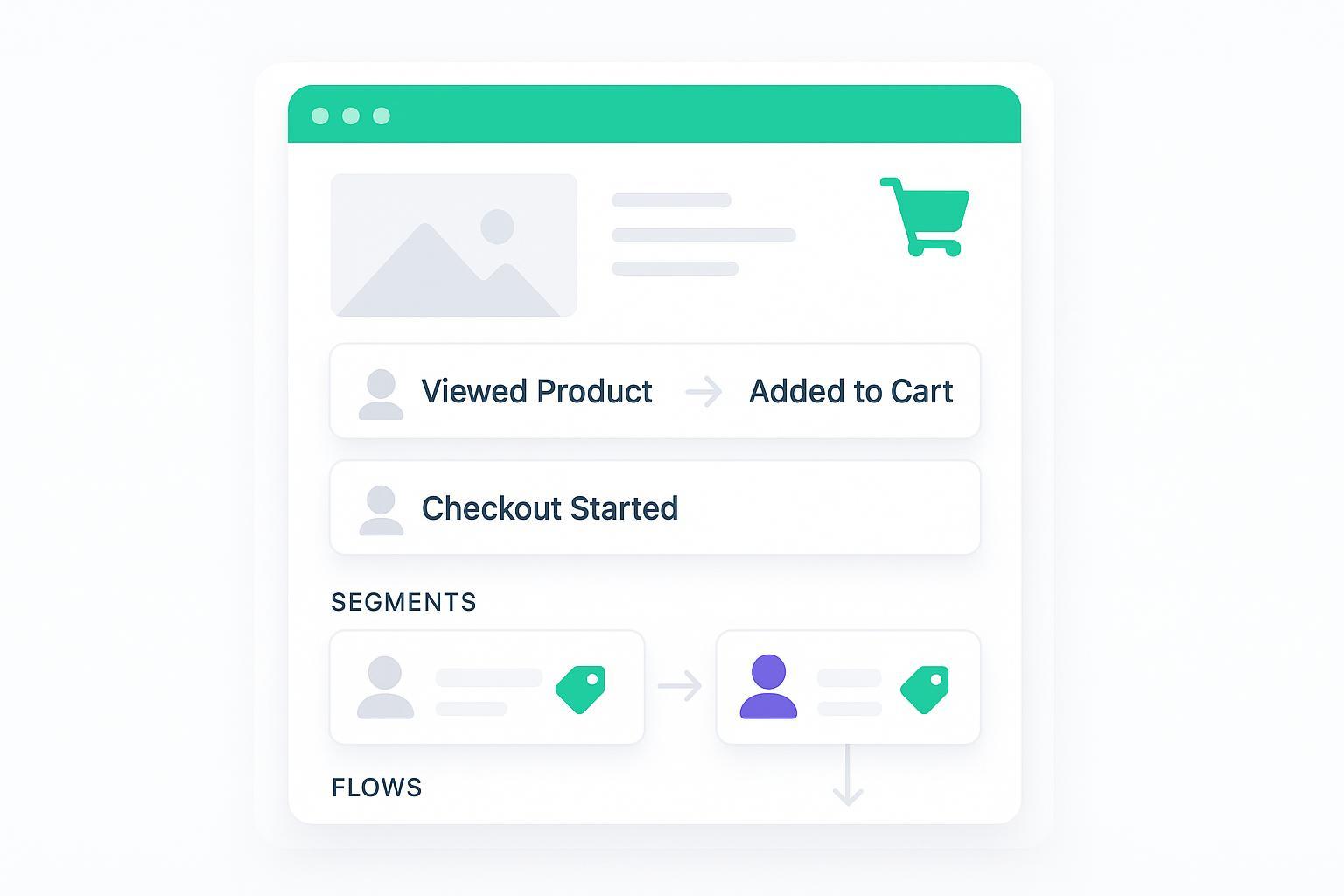
Most store traffic never subscribes on the first visit. Yet those visitors leave a trail of intent: the products they viewed, carts they started, and checkouts they abandoned. The good news: you can capture that behavior, stitch it to a profile once the shopper is known, and use Klaviyo segments and flows to convert more of them—without guessing or getting spammy.
Key takeaways
Use Klaviyo segments to rank interest by behavior (view → add-to-cart → checkout-start), then message only after identity and consent exist.
Anonymous activity can be captured and later attached to a known profile via Klaviyo’s anonymous visitor activity backfill; Extended ID can further improve match on returning visitors.
Start with clear, copyable segment recipes (below), then trigger browse/cart/checkout flows once identification happens; personalize using backfilled items.
Expect limits: cookies/consent reduce capture in some regions; always validate events, preview segments, and QA before sending.
What counts as “high intent” in Klaviyo
Think in tiers based on native ecommerce events:
Early intent: Viewed Product (multiple views in a short window)
Mid intent: Added to Cart
Late intent: Started Checkout
These events are the backbone of abandonment automation and audience building in Klaviyo. Klaviyo’s official guidance for abandoned cart and browse abandonment centers on these behaviors; see Klaviyo’s help on how to build an abandoned cart flow with Started Checkout as the trigger and their tutorial for browse abandonment using Viewed Product with a sensible delay and filters.
How Klaviyo treats anonymous activity and backfill
Here’s the deal: before someone identifies themselves (e.g., submits a form or clicks a tracked email), they’re anonymous. Klaviyo can record that activity and, once the person is identified, it can attach the pre-identification events to the profile. Klaviyo explains this process in detail in their guide to anonymous visitor activity backfill. Key implications:
You can build Klaviyo segments on product views, add-to-carts, and checkout starts. The segment will grow as more sessions resolve to known profiles via backfill.
Identification can happen through several paths (e.g., sign-up form, checkout, clicking a message, or integrations). See Klaviyo’s overview of identity resolution.
Extended ID can help re-identify returning visitors for longer by maintaining a first-party identity cookie, enlarging the share of onsite activity tied to known profiles. Klaviyo’s setup doc covers Extended ID cookie tracking.
Important limits and safeguards:
You can’t message truly anonymous visitors. You need identity plus proper channel consent to send email/SMS.
Tracking depends on cookies/storage and consent. In stricter privacy regions, expect smaller segment populations.
Build Klaviyo segments for high-intent shoppers — copyable recipes
Use these as starting points. The phrasing mirrors Klaviyo’s segment builder. Tune thresholds to your catalog and buying cycle.
Recipe A — High-intent browsers (not yet purchased)
What someone has done (or not done) > Viewed Product > at least 2 times > in the last 7 days
  AND What someone has done (or not done) > Placed Order > zero times > in the last 30 days
  AND If targeting non-subscribers: Profile > Email consent > is > Not subscribed / Never subscribed
  Exclude: Profile > Suppression status > is > Suppressed
Why it works: multiple recent product views indicate active consideration. Excluding recent purchasers reduces noise.
Recipe B — Escalated intent (added to cart)
What someone has done (or not done) > Added to Cart > at least 1 time > in the last 7 days
  AND Placed Order > zero times > in the last 14–30 days
  Optional: Event property > Price >= [your AOV threshold] OR Category in [priority collections]
Why it works: add-to-cart compresses time-to-purchase; the shorter purchase exclusion helps you respond fast.
Recipe C — Highest intent (started checkout)
What someone has done (or not done) > Started Checkout > at least 1 time > in the last 7 days
  AND Placed Order > zero times > since starting this flow (use as a flow filter) OR in the last 7–14 days (for segments)
  AND Channel consent (Email or SMS) > is > Subscribed (match to your channel plan)
Why it works: checkout starters are your closest-to-conversion audience. Keep timing tight and filters strict.
Recipe D — Browse-only safety net (light intent)
Viewed Product > at least 1 time > in the last 3 days
  AND Placed Order > zero times > in the last 30 days
  AND Exclude: Started Checkout > at least 1 time > in the last 7 days
Why it works: catches fresh browsers who didn’t escalate; useful for onsite personalization and future messaging once identified.
Tip: Build variants per category or price band using event properties. For example, constrain Viewed Product where Category equals “Footwear” or where Price is >= $100 to prioritize high-margin SKUs. Klaviyo’s segmentation references show how to combine conditions and properties in segments and where to create segments in the UI.
Turn segments into revenue — trigger flows after identification
Segments surface intent; flows convert it. Once a visitor is identified, trigger proven automations:
Browse abandonment flow: Trigger = Viewed Product. Add filters like “Placed Order = 0 since starting this flow,” and delay the first send by ~1 hour. Klaviyo’s tutorial on browse abandonment timing and filters covers best practices.
Abandoned cart/checkout flow: Trigger = Started Checkout (default). Always include a “Placed Order = 0 since starting this flow” filter. See Klaviyo’s guide to abandoned cart flows.
Personalization: After identification, backfilled activity lets you dynamically insert “recently viewed” products or cart contents. That’s how your Klaviyo segments of high-intent shoppers translate into timely, relevant messages.
Example workflow — expand identification with Attribuly (neutral, optional)
When your store sees lots of add-to-carts and product views but few known profiles, an identity solution can help more onsite behavior resolve to known profiles in Klaviyo.
Attribuly can be used to collect compliant identifiers from high-intent pages and sync enriched web events to Klaviyo via the official Attribuly Klaviyo integration. Its capture tooling is described on the Attribuly Capture product page.
Practical effect: as more sessions become identifiable (plus Klaviyo’s backfill and, where applicable, Extended ID), your “Added to Cart” and “Started Checkout” Klaviyo segments will populate with a larger share of real, messageable profiles.
Keep it neutral and privacy-aware: don’t message anyone without identity and the correct channel consent.
Troubleshooting and QA checklist
Use this quick pass whenever segment counts look off or flows are quiet:
Events present? In Klaviyo, check Analytics → Metrics for activity on Viewed Product, Added to Cart, and Started Checkout. If an event is missing, you may need to revisit your tracking snippets and ecommerce integration settings.
Consent and cookies? Confirm your cookie banner allows analytics/marketing where required. Expect lower capture in EEA/UK/CH unless users opt in. Klaviyo’s notes on cookies and privacy constraints are a helpful reference.
Identity path intact? Ensure checkout and sign-up forms attach identifiers before firing checkout-related events. See Klaviyo’s guidance on identity resolution.
Segment logic sanity: In the builder, use Preview details to confirm real examples; give large accounts up to ~15–60 minutes to reflect changes. Klaviyo outlines how segments update and how to preview them.
Shopify-specific gaps? If add-to-cart or checkout events are inconsistent, audit your Shopify tracking and any server-side or pixel tools. For an identity infrastructure option, see the Attribuly + Shopify integration overview.
Timing, expected match rates, and difficulty notes
Segment updates: near–real-time in many cases; expect up to ~15 minutes for typical updates and longer for complex, very large segments. Klaviyo documents update behavior in their guide on how segments update and relative-time removals.
Population timelines: small previews appear in seconds; full counts can take minutes. For big catalogs and traffic, give it 1–4 hours before judging size trends.
Benchmarks to start with (measure your own):
Web JS only: a single-digit percentage of browse-only sessions usually resolve to known profiles.
JS + server-side + Extended ID enabled: larger shares of sessions typically resolve to known profiles over time.
Difficulty labels
Beginner: building the base Klaviyo segments and previewing members.
Intermediate: using backfill-aware flows and personalizing with recently viewed/cart contents.
Advanced: auditing cookies/consent, enabling Extended ID, and validating server-side identifiers.
Templates and snippets appendix
Copy-paste segment starters
High-Intent Browsers (7d):
  Viewed Product ≥2 in last 7d
  AND Placed Order = 0 in last 30d
  Exclude Suppressed

  Cart Activity (7d):
  Added to Cart ≥1 in last 7d
  AND Placed Order = 0 in last 14–30d

  Checkout Starters (7d):
  Started Checkout ≥1 in last 7d
  AND Placed Order = 0 since starting flow (flow filter) or last 7–14d (segment)
  AND Channel consent = Subscribed (match to channel)
Event mapping example (developer handoff)
{
    "event": "Added to Cart",
    "properties": {
      "product_id": "12345",
      "sku": "SKU-RED-42",
      "name": "Runner Sneaker",
      "category": "Footwear",
      "price": 129.00,
      "currency": "USD",
      "quantity": 1
    },
    "customer_properties": {
      "$email": "optional-if-known@example.com",
      "$anonymous_id": "auto-generated-session-or-device-id"
    },
    "time": "2026-05-25T15:12:00Z"
  }
Notes: Include an identifier when available (email or phone for known users). For anonymous sessions, use a consistent anonymous/session identifier so Klaviyo can attribute activity upon later identification.
Next steps
Build the four segments above, then preview and sanity-check counts.
Turn on browse and checkout abandonment flows with conservative first delays and strict purchase filters.
If you need to expand identifiable traffic and synced events, review the neutral resources for the Attribuly Klaviyo integration, and—if identity capture is your bottleneck—scan the Attribuly Capture overview for options.
Remember: Klaviyo segments are most powerful when they’re fed by accurate events, respectful consent, and a clear plan to act once the shopper is known. Keep your QA tight, iterate thresholds, and let your data guide the next round of tuning.