
First-party data Shopify checklist: CPRA/CCPA tracking
Practical checklist for First‑party data on Shopify: consent storage (Shopify Customer Privacy API), SHA‑256 hashed emails, GA4 Consent Mode, Meta CAPI, retention & DPA review.
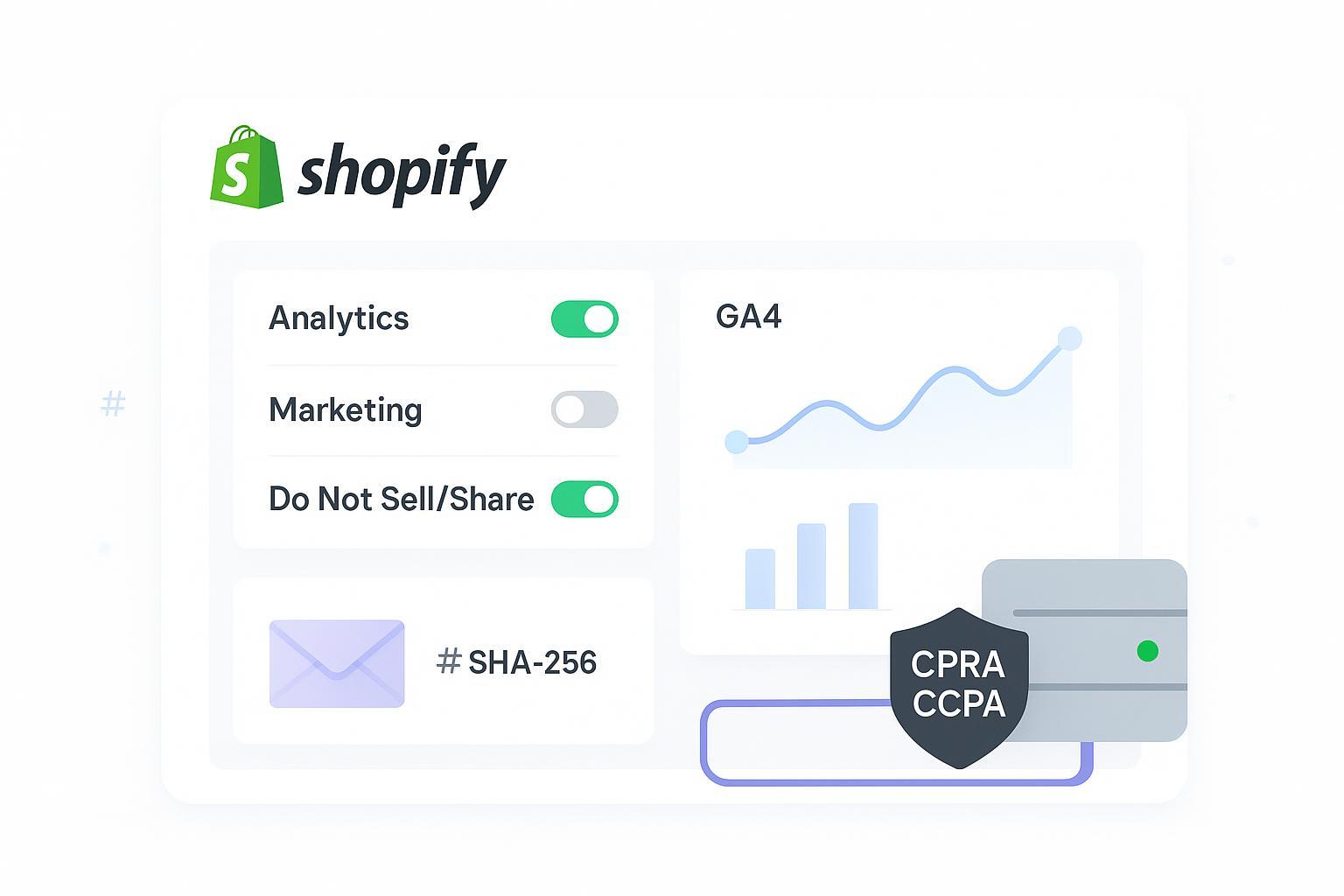
If you’re scaling on Shopify, first‑party data is your measurement backbone—and it needs to be collected and used in a way that aligns with CPRA/CCPA. This quick‑hit checklist anchors around Shopify’s Customer Privacy API, GA4 with Consent Mode v2, Meta Conversions API, hashed email workflows, and practical governance.
This is operational guidance, not legal advice. Partner with privacy counsel to tailor policies to your brand.
Key takeaways
Gate analytics and ads tags based on consent captured via the Shopify Customer Privacy API; default to denied until visitors opt in or exercise “Do Not Sell/Share.”
Configure GA4 with Consent Mode v2, set retention to a policy‑aligned window, and prepare deletion workflows.
Send Meta events via server‑side CAPI, deduplicate with event_id, and apply Limited Data Use (LDU) for California opt‑outs.
Normalize and hash emails with SHA‑256 only when consent allows; avoid double‑hashing and over‑collection.
Document retention schedules, honor opt‑outs (including GPC), and review DPAs with vendors regularly.
First‑party data Shopify: 5‑minute audit
Is your consent banner set to default‑deny and mapped to analytics, marketing, and sale/share purposes?
Do you have a visible “Do Not Sell/Share” link on every page and a working preference center?
Are GA4 tags gated by Consent Mode v2, with retention set to your policy window (e.g., 6–14 months)?
Are Meta server‑side events deduped against pixel events with a consistent event_id?
Are hashed emails normalized (lowercase, trimmed, Gmail dot rules) before SHA‑256?
Do you have a documented retention schedule and a runbook for Data Subject Requests (access/deletion/opt‑out)?
Capture and store consent with Shopify Customer Privacy API
Consent is the foundation. Your CMP or theme should write and read consent via Shopify’s API and expose per‑purpose flags that gate analytics and marketing.
Checklist:
Set consent defaults to denied for analytics and marketing; enable a clear, accessible banner and preference center.
Map consent categories to purposes: analytics, marketing, preferences, and sale_of_data. Suppress ad/analytics scripts until permitted.
Provide a conspicuous “Do Not Sell or Share My Personal Information” link; detect and honor Global Privacy Control (GPC).
Read and log consent state (e.g., currentVisitorConsent or allowedProcessing) with a timestamp and version of the notice/policy text.
Gate pixels and custom scripts with consent flags across storefront, web pixels, and checkout; re‑check after theme/app updates.
Run regression tests whenever you change themes or add apps to ensure consent gating still works.
Authoritative references:
See Shopify’s developer guidance on Customer Privacy in Checkout UI Extensions and Pixel privacy and customerPrivacy in Web Pixels.
GA4 measurement controls and Consent Mode v2
GA4 should reflect consent state at collection time and minimize retention consistent with policy. Here’s the practical setup.
Checklist:
Implement Consent Mode v2 with defaults denied; update analytics_storage, ad_storage, ad_user_data, and ad_personalization when visitors opt in.
In GA4 Admin → Data Settings → Data Retention, set a policy‑aligned window (often 6–14 months) and document the rationale.
Disable or restrict Google Signals in regions or for users without ads consent; confirm Ads links reflect your policy.
Avoid sending PII (e.g., raw emails) in events or User‑ID; use hashed identifiers only when permitted and required.
Prepare Data Deletion Requests: document identifiers and who triggers deletion, then test a deletion against a known user.
Authoritative references:
Google’s developer overview for Consent Mode setup and the GA4 developers collection.
Disclosure: Attribuly is our product. In practice, Attribuly’s pixels and server‑side connectors can respect Shopify consent signals and align with GDPR/CCPA‑friendly DPAs while routing Meta/TikTok events in consent‑aware mode.
Meta CAPI, hashed identifiers and LDU
For Meta, prioritize server‑side Conversions API and keep payloads lean. Deduplicate against the browser pixel and apply California data processing restrictions when required.
Checklist:
Prefer server‑side CAPI for reliability; keep the browser pixel only if needed for remarketing and diagnostics.
Deduplicate events: use the same event_name and a shared ID (pixel eventID equals server event_id) so Meta counts only one.
Apply Limited Data Use (LDU) for California opt‑outs using data_processing_options and location (US/CA); suppress or minimize payloads when consent is absent.
Minimize identifiers; send only what’s necessary for event quality. Don’t double‑hash or include raw PII.
Normalize emails before hashing with SHA‑256: trim spaces, lowercase the full address, and for gmail.com/googlemail.com remove dots in the local part.
Example normalization + hashing (pseudocode):
import hashlib

  def normalize_email(email):
      e = email.strip().lower()
      local, domain = e.split('@')
      if domain in ('gmail.com', 'googlemail.com'):
          local = local.replace('.', '')
      return f"{local}@{domain}"

  def sha256_hex(value):
      return hashlib.sha256(value.encode('utf-8')).hexdigest()

  # Usage
  normalized = normalize_email('  Jane.Doe+promo@Gmail.com  ')
  hashed = sha256_hex(normalized)  # send lowercase hex string
Authoritative references:
Meta’s CAPI guidance on original event data and deduplication and Data Processing Options (LDU).
Contextual resource:
For validation concepts, see Attribuly’s multi‑touch validation guide.
Retention schedules and Data Subject Requests
Retention isn’t just a toggle—it’s a policy you can enforce across tools. What should be on your checklist?
Checklist:
Publish a retention schedule covering analytics, ads, and CRM identifiers; align GA4 retention and vendor configs to it.
Honor opt‑outs of sale/share: suppress targeted ads and audience syncing for opted‑out users; log the opt‑out state.
Maintain a DSR runbook: verification steps, request intake, deletion timelines, and tools (e.g., GA4 deletion).
Detect and honor GPC signals through your CMP; don’t add friction (no forced account creation for opt‑outs).
Authoritative reference:
The California Privacy Protection Agency’s Enforcement Advisory No. 2024‑01 on opt‑out requests provides operational expectations.
Vendor DPAs and periodic reviews
Your compliance posture extends to vendors and apps. Review DPAs and watch for red flags.
Checklist:
Confirm roles and purpose limitation: you as controller/business; vendor as processor/service provider; prohibit secondary use.
Verify retention alignment and sub‑processor transparency; require notification for changes.
Ensure opt‑out enforcement mechanisms exist (e.g., LDU for California or equivalent constraints).
Reconcile privacy notices and DPAs across your stack; update after adding/removing apps.
Authoritative reference:
Shopify’s Data Processing Addendum explains roles, subprocessors, and service‑provider obligations.
Testing and validation checklist
Trust, but verify. How will you know it’s working the way you intended?
Checklist:
Inspect consent flags: confirm Shopify customerPrivacy values change on opt‑in/opt‑out and gate tags accordingly.
GA4: validate Consent Mode default‑deny → allow on opt‑in; confirm retention window in Admin and run a test deletion.
Meta: fire paired pixel/CAPI events; check Events Manager diagnostics for dedup success and LDU signals for California.
Hashed email: run unit tests for normalization (lowercase, trim, Gmail dot removal) and confirm SHA‑256 outputs are lowercase hex.
Appendix: developer notes and sources
Shopify developer docs for Customer Privacy in Checkout UI Extensions and Web Pixels privacy.
Google’s Consent Mode setup guide and GA4 developers collection.
Meta’s Original event data for CAPI (dedup) and Data Processing Options (LDU).
CPRA/CCPA: CPPA Enforcement Advisory No. 2024‑01.
A quick note: first‑party, consent‑aware tracking pays off in cleaner measurement and lower risk. Ready to give your setup a once‑over and tighten the screws? Let’s do it.